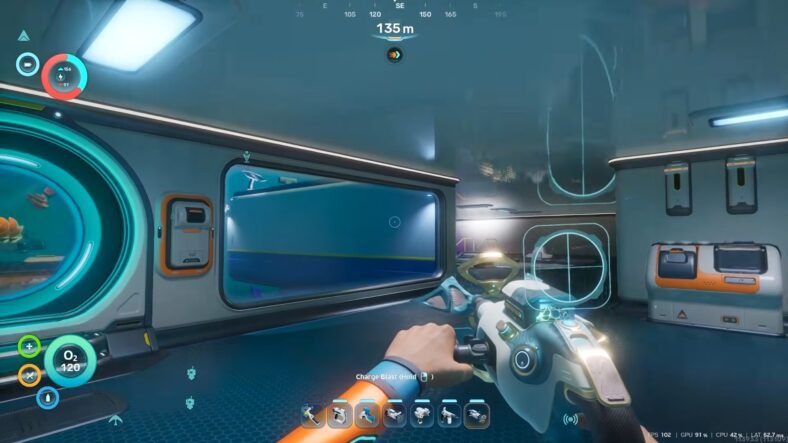
This Subnautica 2 Guide details how you can get the fragments for the Feedback Resonator and how you can craft it using the required materials. The Feedback Resonator is an upgraded version that gives you a much easier way to break ores from a distance. With this tool in hand, you don’t need to stand directly beside resource deposits. This tool launches an explosive energy shot that can destroy them from farther away. To unlock it, you will need to explore the Alien Rooms region, scan two separate fragments, and craft the upgrade using a Modification Station.
Feedback Resonator Guide – Subnautica 2
Before you can unlock the Feedback Resonator, you need to progress through the main story. After some time, you will gain access to the Alien Rooms biome. Once you reach there, use the Research Outpost as your main reference point because both scans are located nearby.
Finding the First Fragment
For the first fragment, travel roughly east between 105 and 120 degrees from the Research Outpost. You won’t be able to move in a straight line because a large wall blocks the path, so continue through the opening between the rocky gaps.
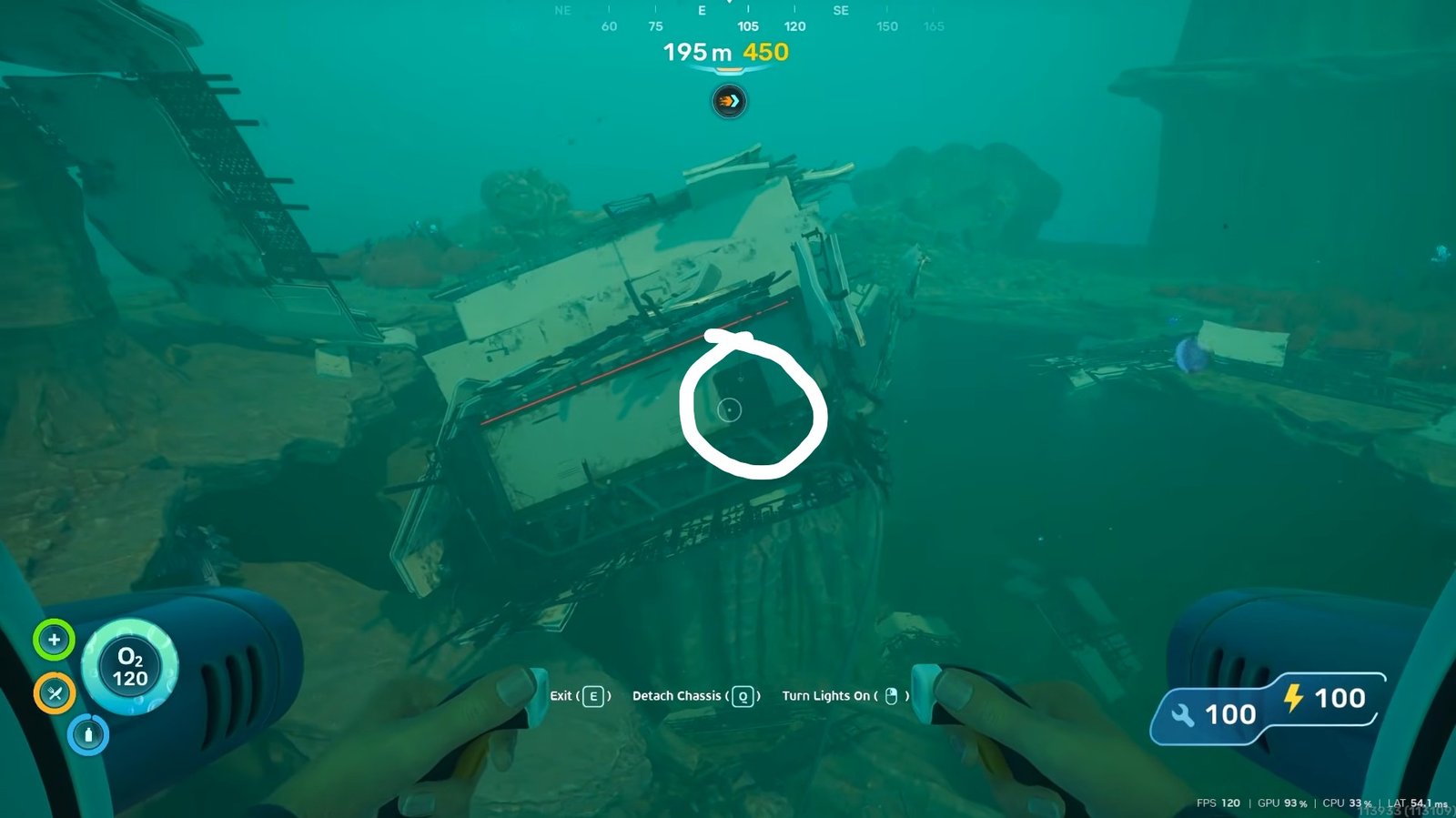
After passing through, you will eventually reach a shipwreck section. Inside this area is the first hidden Feedback Resonator scan. Scan it before moving on.
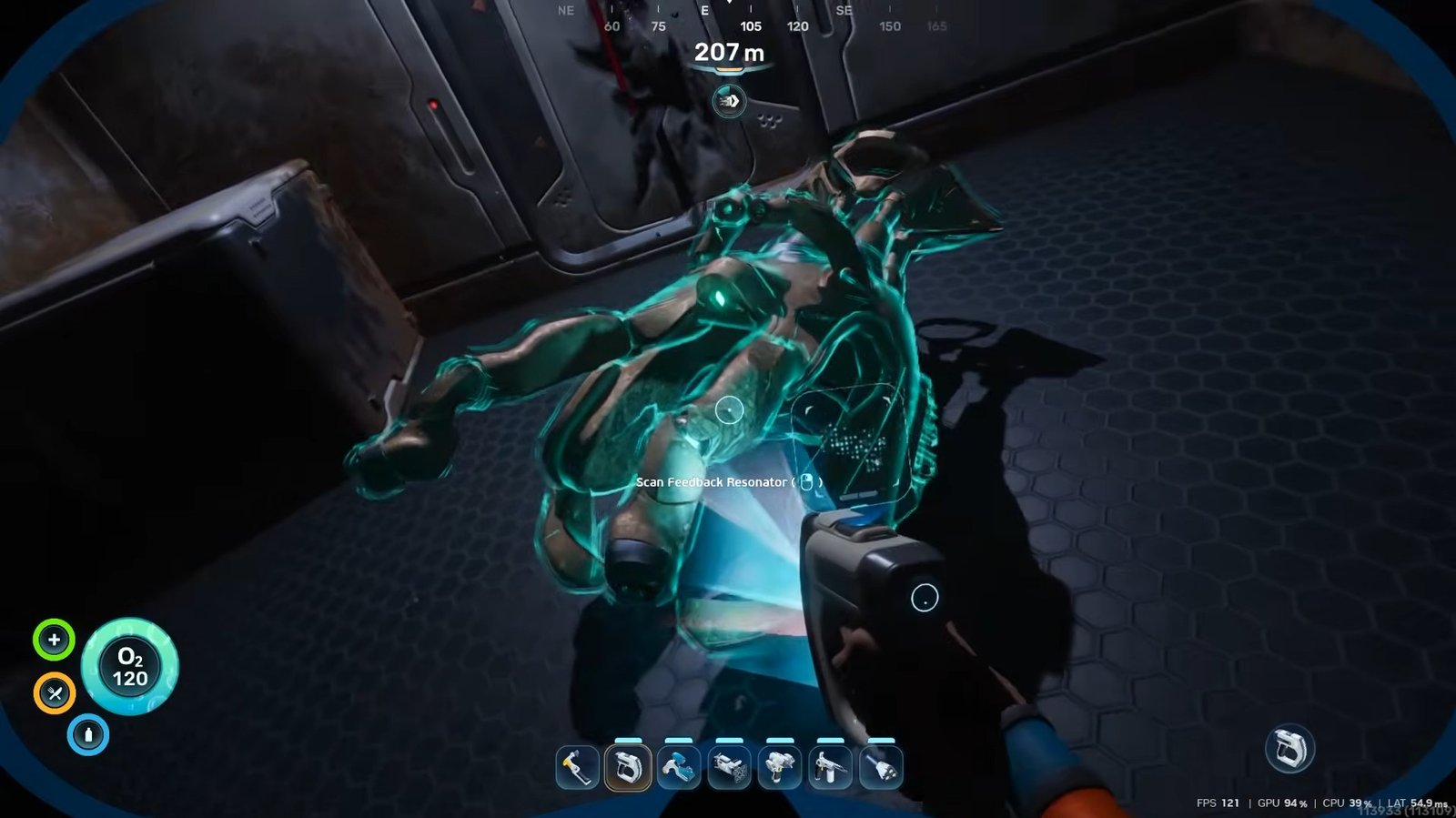
Finding the Second Fragment
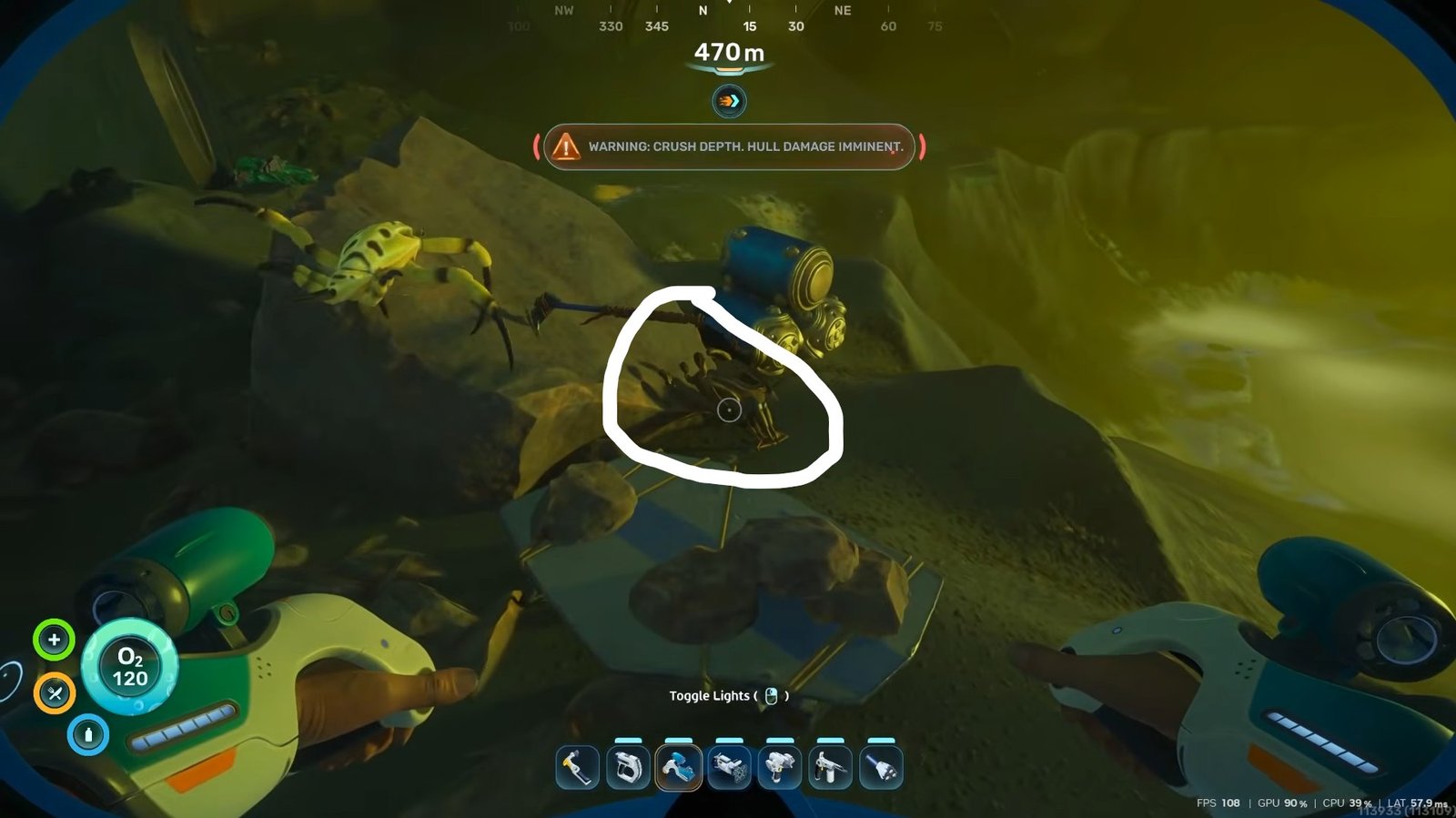
The second scan is located in another nearby section of the biome. Start once again from the Research Outpost and make your way toward the Angel Comb area. After reaching it, continue north while following the pathway ahead.
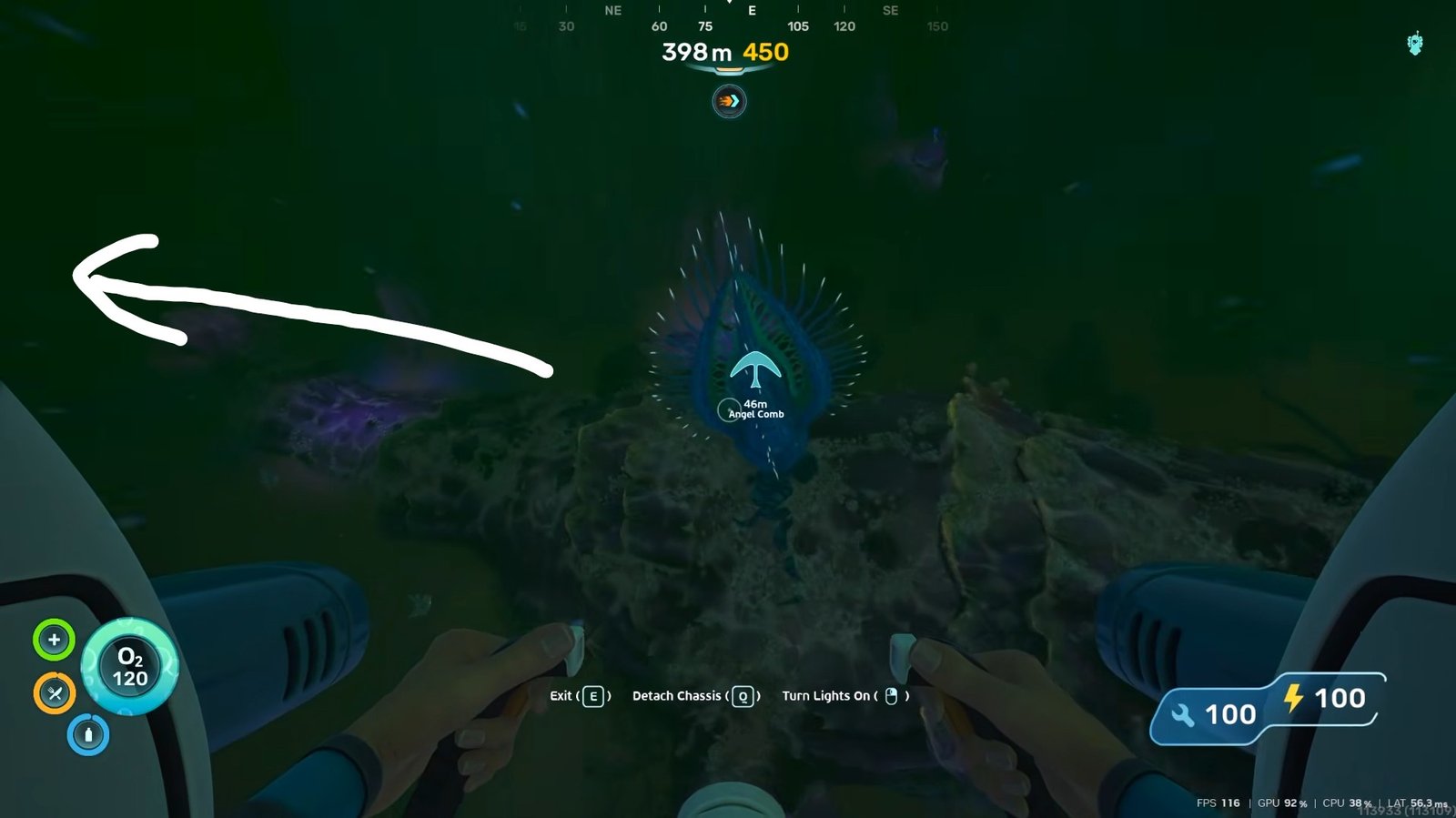
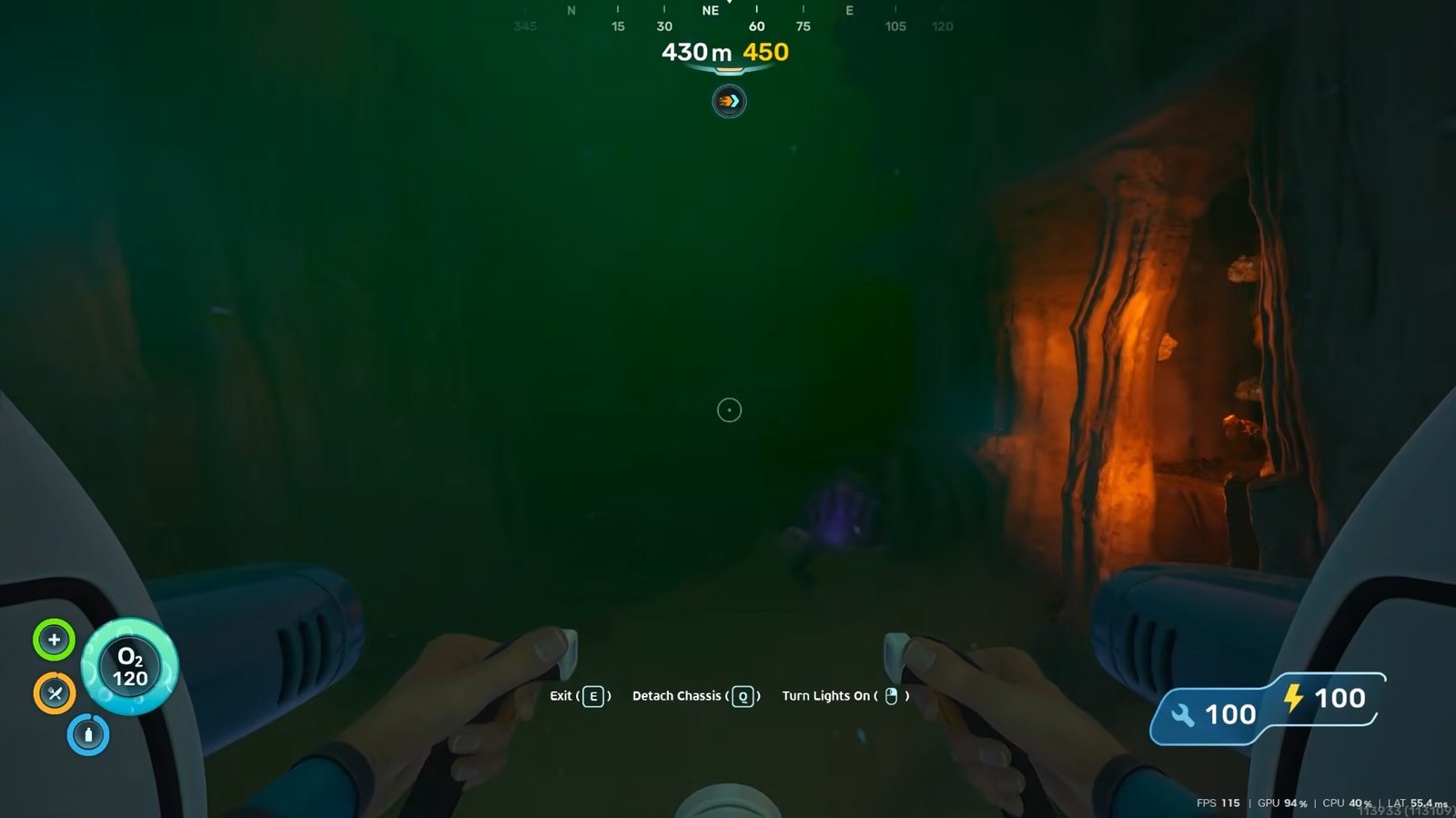
As you move forward, you will come across a glowing green lagoon-style location. From there, look toward the left side of the area.
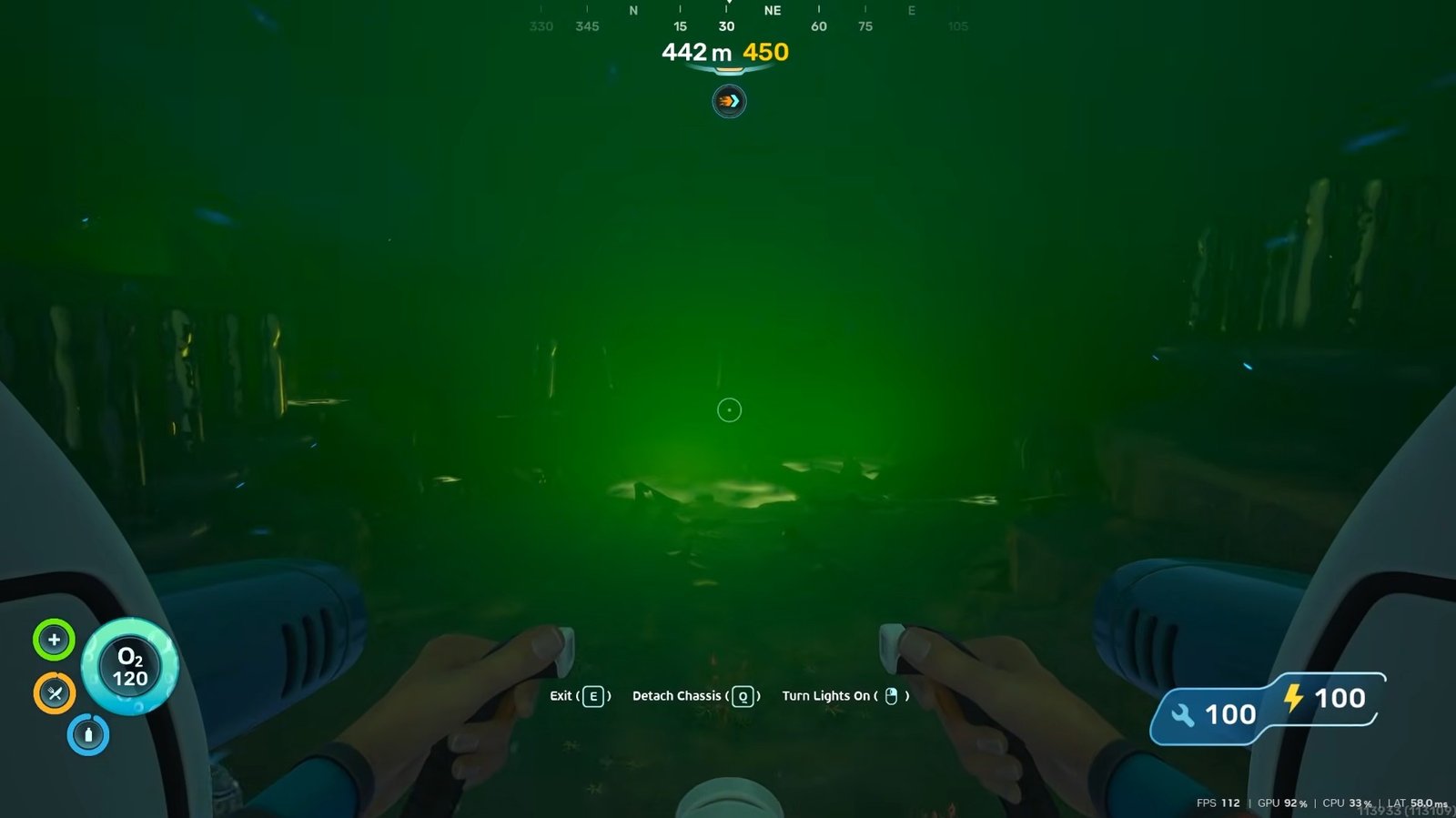
The second fragment can be found nearby, and you will need to swim over to it to complete the scan. Once both fragments are scanned, the Feedback Resonator blueprint will finally unlock.
Unlocking the Modification Station
After getting the blueprint scans, you will need a Modification Station to craft the upgrade. If you already have one in your own base, you can head there immediately. Otherwise, the Research Outpost contains a Modification Station fragment that you can scan.
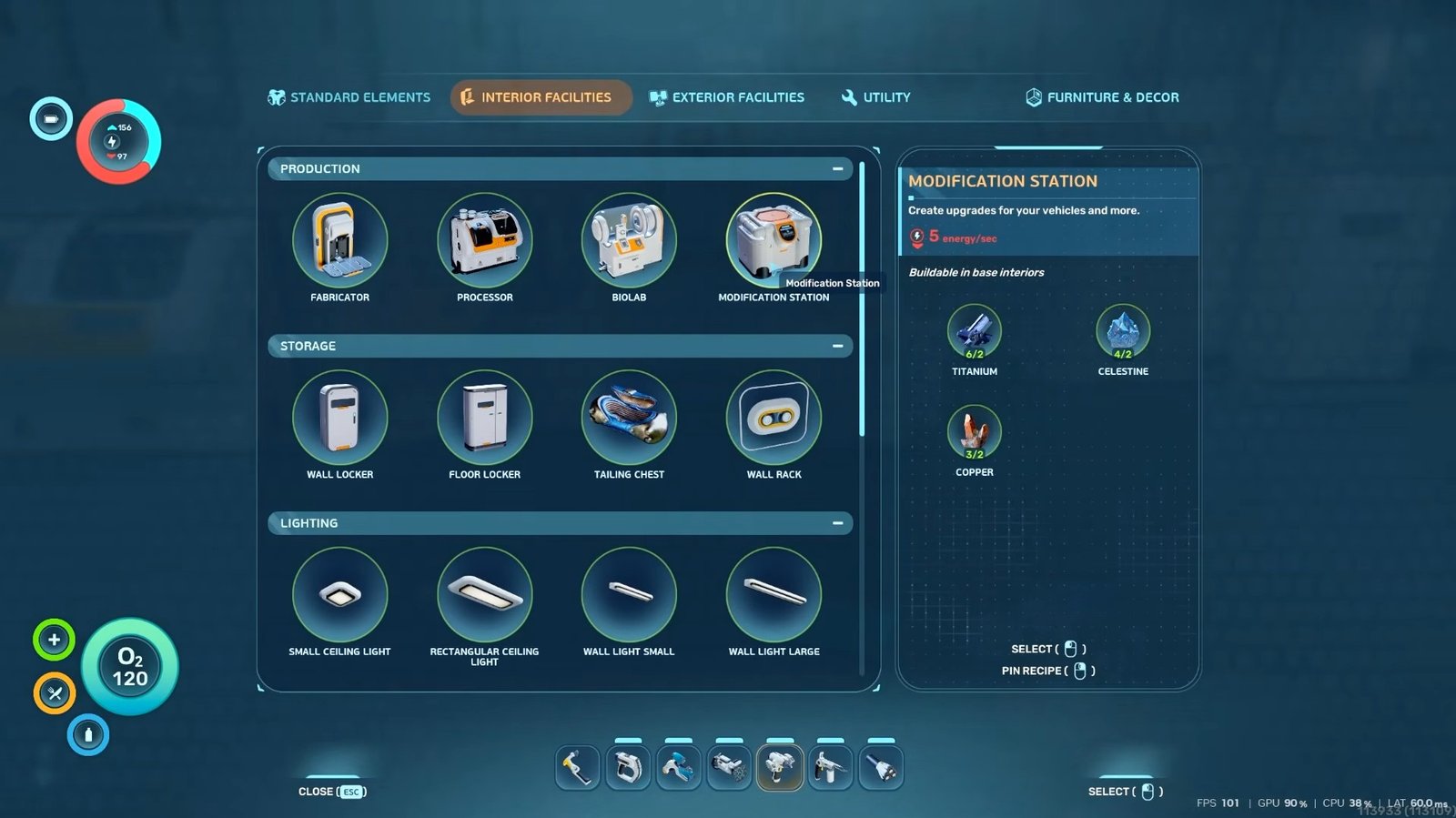
Inside the station, move left and then look toward the right side to find the fragment. After scanning it, you will unlock the crafting recipe. The station requires Titanium, Celestine, and Copper to build. Celestine is very common in this region, so gathering enough shouldn’t take long.
Crafting the Feedback Resonator
Once the Modification Station is built, open it and check the Prototype Tool Modifications section. The Feedback Resonator recipe will appear there.
To craft it, you will need:
- 1 Sonic Resonator
- Enameled Glass
- Conduit Crystal
- 2 Strontium
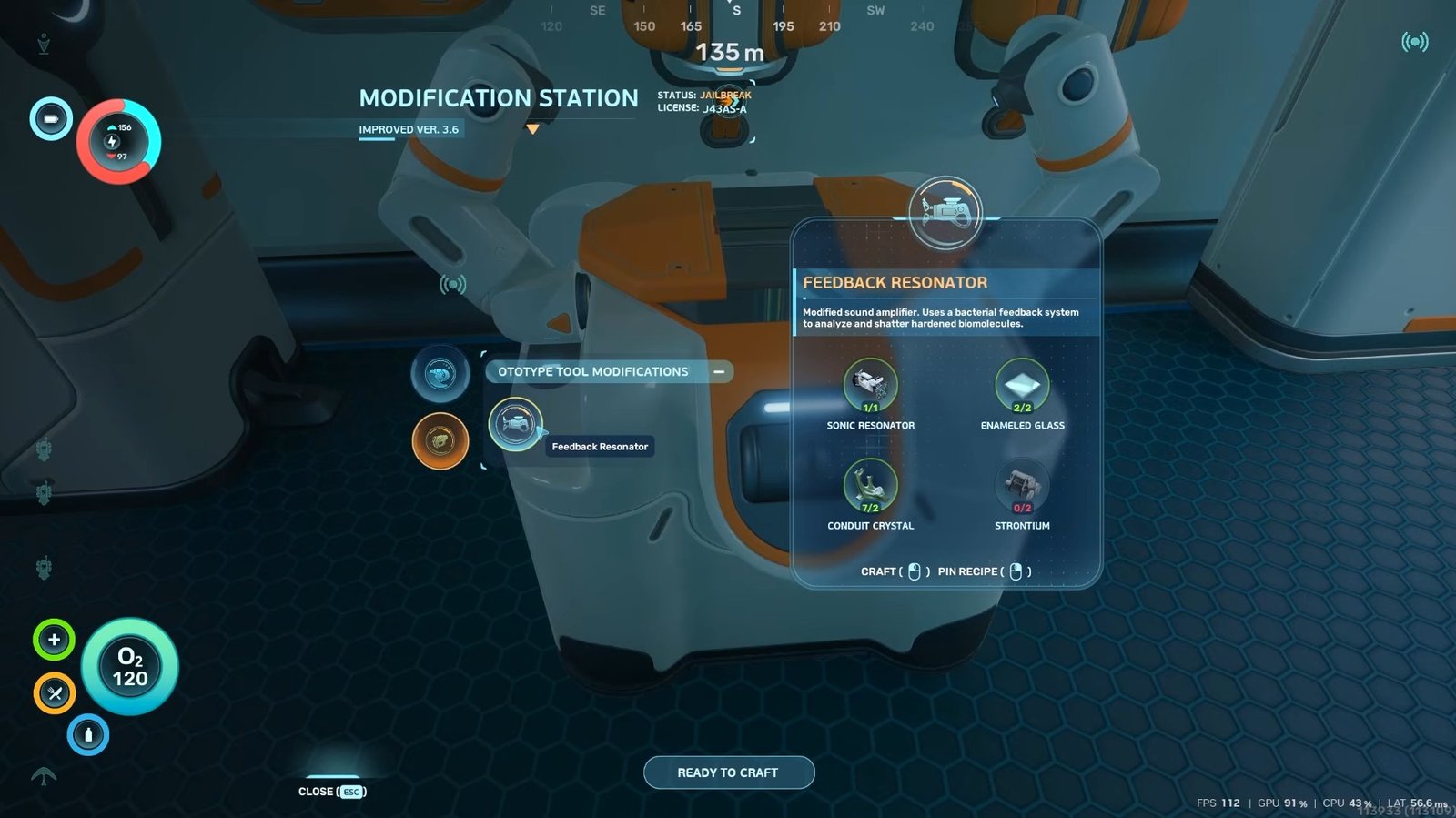
Enameled Glass is made using Creature Enamel, while Strontium is created by processing Celestine inside the Processor.
After crafting the upgrade, it becomes a new item that can be equipped from your inventory. Visually, it looks different from the regular Sonic Resonator and also functions differently.
That is all for this guide. Additional Subnautica 2 guides are linked below:
- How to Get Improved Fins in Subnautica 2
- How to Get Creature Enamel in Subnautica 2
- How to Get Celestine in Subnautica 2
- How to Digest Food in Subnautica 2
- Subnautica 2 Upgraded Tools Guide – How to Get
- How to Increase Inventory Space in Subnautica 2
This concludes our Subnautica 2 guide on how you can get the Feedback Resonator in the game. Feel free to use the comments section below to share some Subnautica 2 tips and tricks with us.