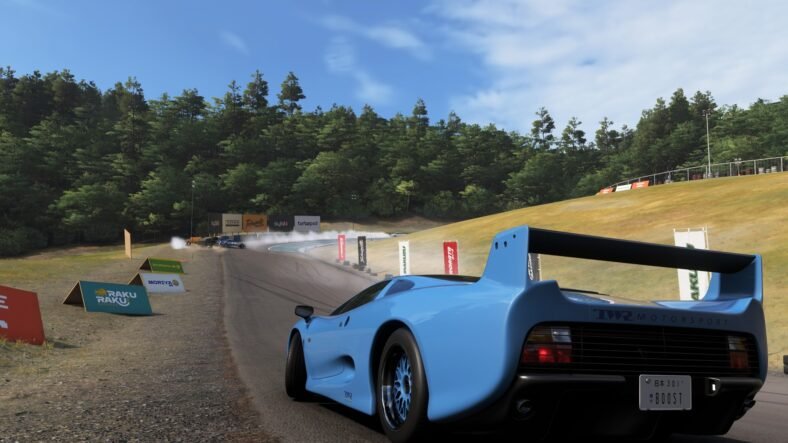
Our Forza Horizon 6 JaguarSnap Photo Challenge Guide details how you can complete the new photo challenge in the game for this week’s festival playlist. The British Automotive update has arrived in Forza Horizon 6, and it brings a new set of challenges in the game for you to complete. Like all festival playlists before, this week brings a new photo challenge that you can complete and earn festival playlist rewards.
JaguarSnap Photo Challenge Guide – Forza Horizon 6
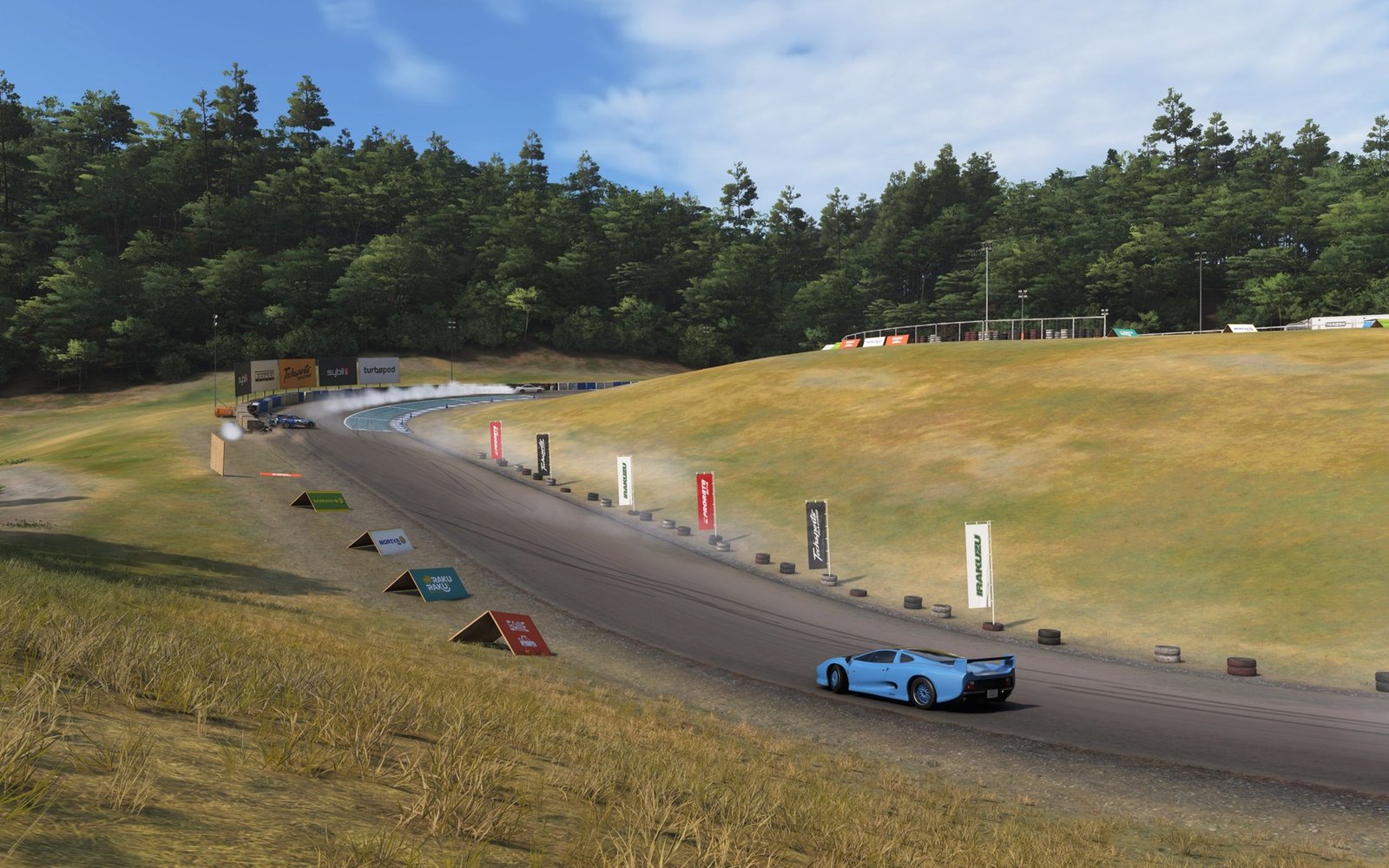
For this week, you need to head over to the Shimanoyama Drift Circuit, located in the Shimanoyama region. A Special Shimanoyama Drift Attack event is currently live at this circuit for the entirety of the British Automotive update, so when you first boot into the game today, it will automatically take you to this circuit and add a new marker on the map. You must come to this location to complete the challenge.
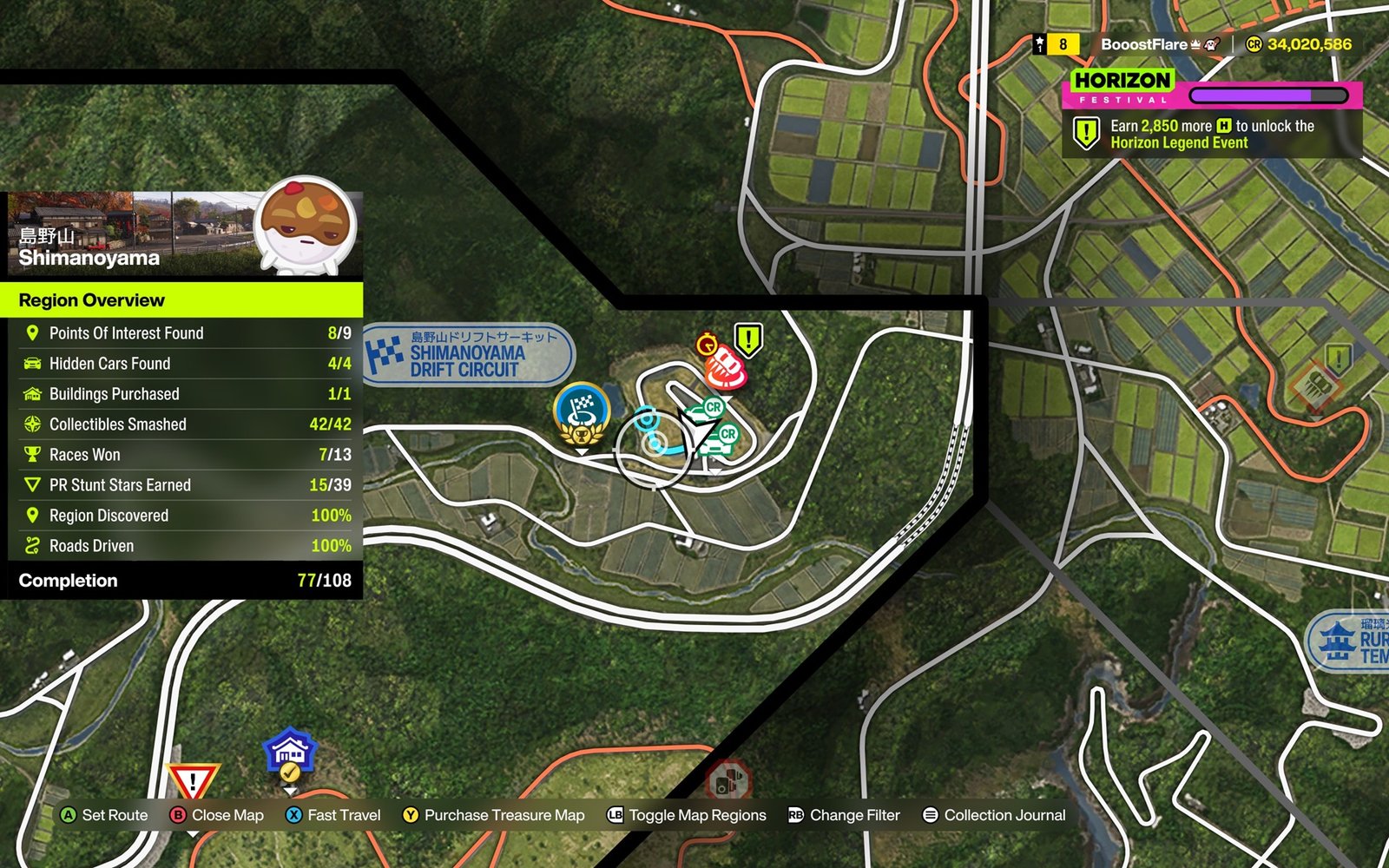
The other requirement for this challenge is a vehicle brand. You must be driving a Jaguar for this week’s challenge. You can pick any Jaguar that you like.
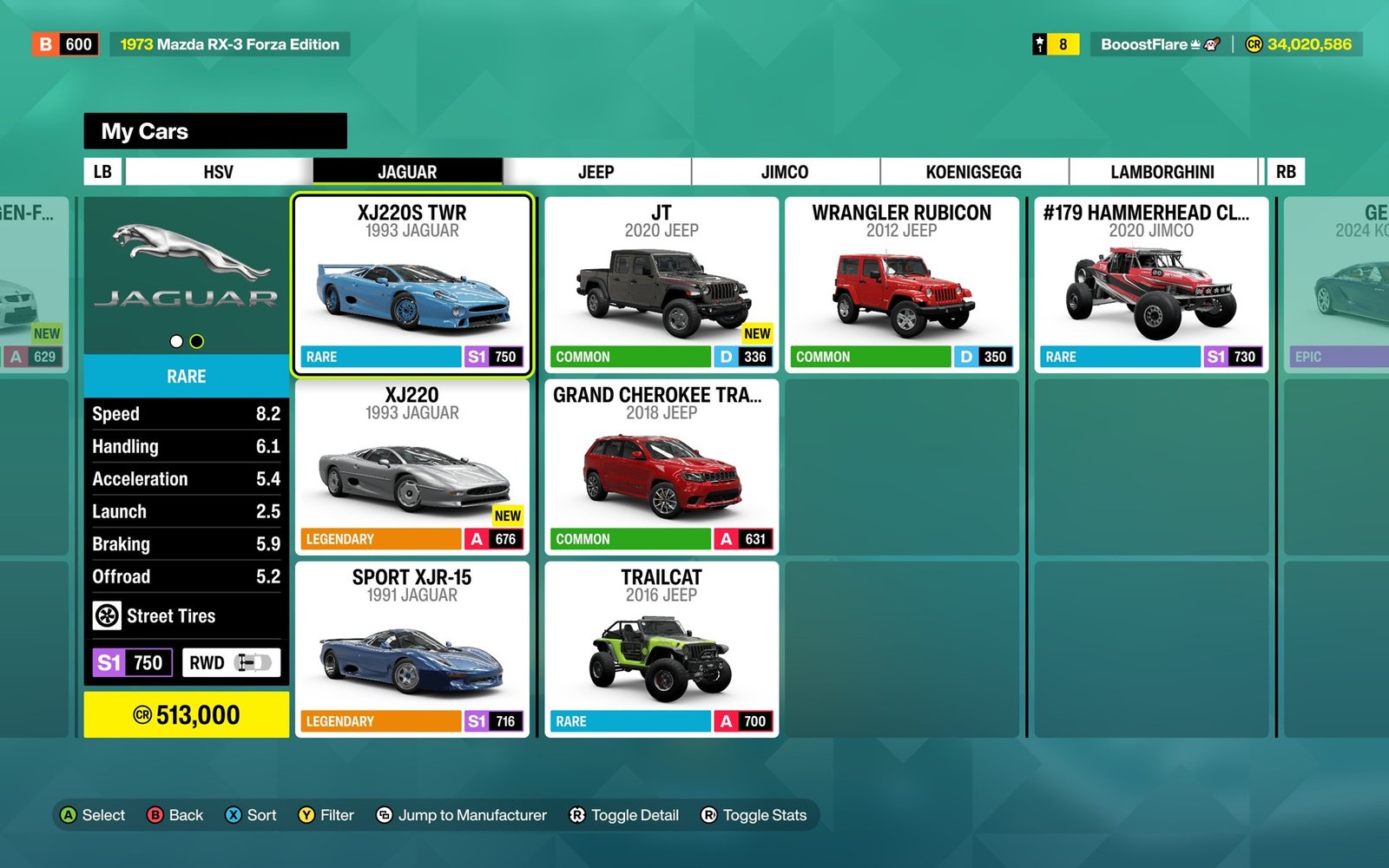
Once you arrive at the Shimanoyama Drift Circuit in your Jaguar, simply press and hold Up on the D-pad to enter photo mode. Inside the frame, make sure that your vehicle is inside the frame and on the circuit. You do not need to be inside an event for this challenge. Press RB to take a quick picture, and you will complete the challenge. The reward for its completion is 2 Festival Playlist points along with the Retro Racesuit clothing reward.
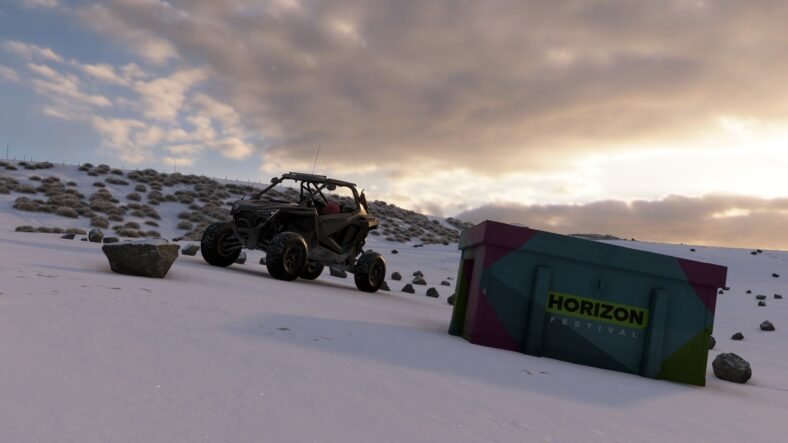
That is all for this guide. If you need help with this week’s treasure hunt, head over to our dedicated Forza Horizon 6 Ito Region (British Automotive) Treasure Hunt Guide. Additional Forza Horizon 6 guides are linked below:
- Forza Horizon 6 Barn Finds Guide – All Barn Finds, Where to Find
- Forza Horizon 6 Houses Guide – All Player Houses, Bonuses
- Forza Horizon 6 Treasure Cars Guide – All Treasure Cars, Where to Find
- Forza Horizon 6 Secret Cars Guide – Car Mastery Cars, Reward Cars, Wheelspin Exclusives, Forza Editions
- Forza Horizon 6 Photography Locations Guide – All Photography Spots in Discover Japan
This concludes our Forza Horizon 6 JaguarSnap Photo Challenge Guide. If you want to add anything to this guide, feel free to use the comments section below.