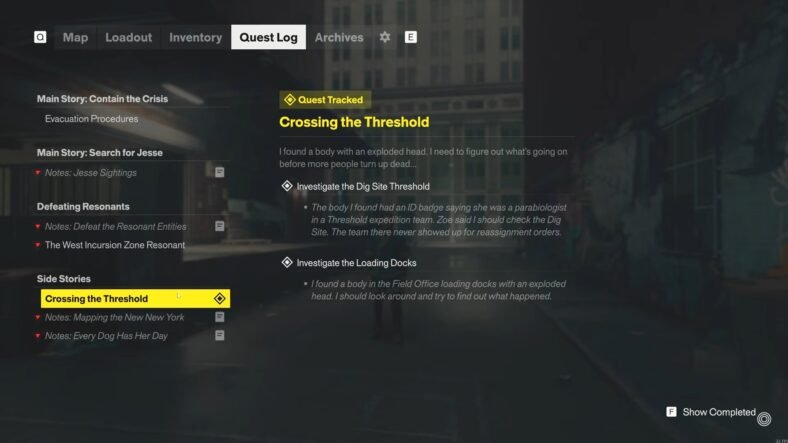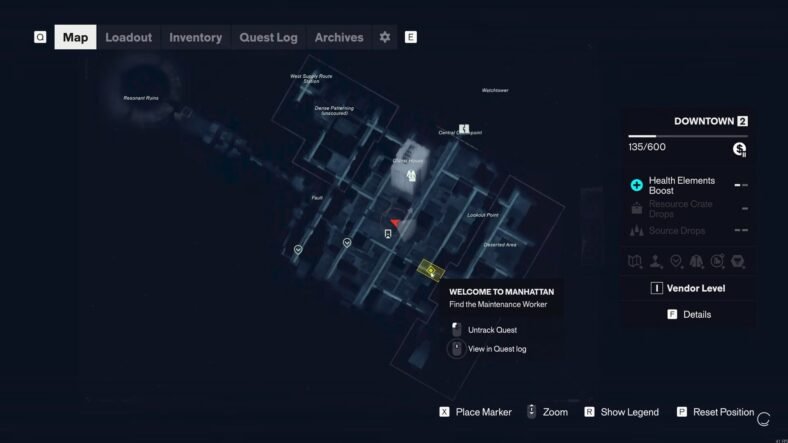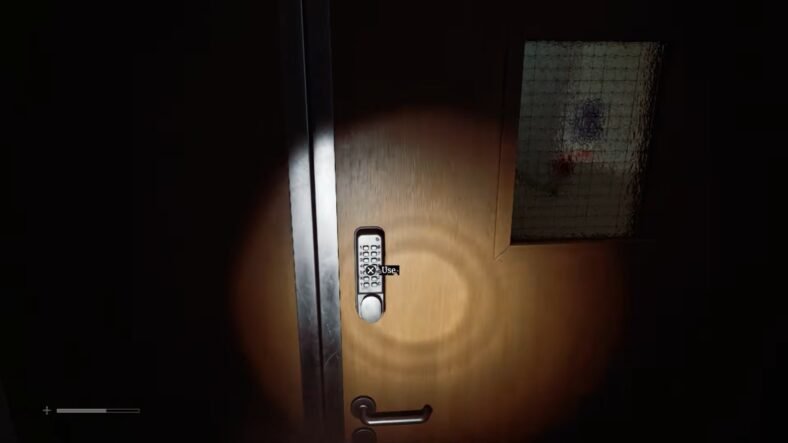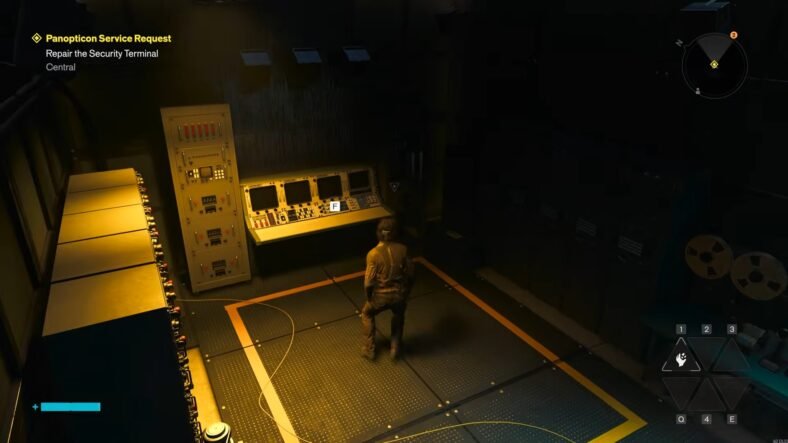
This Control Resonant guide details how you can repair the security terminal in the Panopticon Service Request in the game. It fully explains how to complete the Repair the Security Terminal service request, from restoring the terminal’s missing components to identifying the correct containment cell and securing the World’s Fair radio.
Security Terminal Repair Guide – Control Resonant
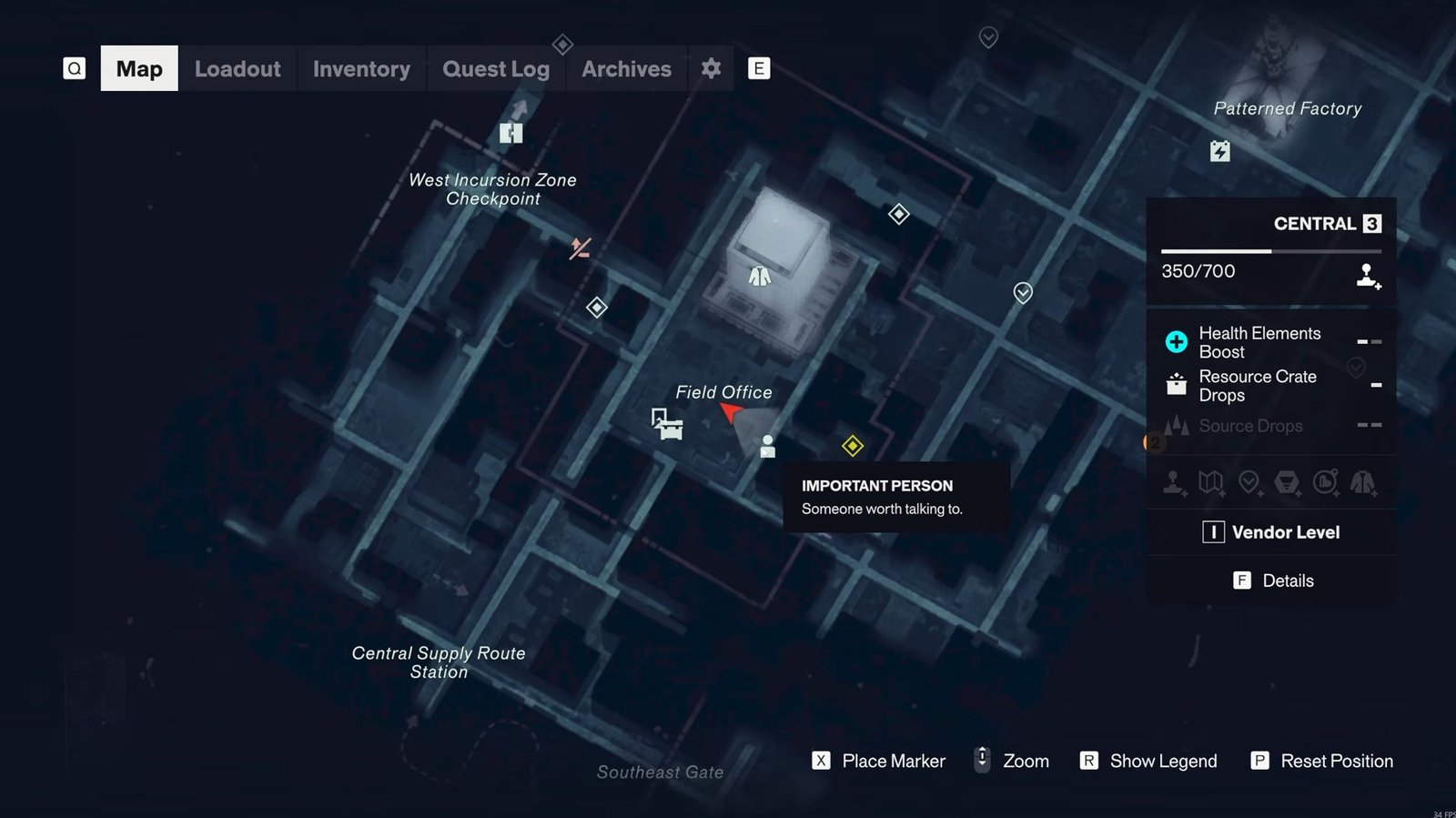
Head to the Central zone and look for the NPC located underneath a table. Speak to him to receive the Panopticon service request, which asks you to repair a security terminal inside a nearby building.
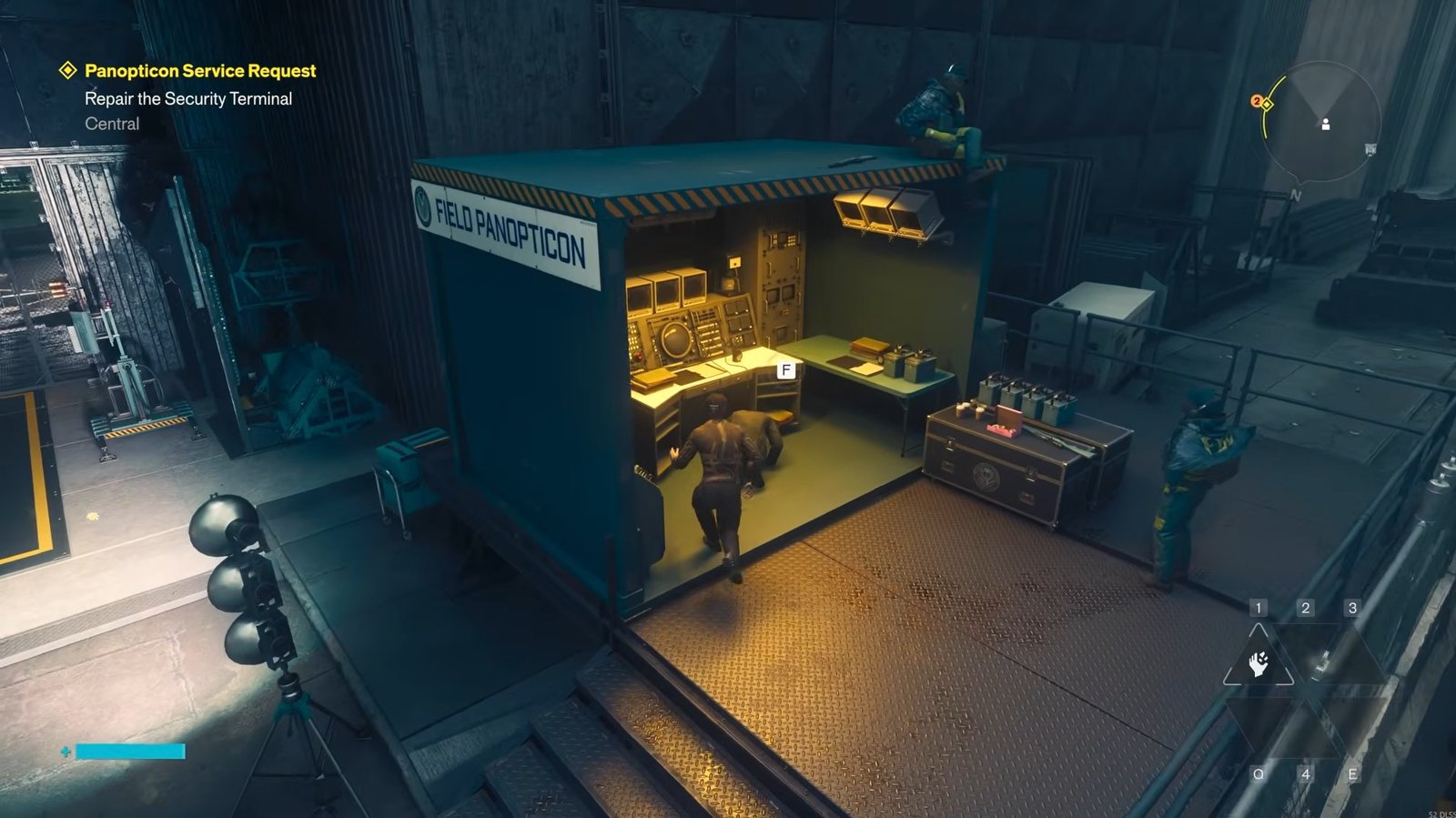
Enter the building and take the first left turn to go through an open passage and approach the terminal. When you interact with it, you’ll see that two components are missing.
The first component is directly behind the terminal, so turn around, pick it up, and install it in the appropriate slot.
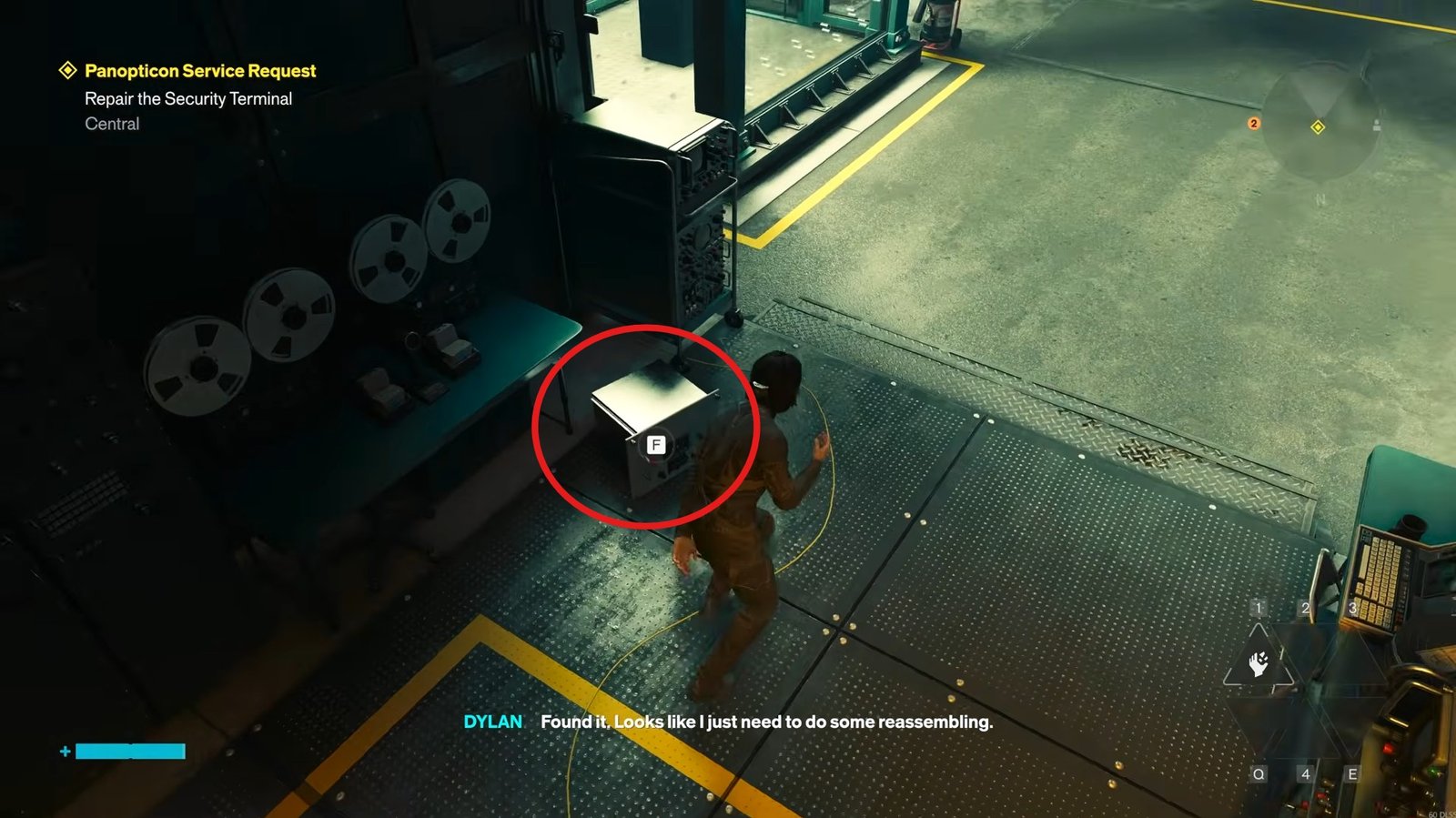
For the second one, go around the corner to find it. Collect it and return to the terminal and place it in the lower slot.
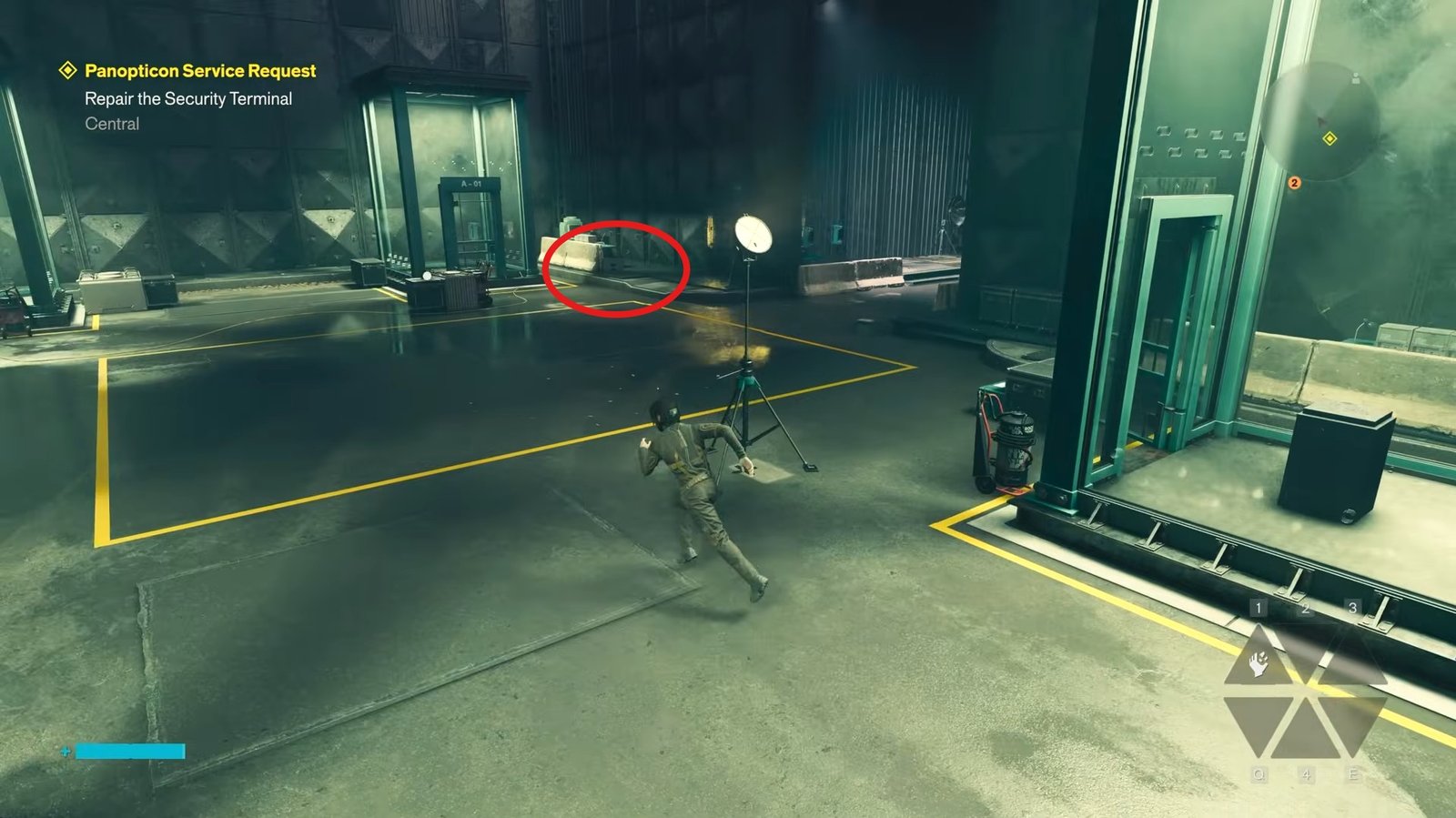
After installing both pieces, the terminal will indicate that one of the dishes is still malfunctioning. Look around the floor for the loose dish. Pick it up and carry it toward the blinking red light.
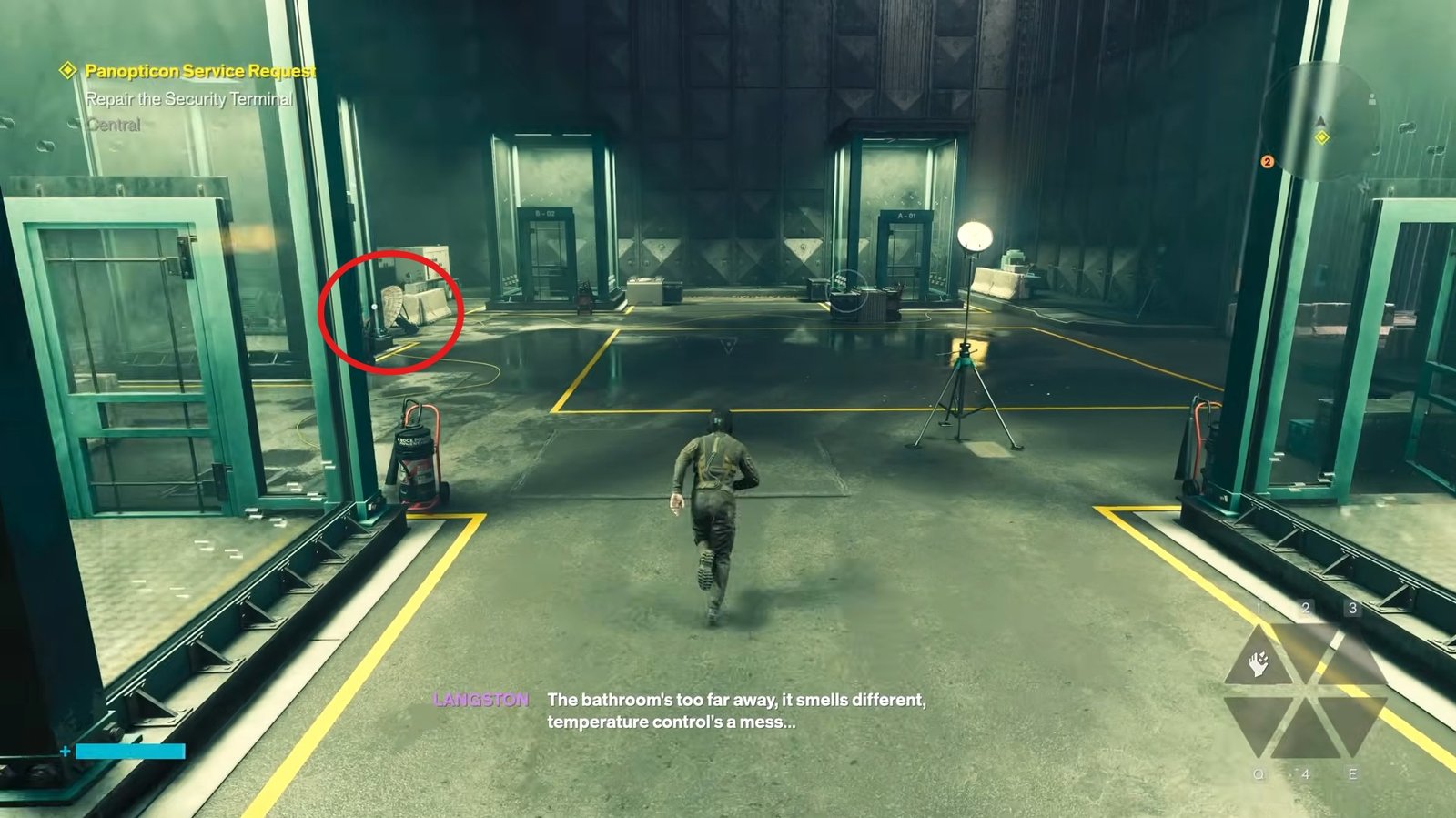
You need to place the dish near that light, but simply walking up to it won’t work. Hold the jump button and drop the dish while you are in the air, so it lands in the required position.
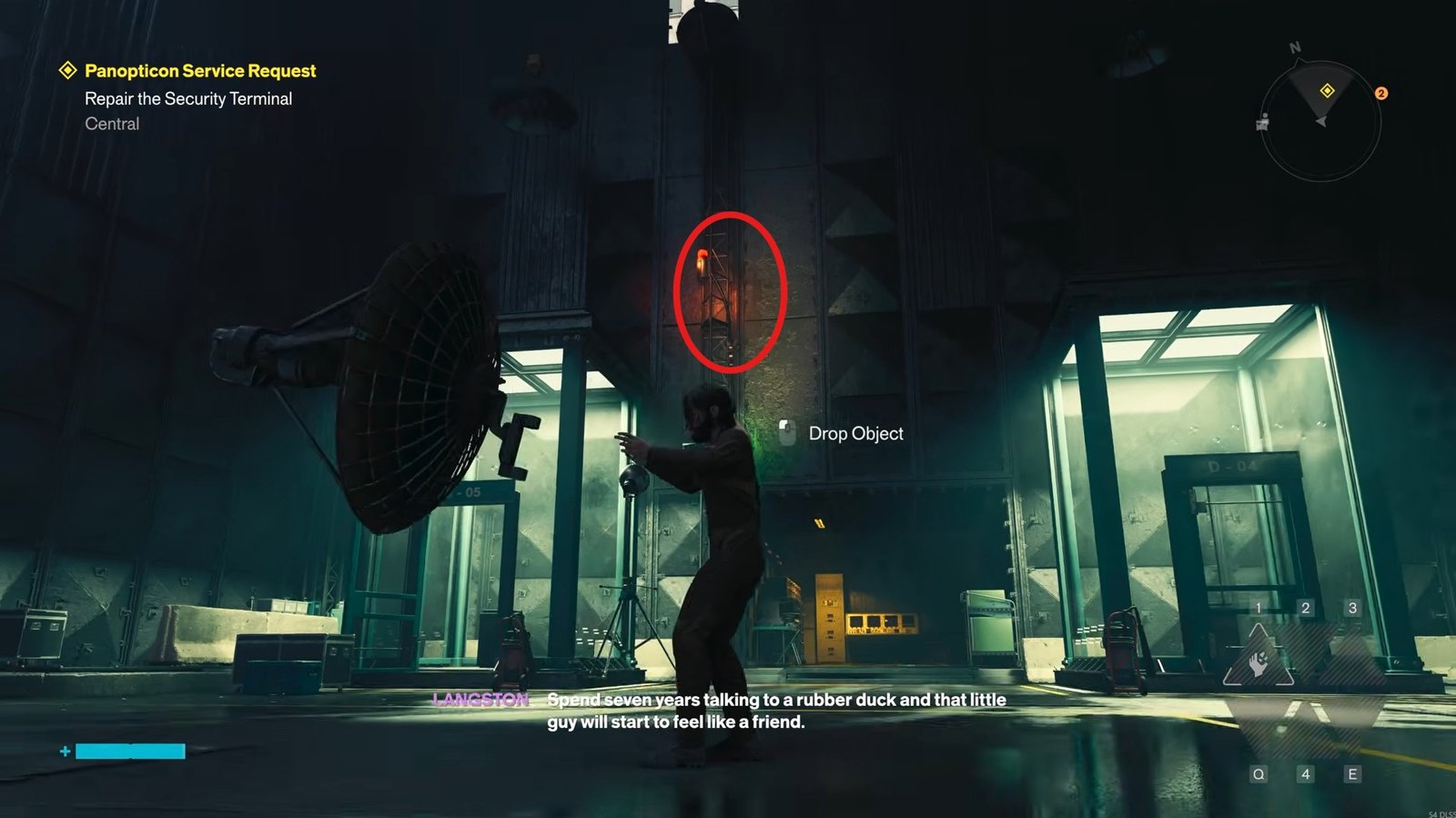
Once the dish is placed correctly, return to the security terminal and interact with the console again. You can now proceed with the containment cell identification.
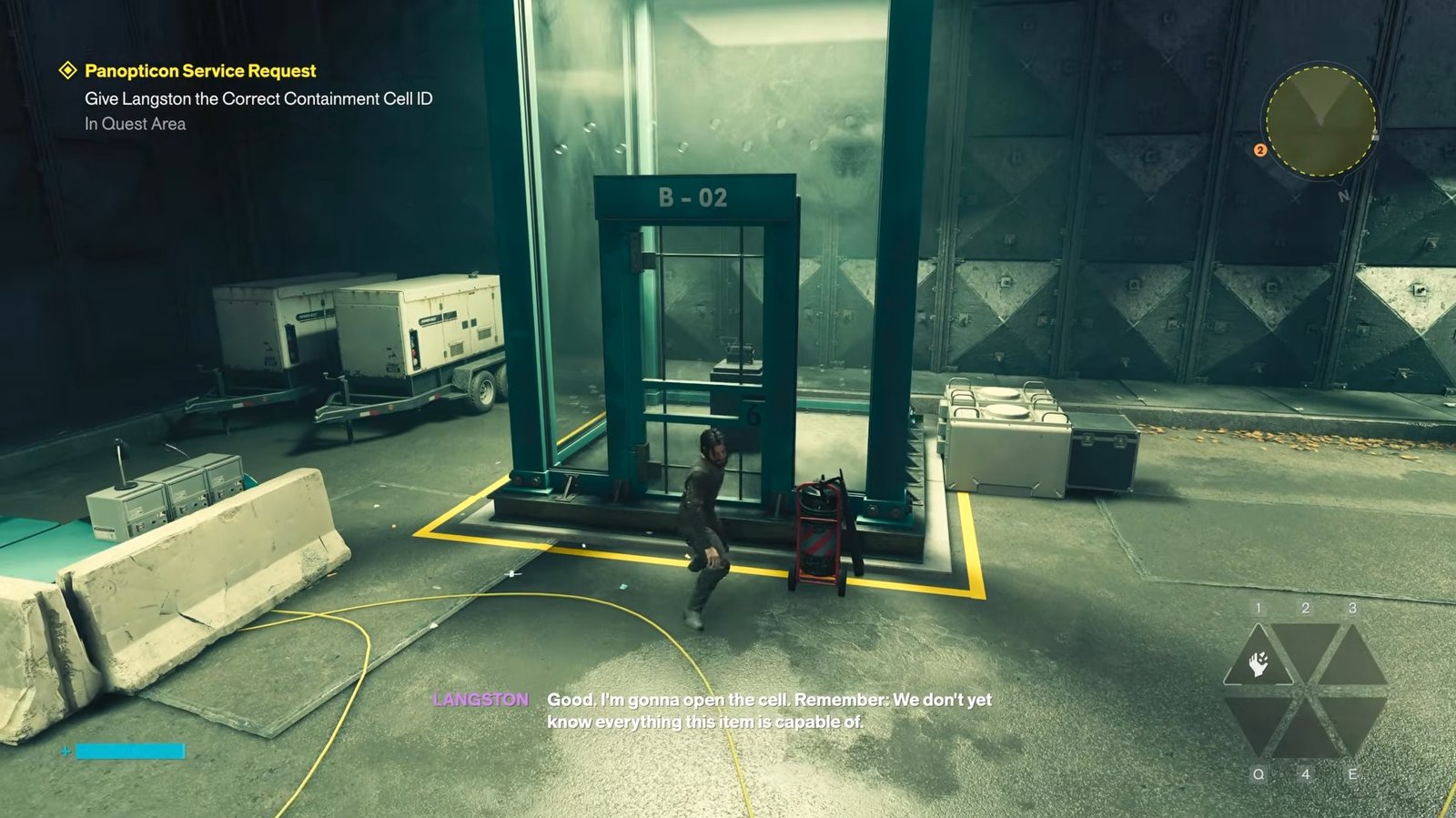
When prompted to identify the correct containment cell, select B02, which is the only cell available to interact with. Report the cell information to Langston using these options:
- Category: D
- Number: 4
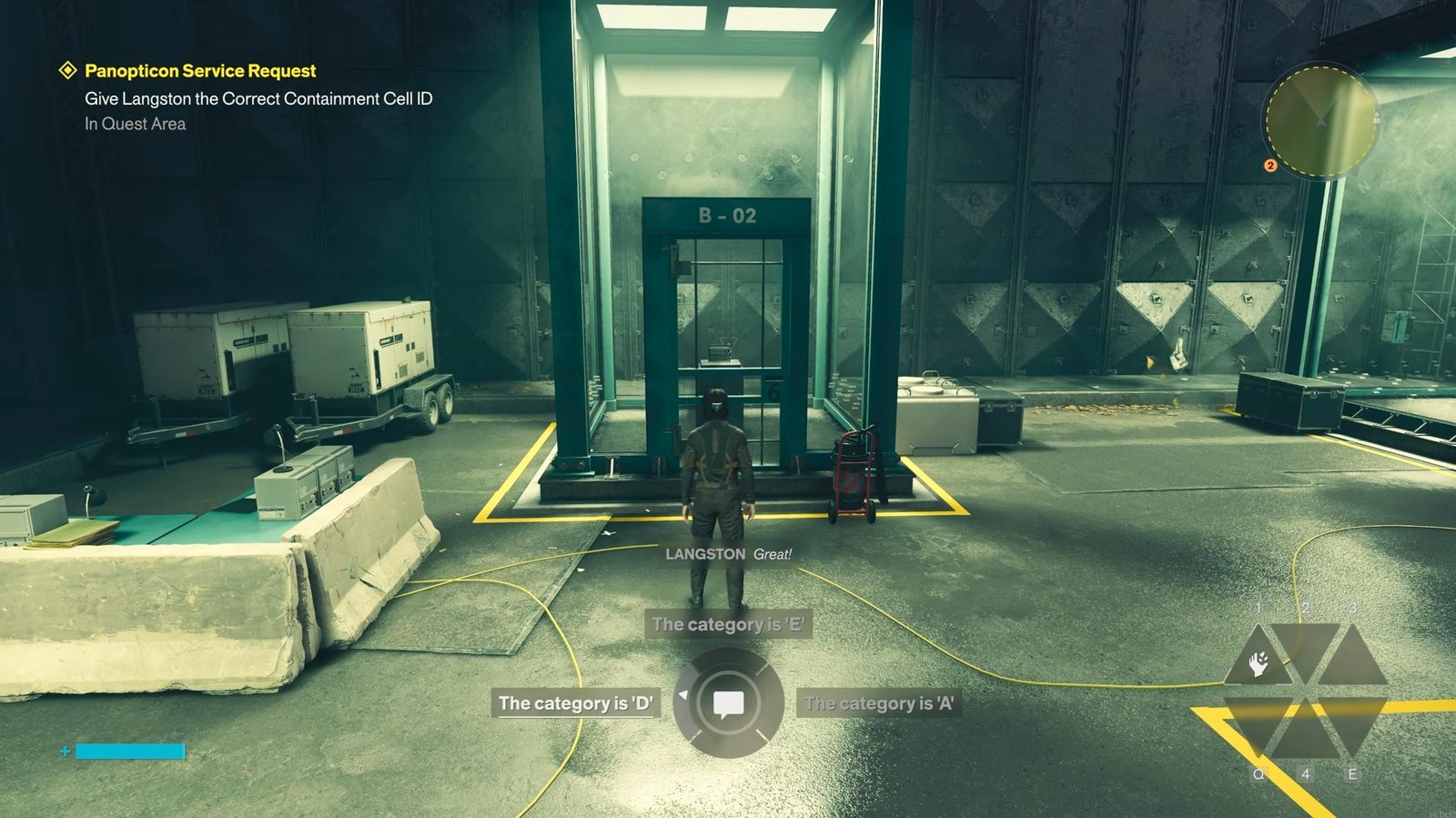
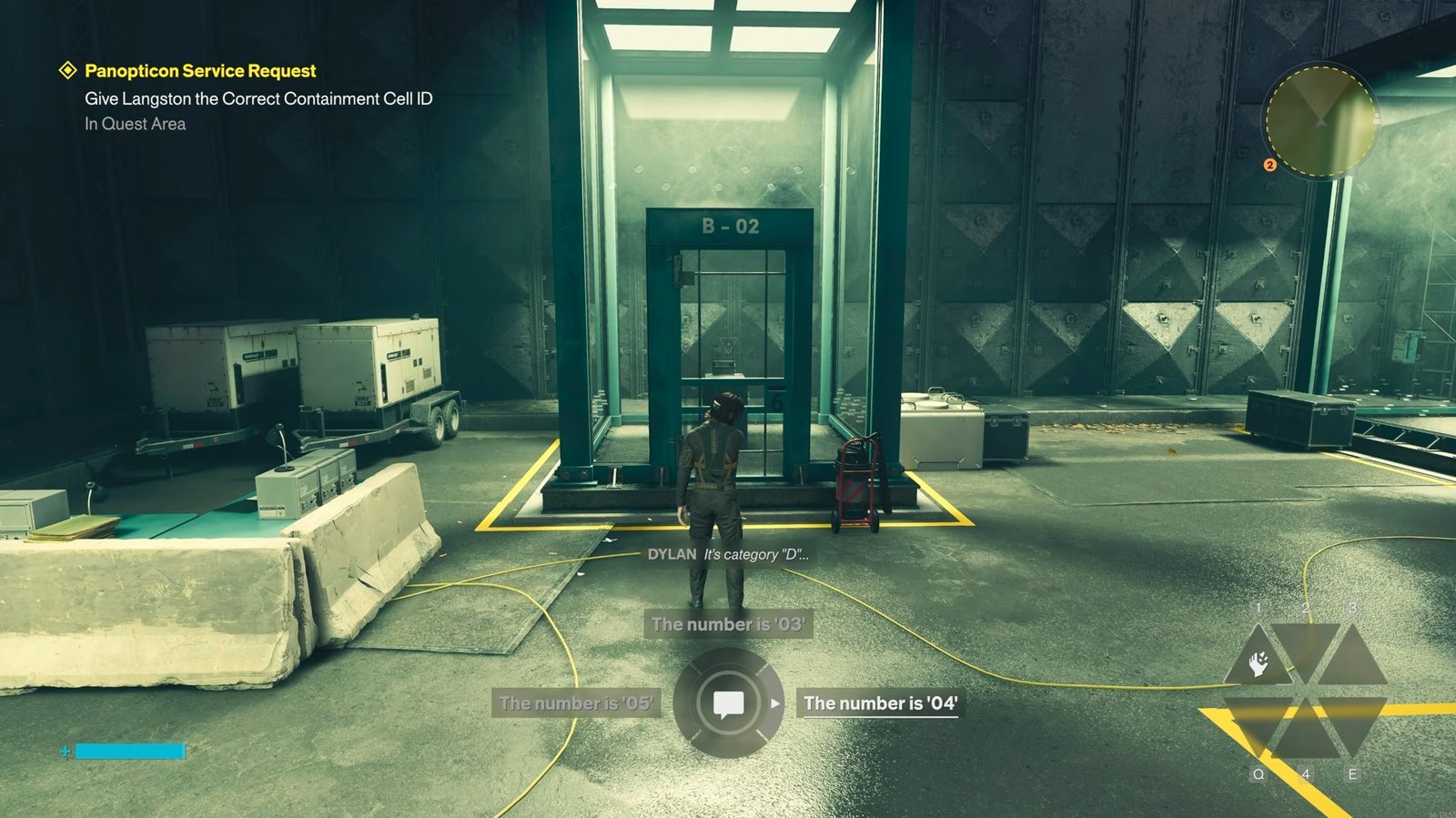
Selecting the correct details will open the required door. Head inside and collect the World’s Fair radio. Next, you have to place the radio inside containment cell E05.
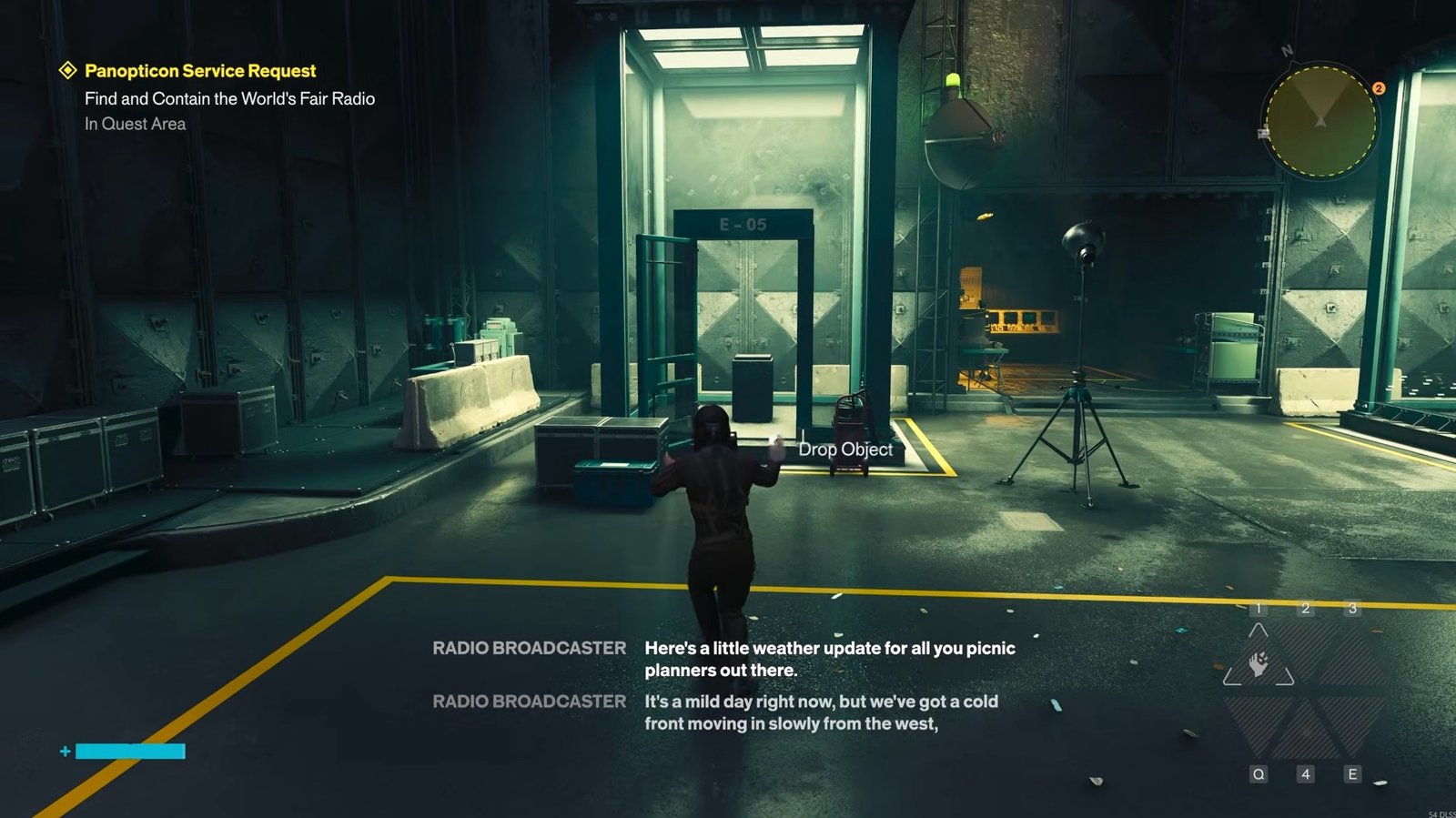
Make sure that you pick up the radio when it is speaking about the fair; otherwise, it will keep disappearing. When the radio rotates into the correct spot, pick it up and place it on the pedestal inside cell E05.
Langston will acknowledge that you have found the correct object and placed it properly, and the Panopticon service request will be completed.
That is all for this guide. Additional Control Resonant guides are linked below:
This concludes our Control Resonant guide on how you can repair the security terminal in Panopticon Service Request easily. If you want to add anything to this guide, feel free to use the comment section below.