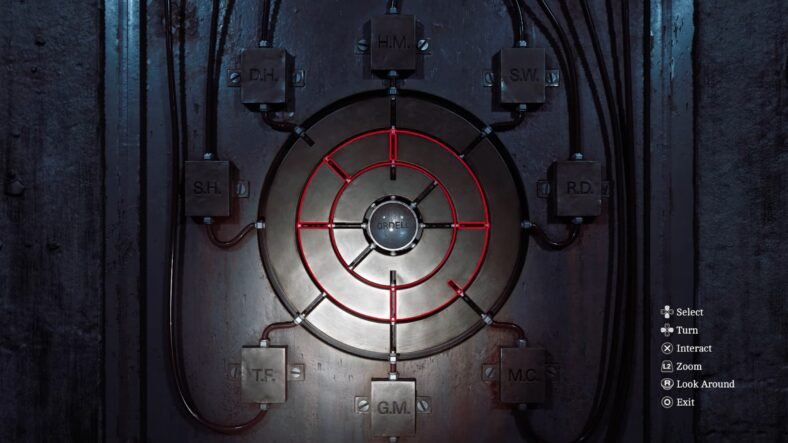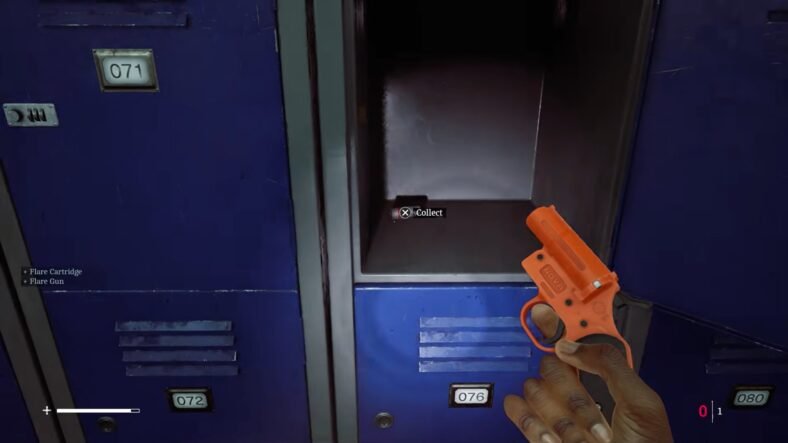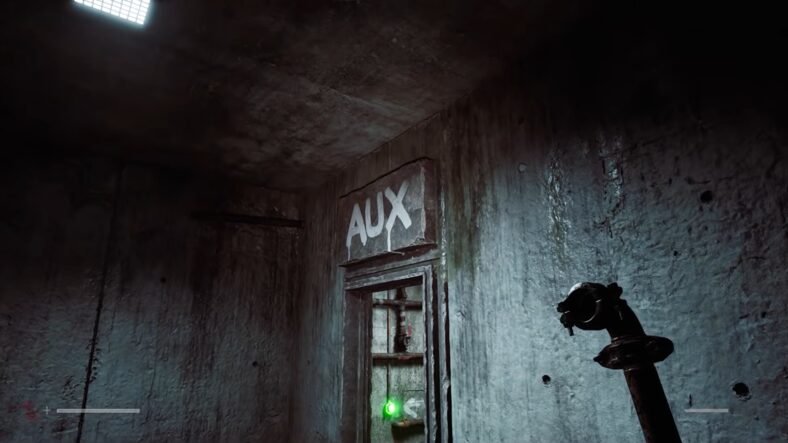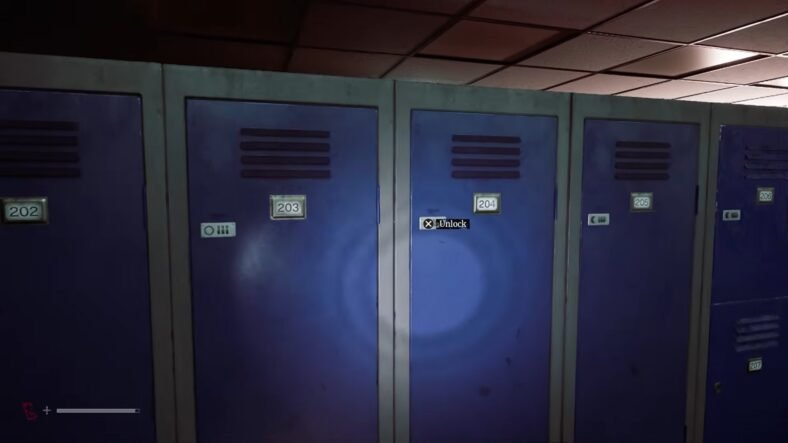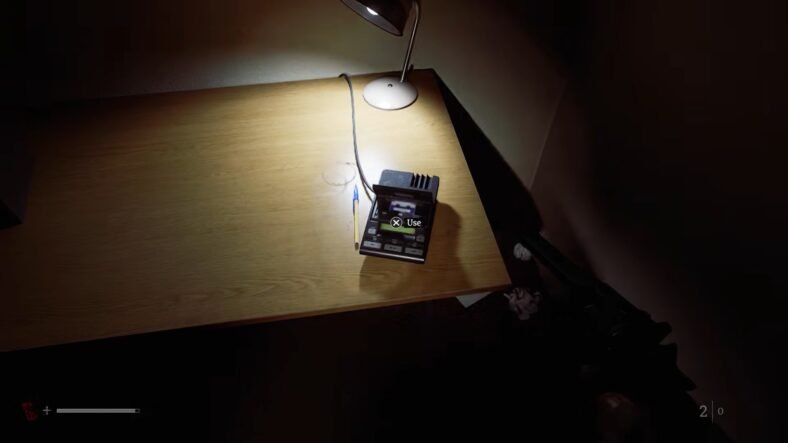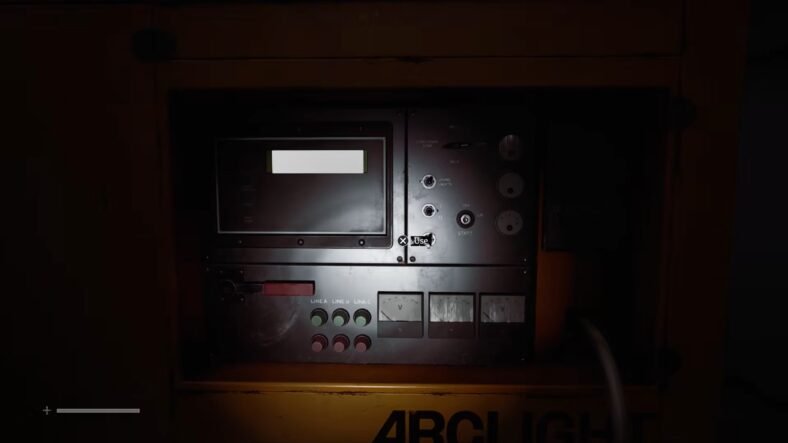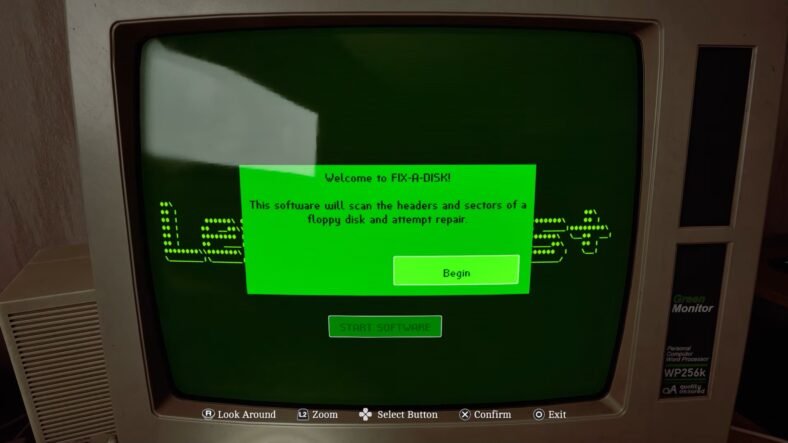
This Silent Hill: Townfall guide explains how you can complete the floppy disk puzzle in the CEG lockers. The puzzle starts with collecting the South Brae House Key and ends with the code needed for the CEG lockers. You will need to collect three floppy disks, find the Fix-a-Disk software, repair the required disk, and print the image containing the final code.
Floppy Disk Puzzle — Silent Hill: Townfall
Start from the area that has a statue in the middle, and there is a safe point beside the nearby phone booth.
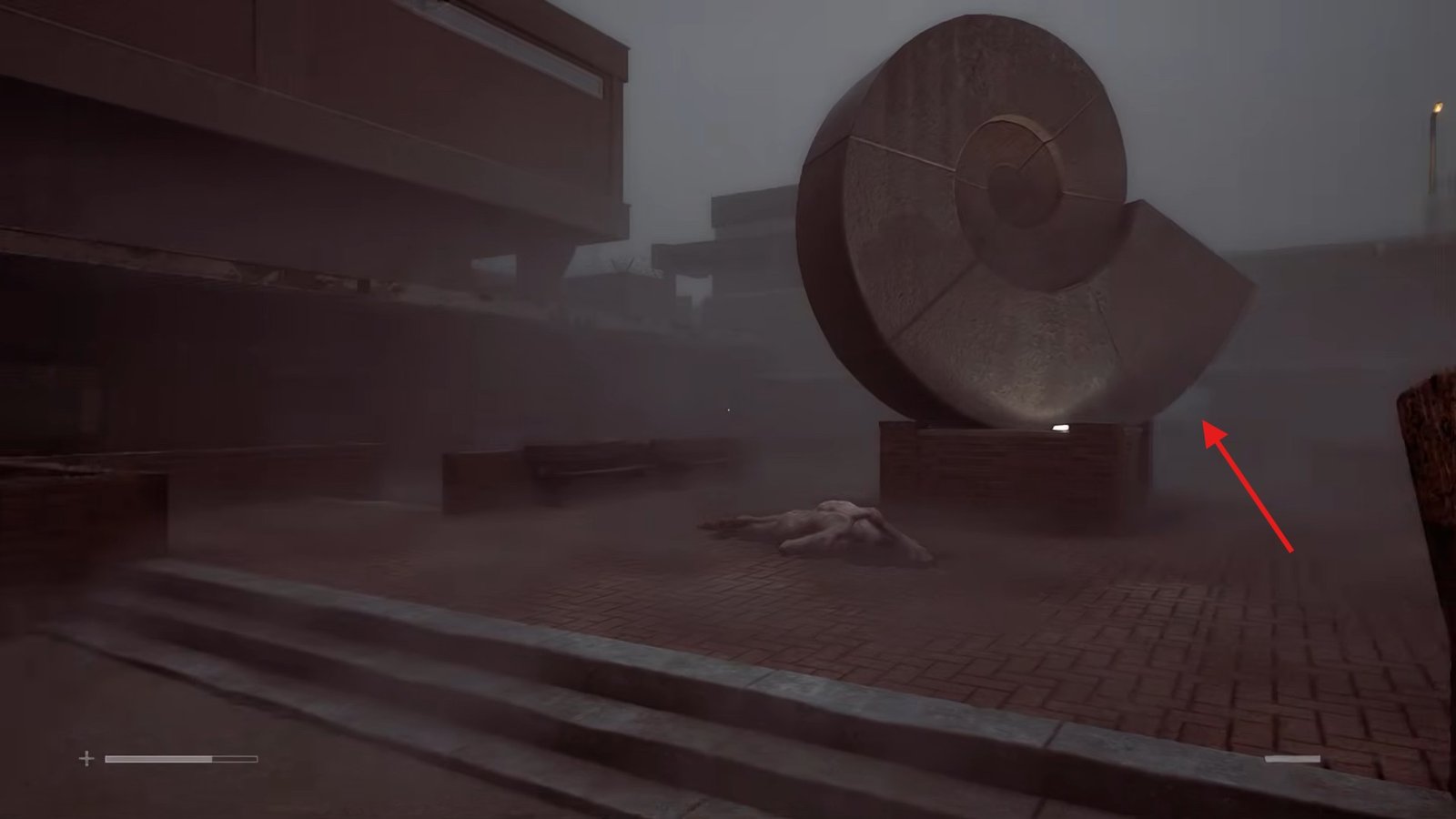
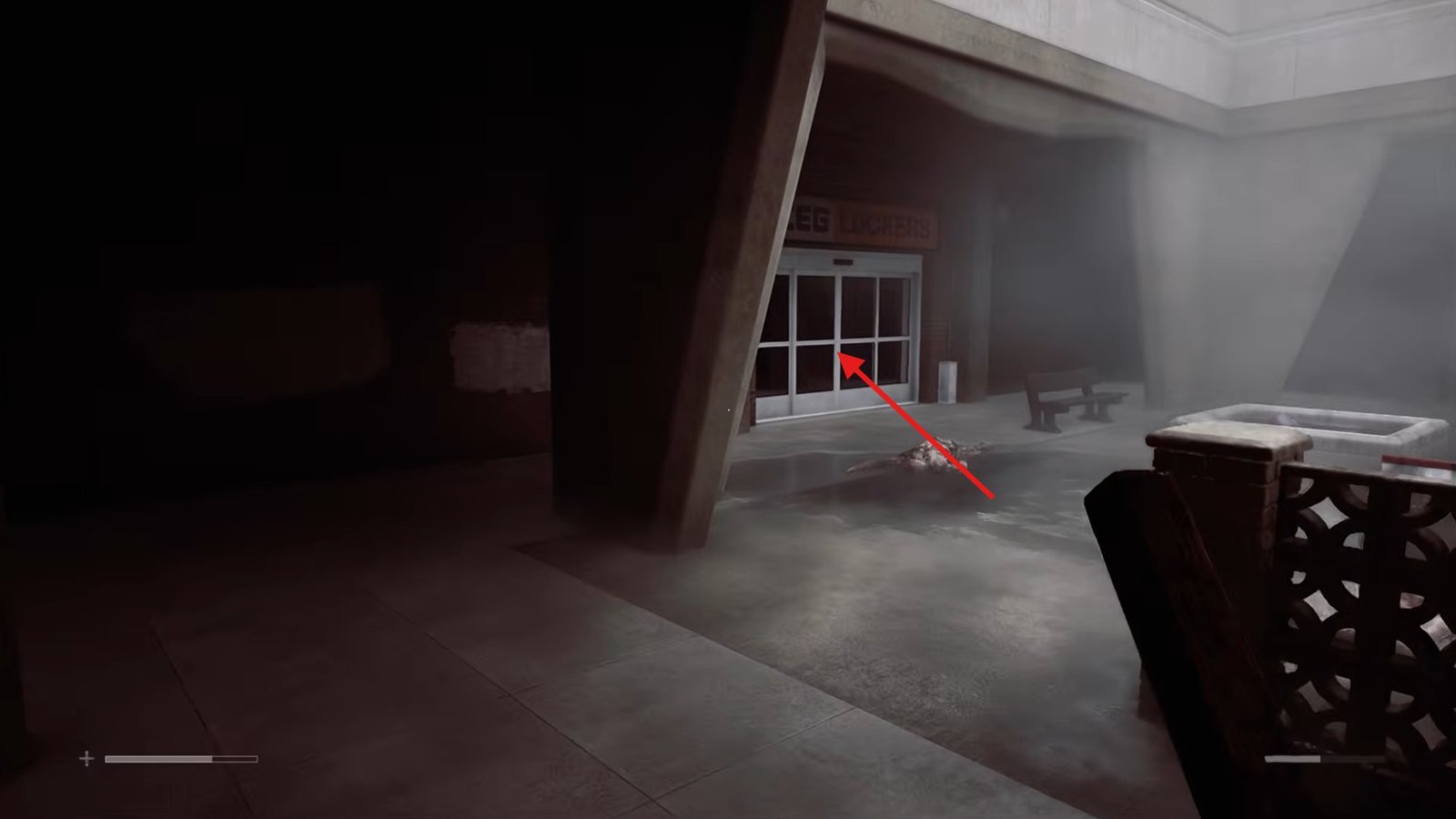
From the statue, move straight ahead until you reach the jungle gym area, and from there take a left turn to enter the CEG lockers.
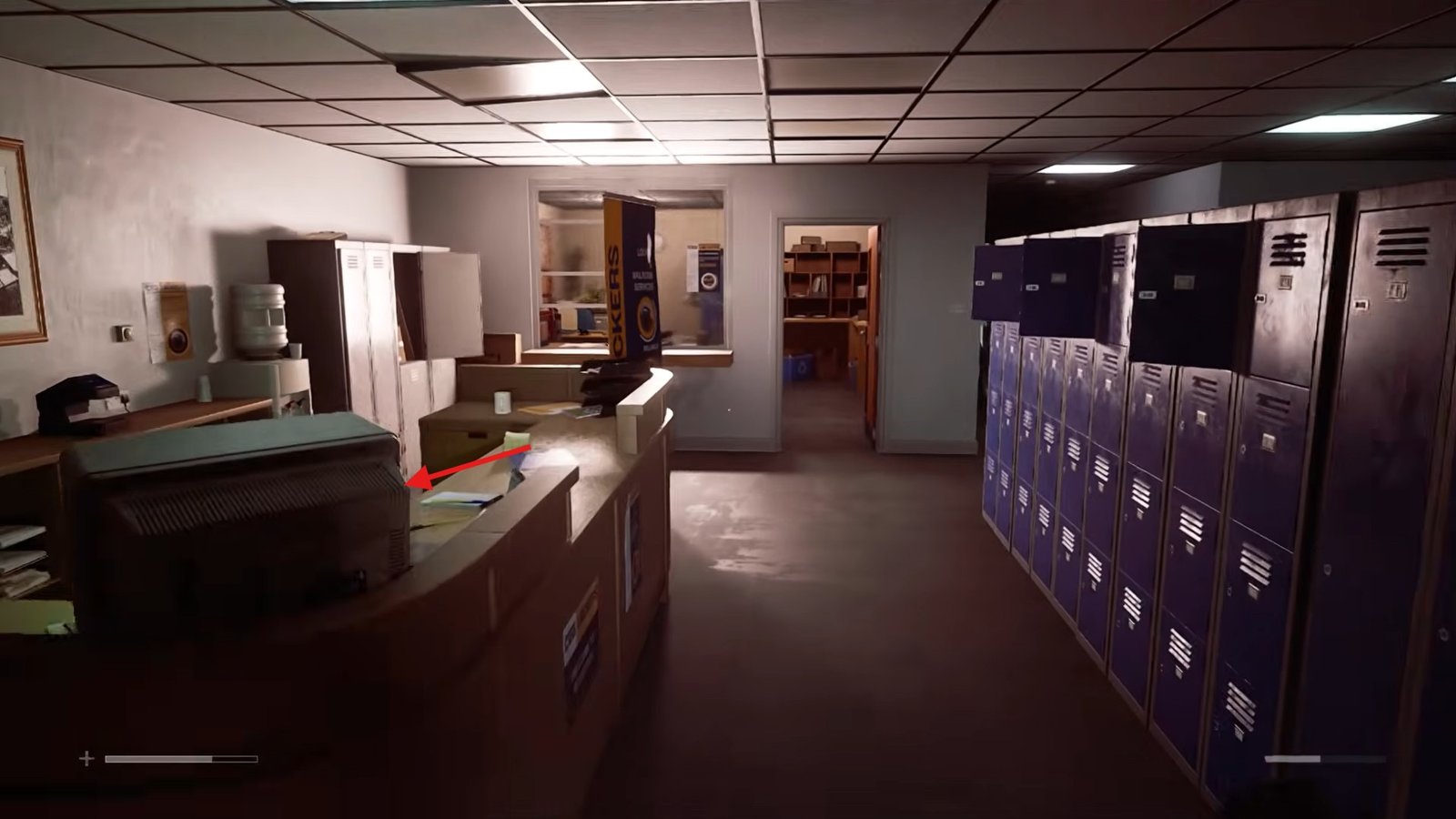
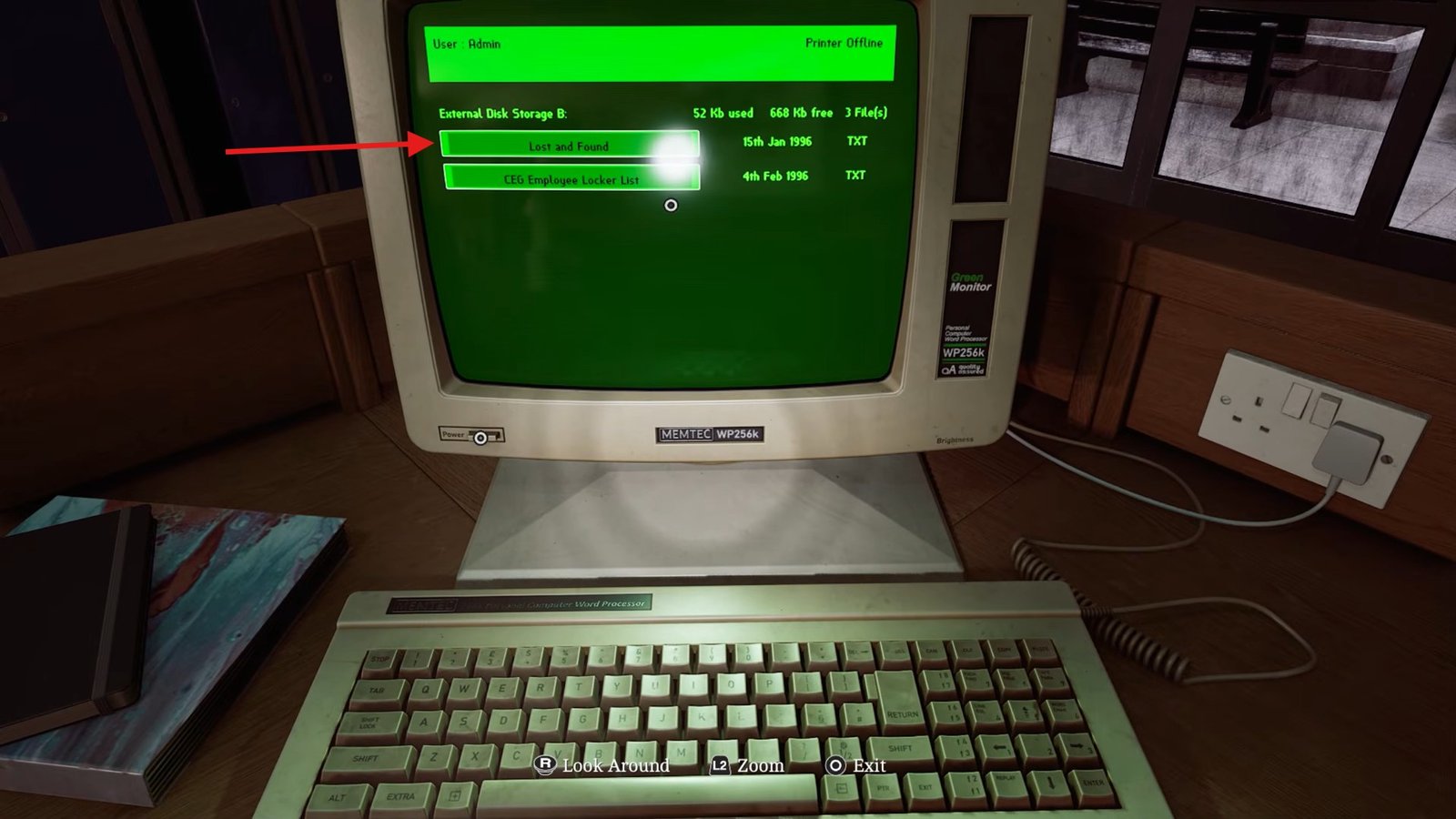
Inside the locker area, go behind the main reception desk and check the computer to access the Lost and Found section.
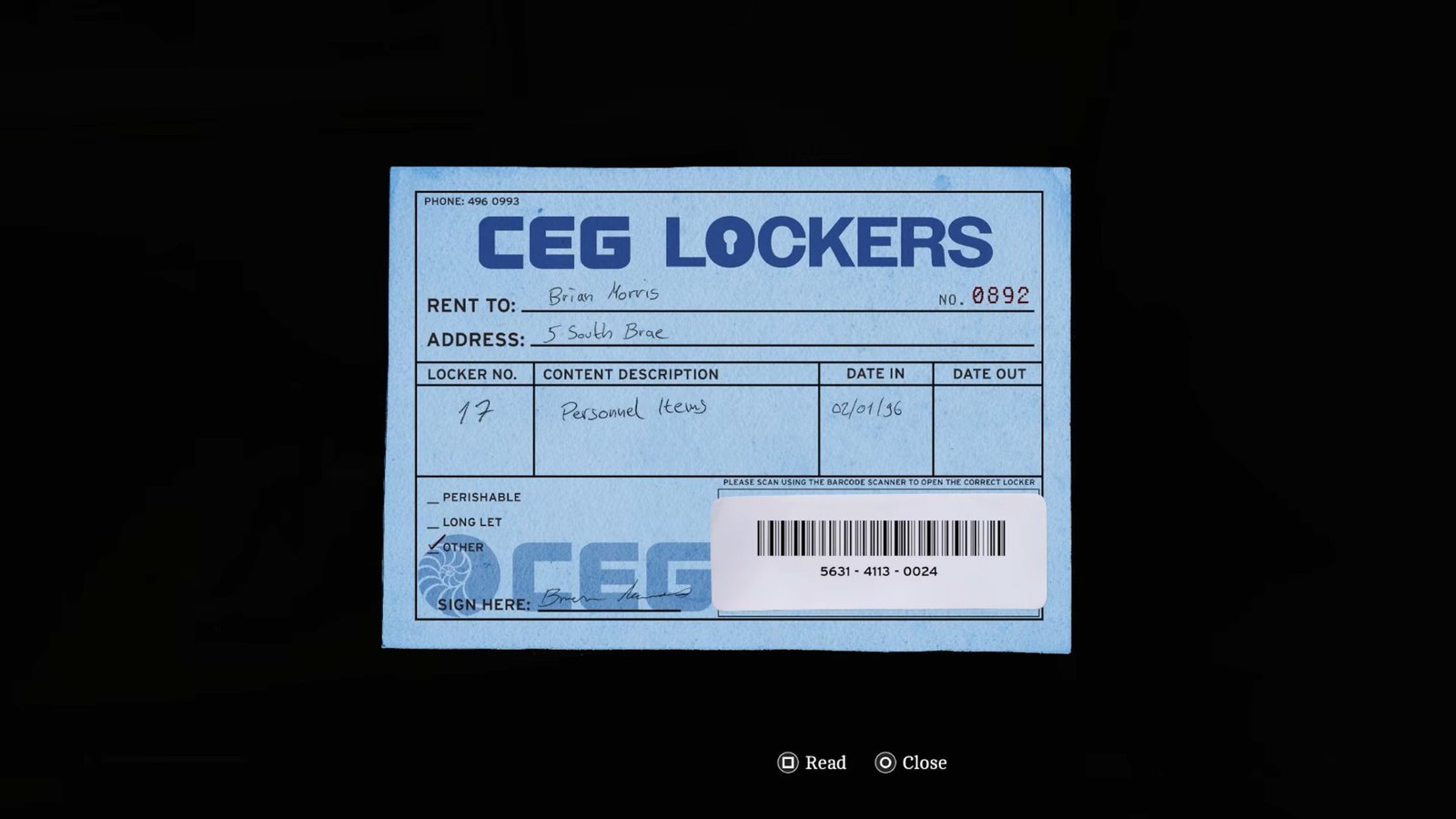
The computer will provide the locker code, which is 772.
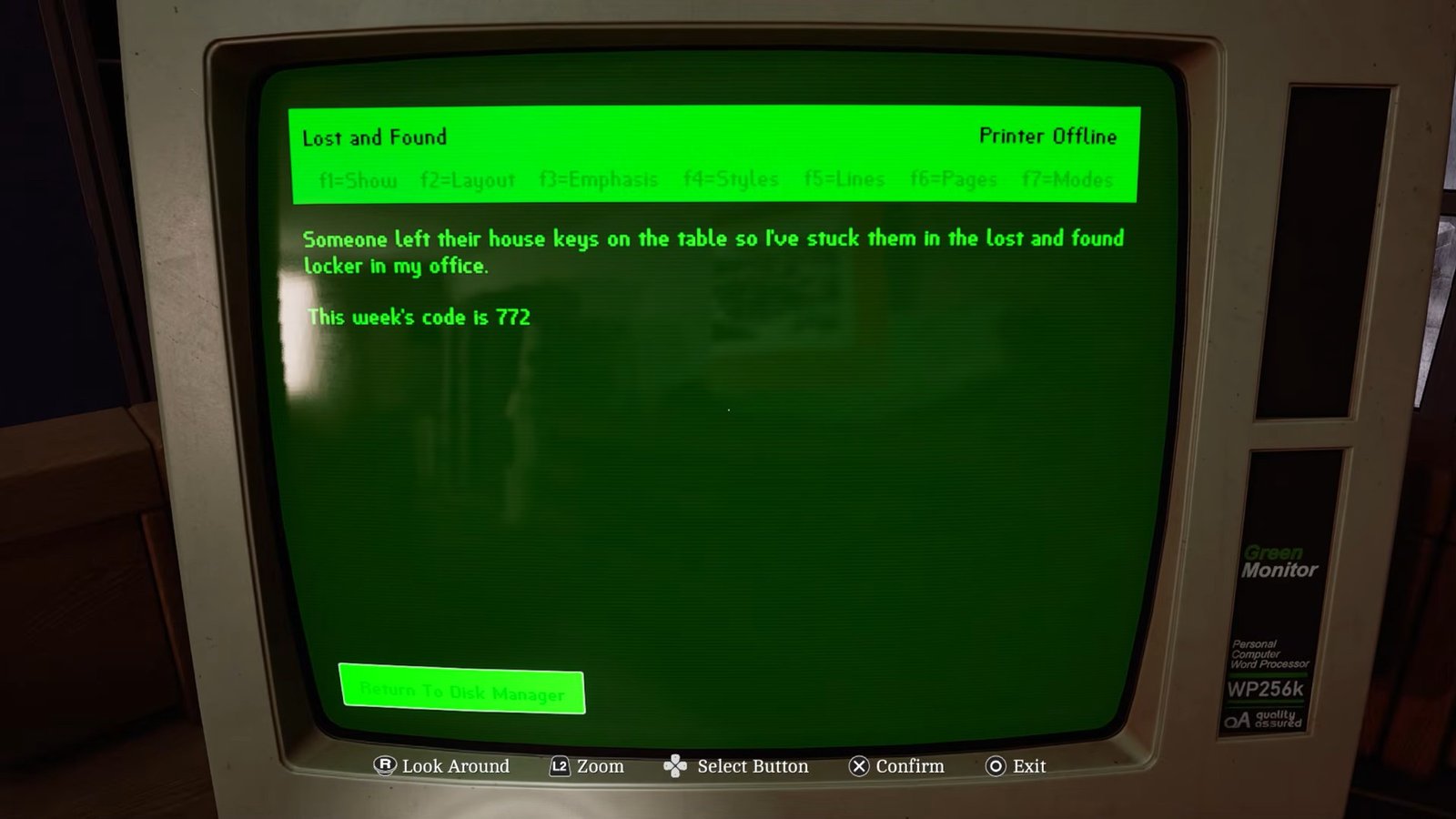
Once you have the code, go to the room beside the reception desk and enter the code into the indicated locker to open it.
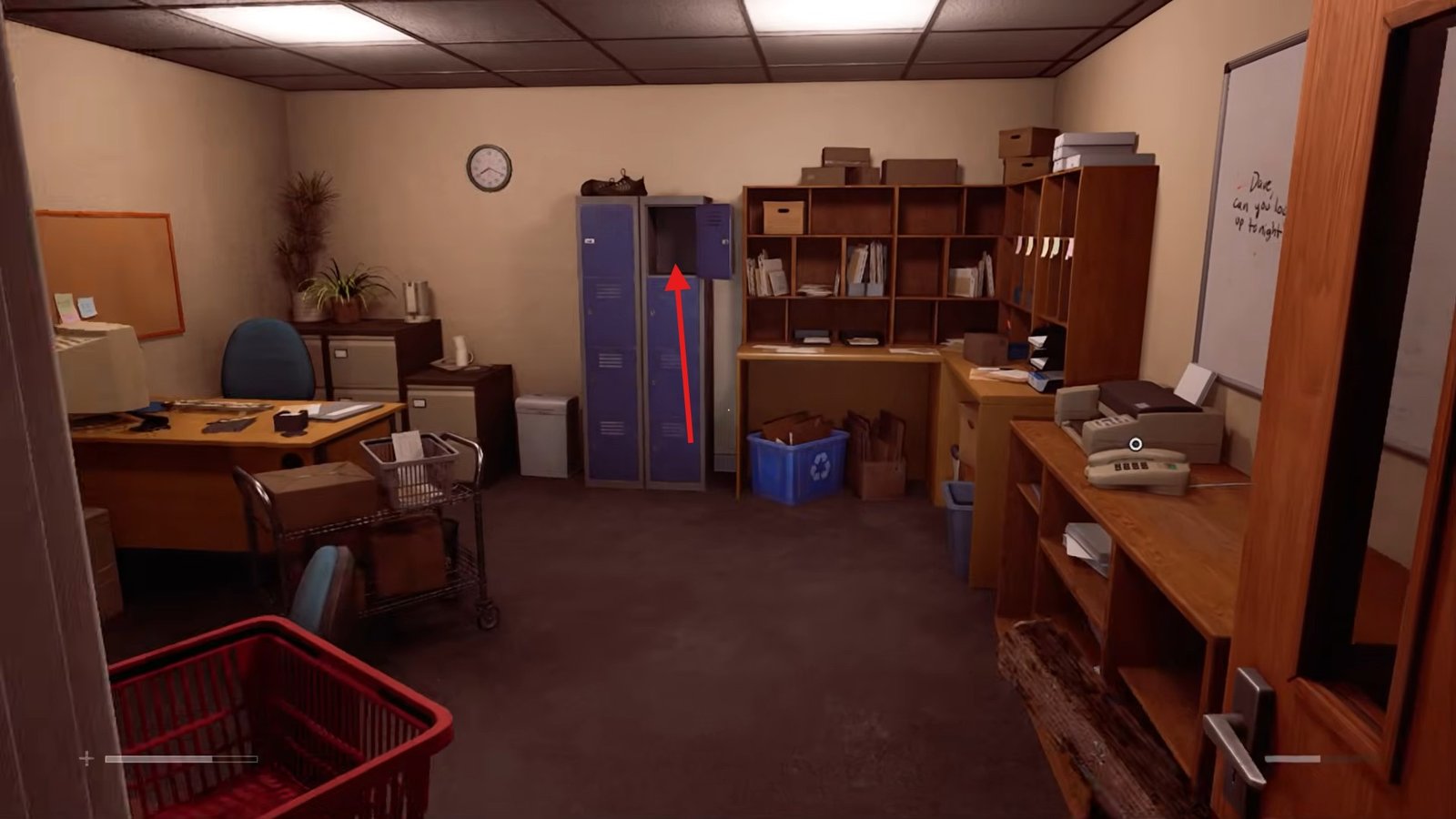
Inside, you will find the South Brae House Key, which is needed for the next part of the puzzle.
Take the South Brae House Key and head out of the CEG lockers and return toward the area where you started near the statue.
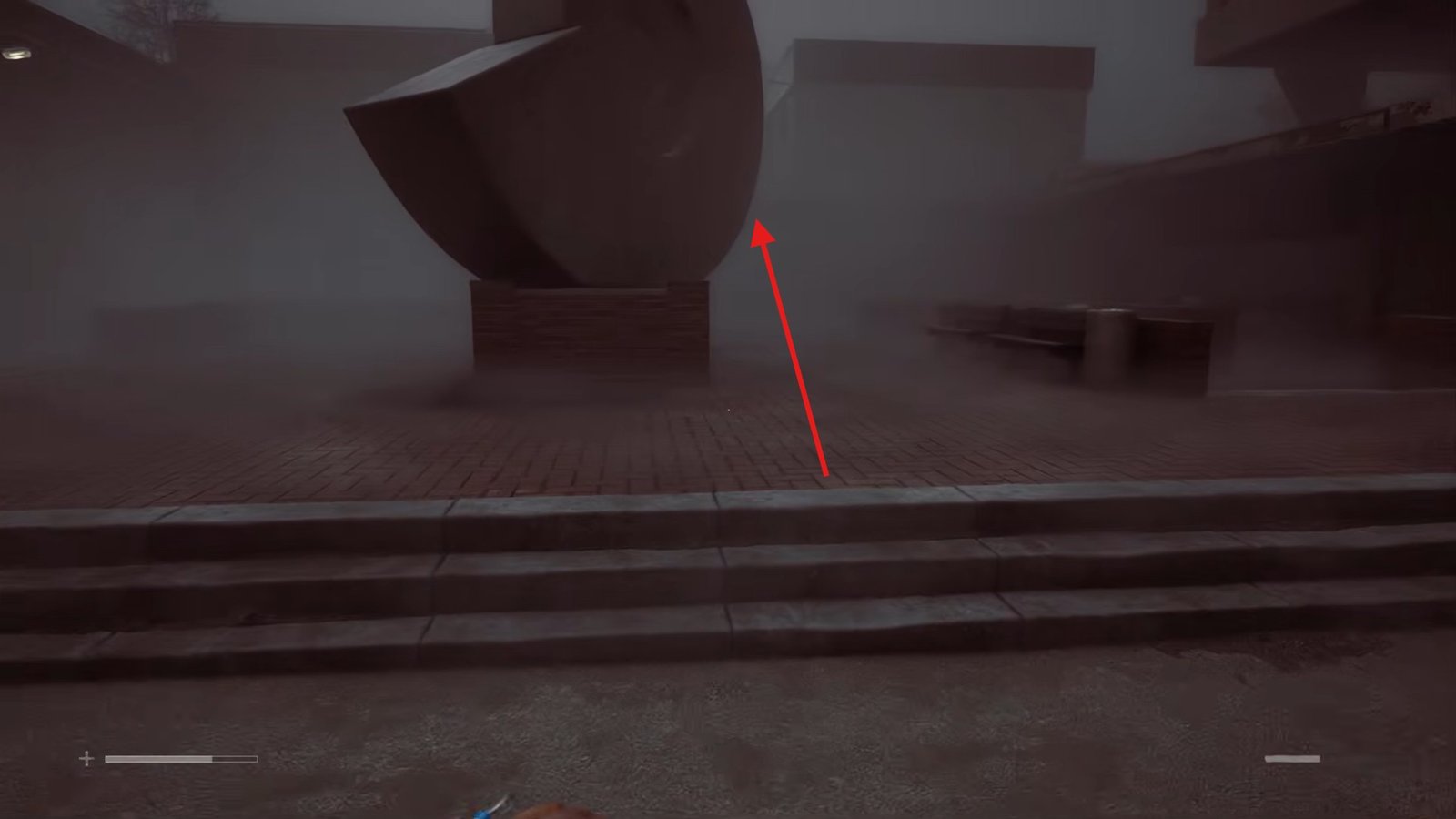
From there, go up the staircase, take the first left turn, and look for the second building on the right, which is marked 5.
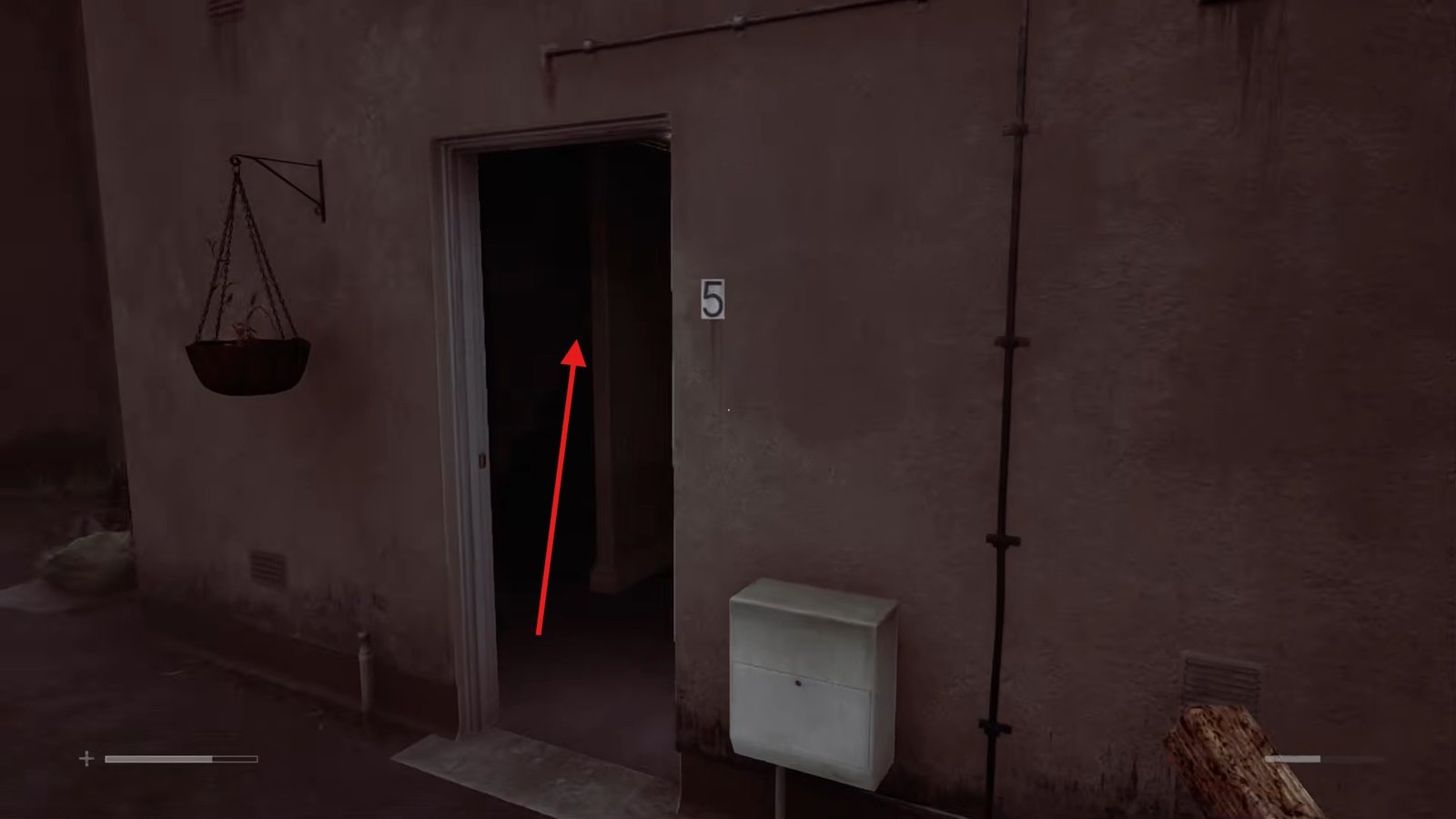 Enter the building, head upstairs, and enter the room in the back corner. Inside, check the drawer to find the floppy disc case key.
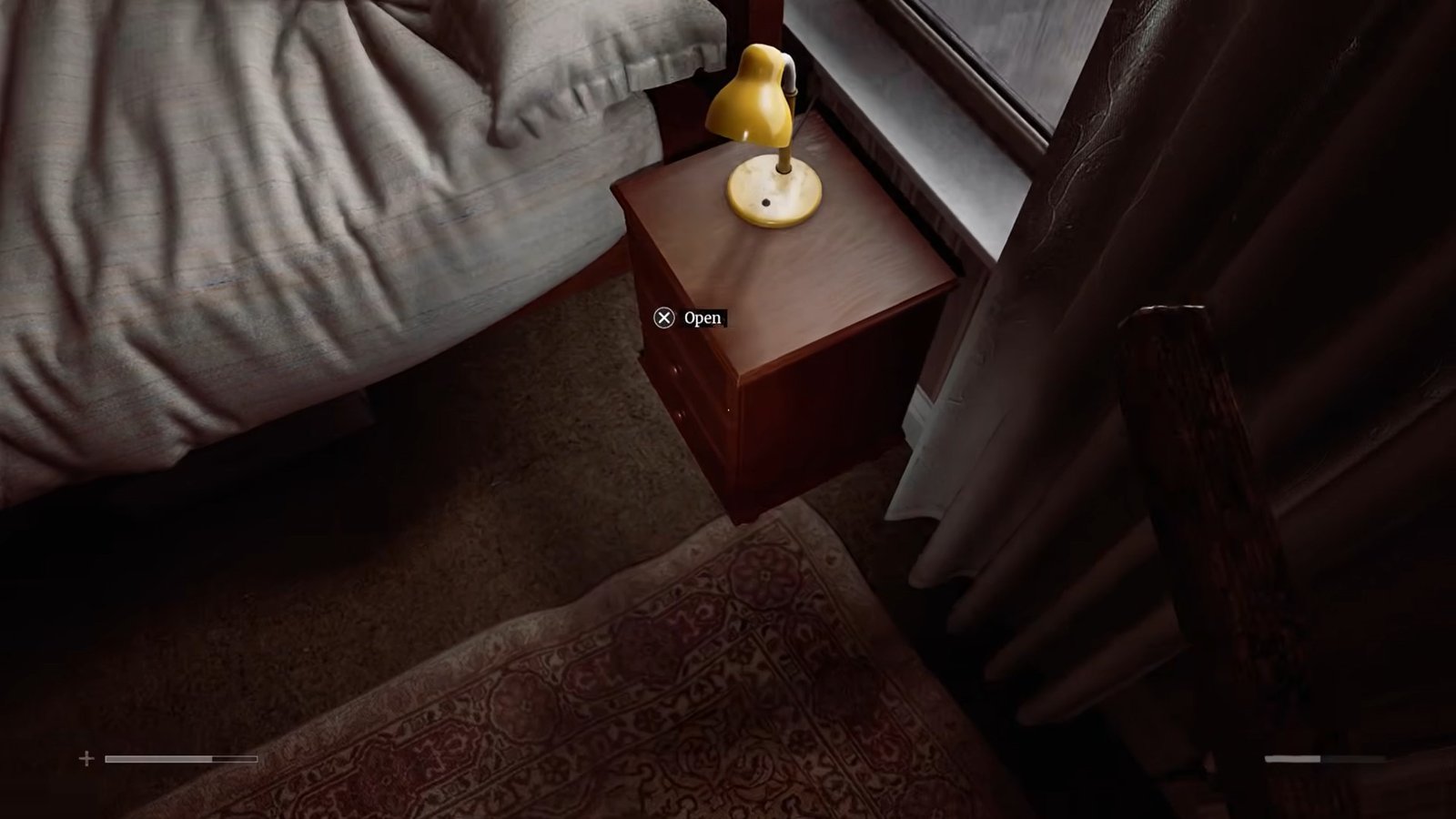
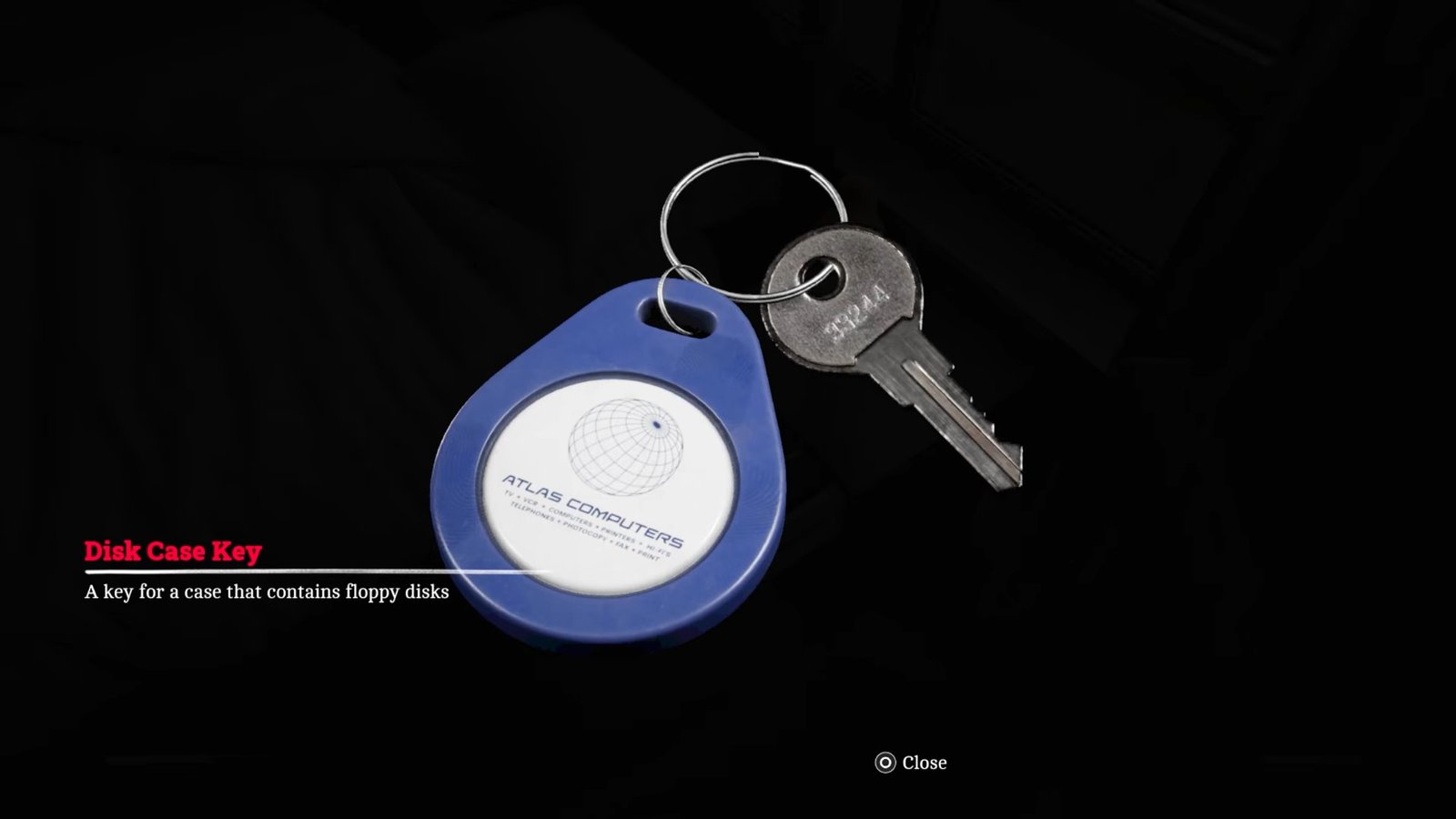
Once you have the floppy disc case key, leave the room, take a right, and enter the room beside it, which contains the floppy disc case.
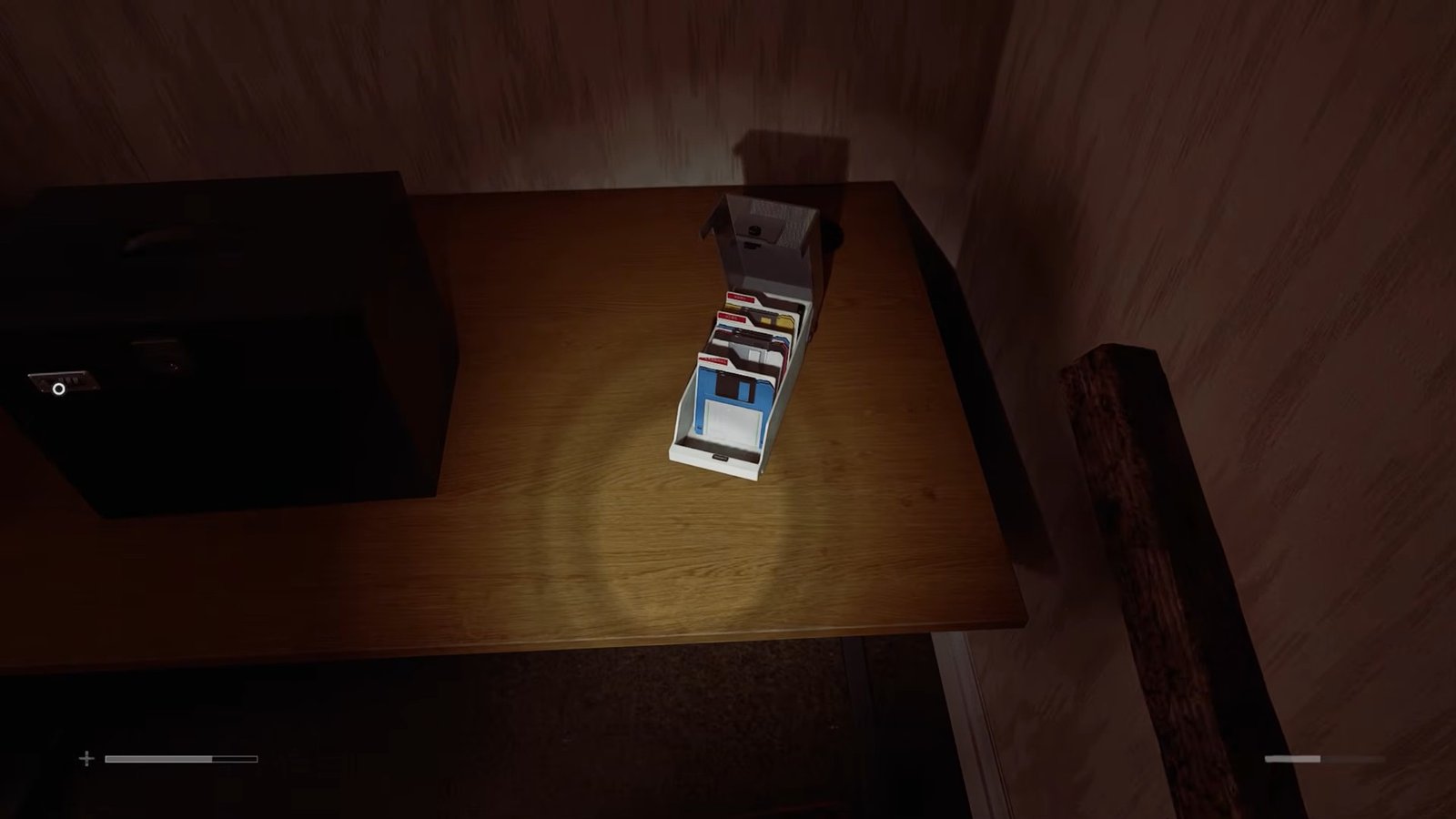
Use the key to unlock the case. Inside, you will find three floppy disks. Take all three before moving on to the computer. Next, go to the computer and turn it on.
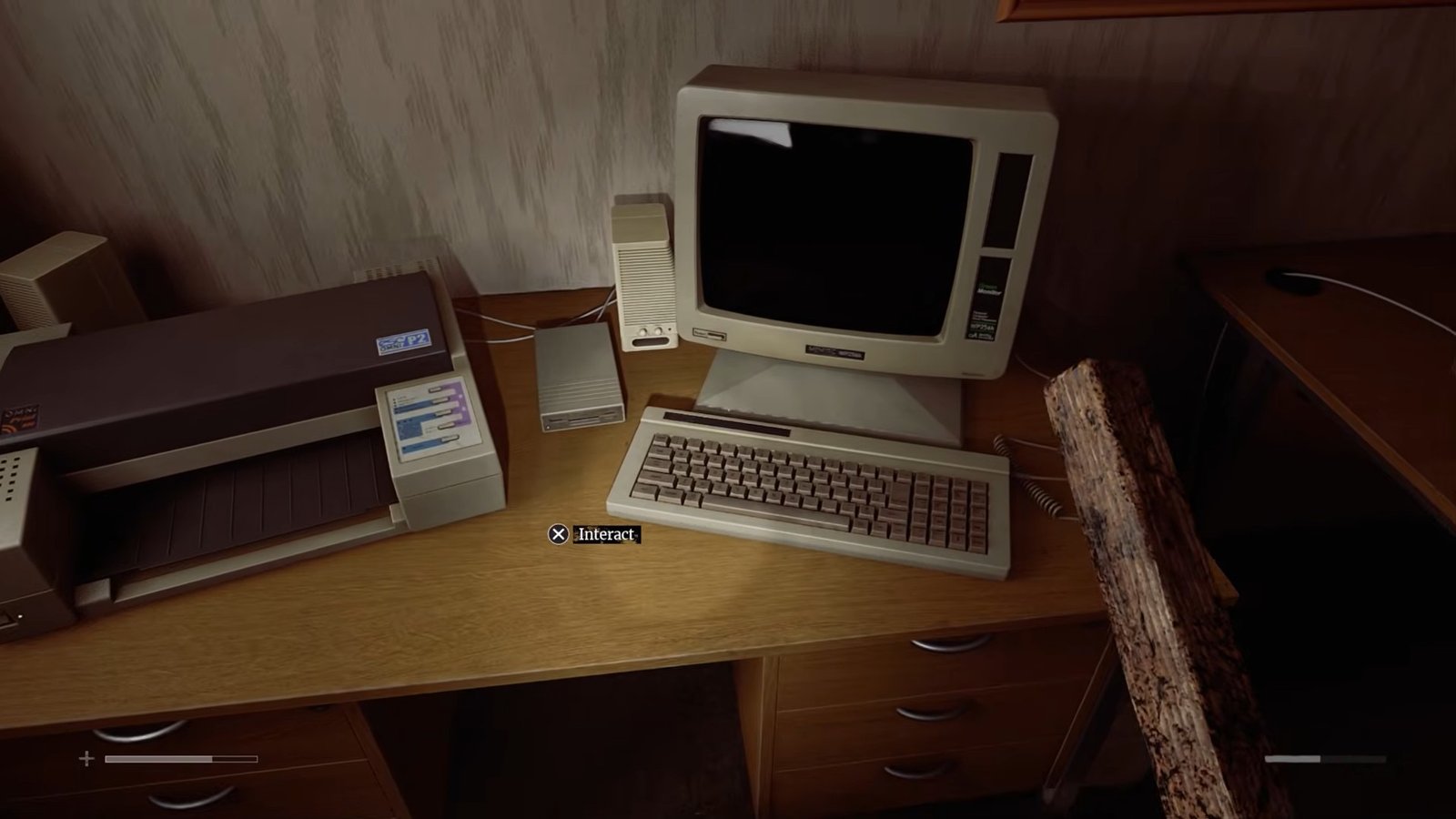
Start the software and insert the first floppy disk when prompted. The computer will scan the disk and ask whether you want to unzip it. Confirm this and then insert the second floppy disk.
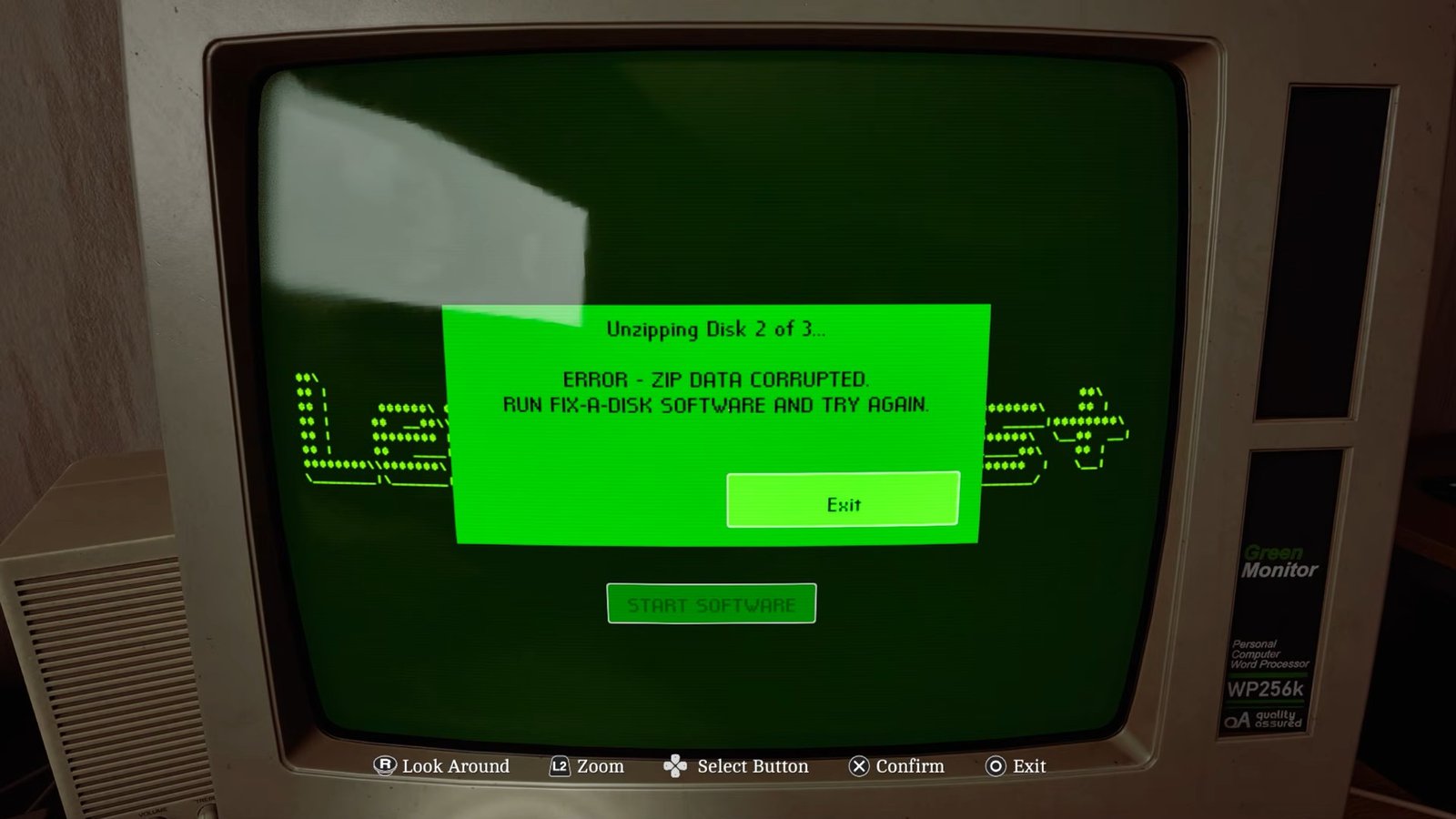
However, the computer will tell you that you need to run the Fix-a-Disk software before you can continue. Remove the disk and leave the computer for now.
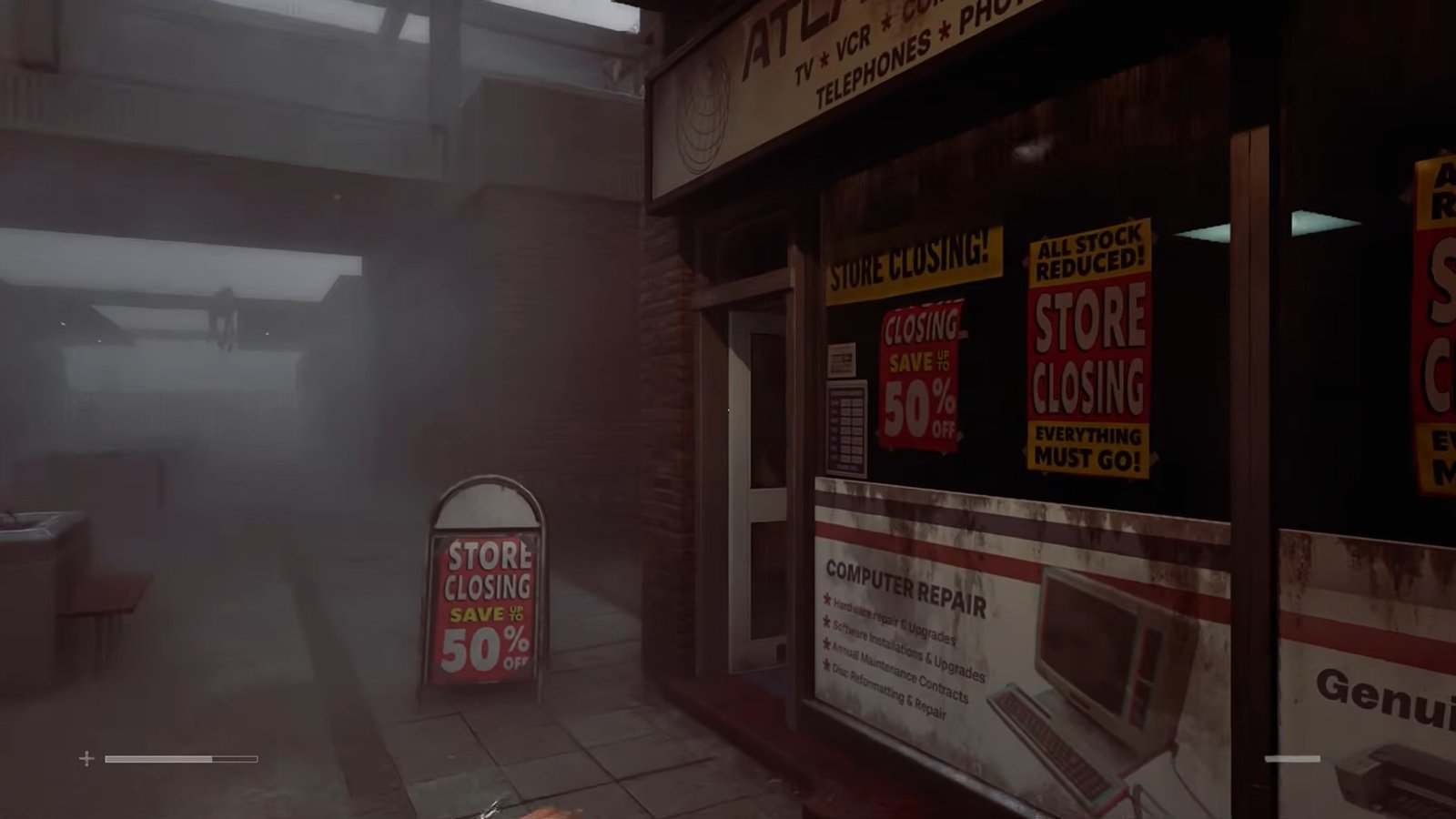
Go back to the area where the monument is, take a turn to the right, and move forward to enter the nearby shop.
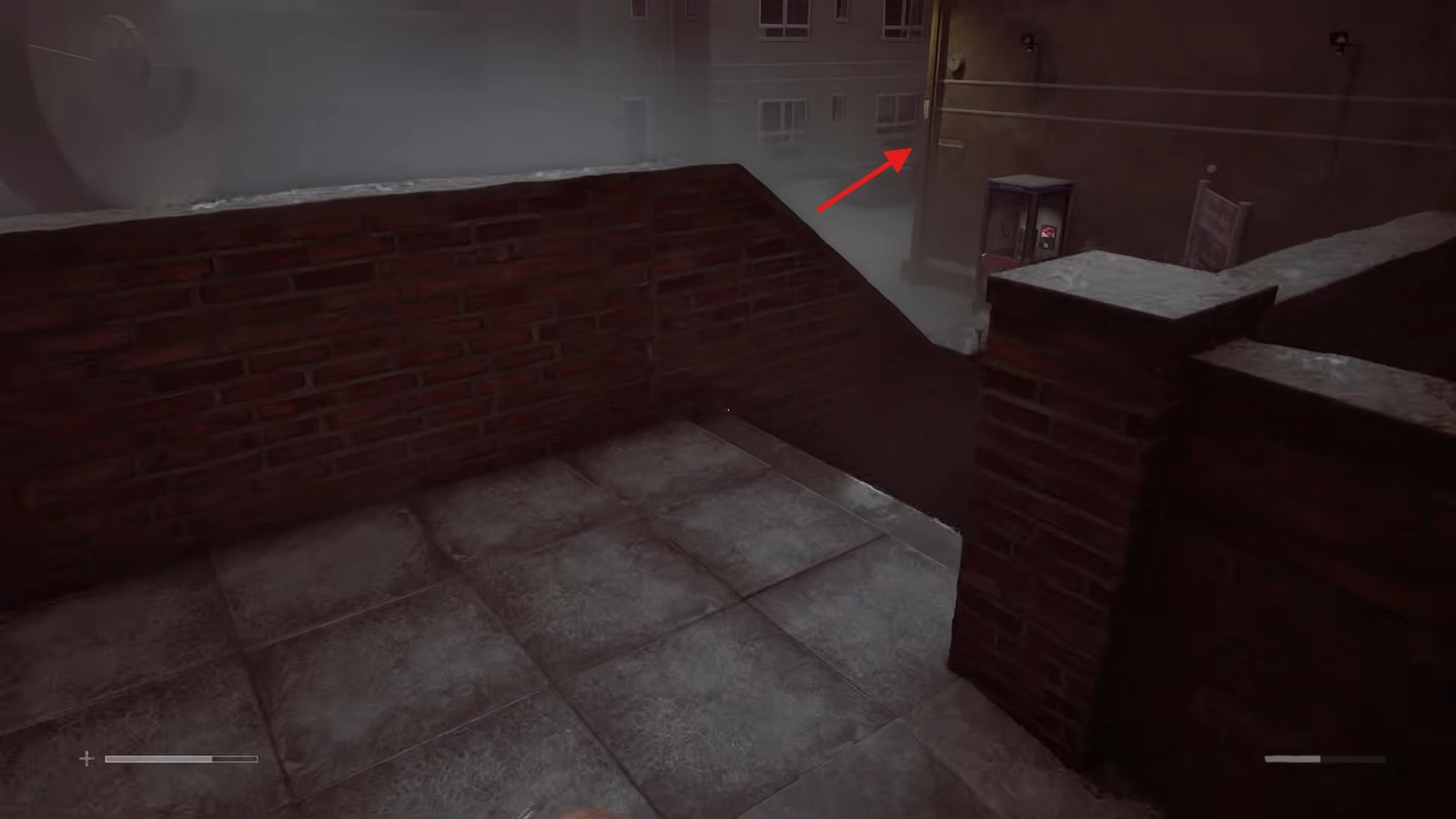
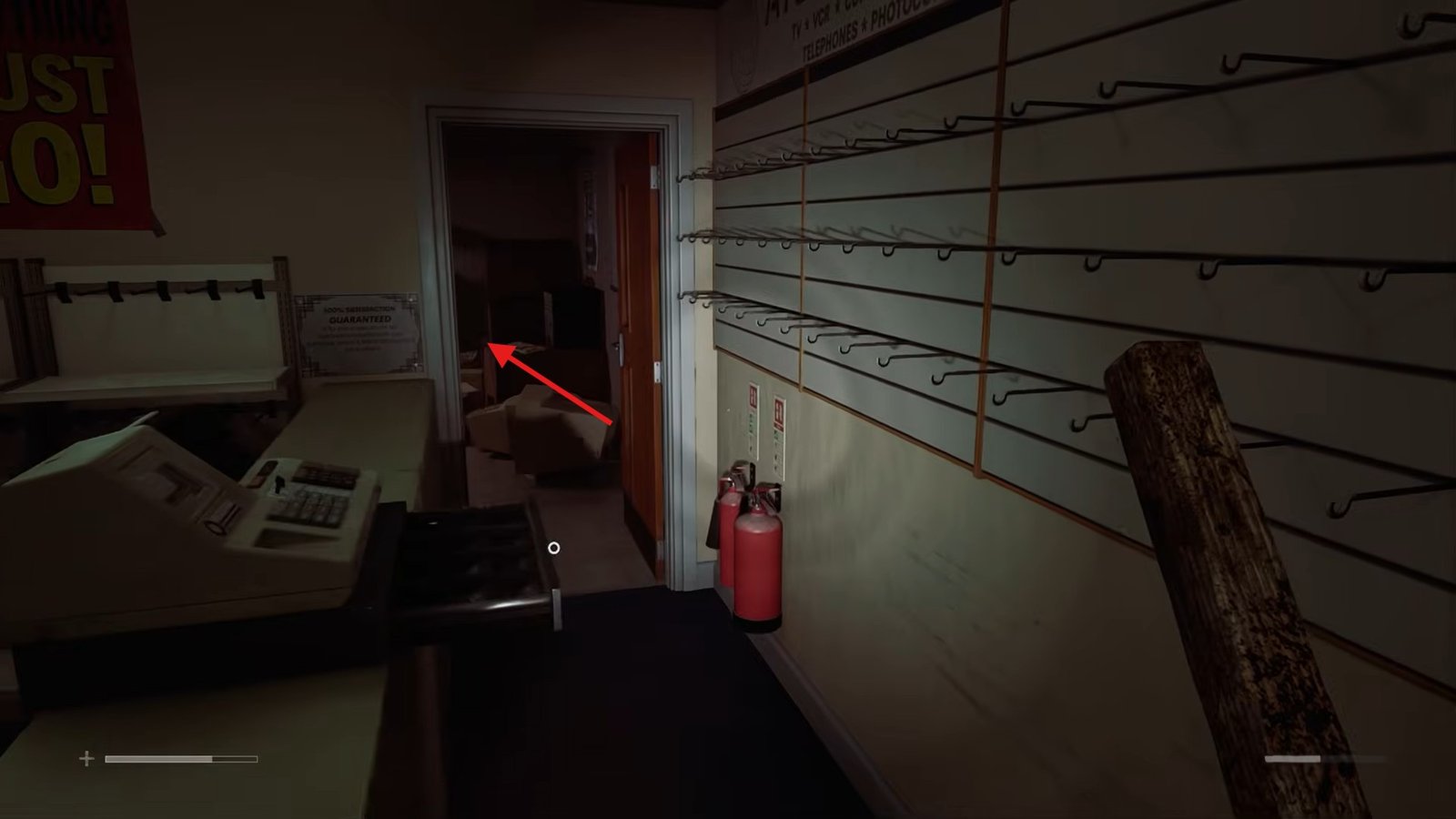
Once you are in the shop, go into the back room.
At the back of this room, you will find another floppy disk case.
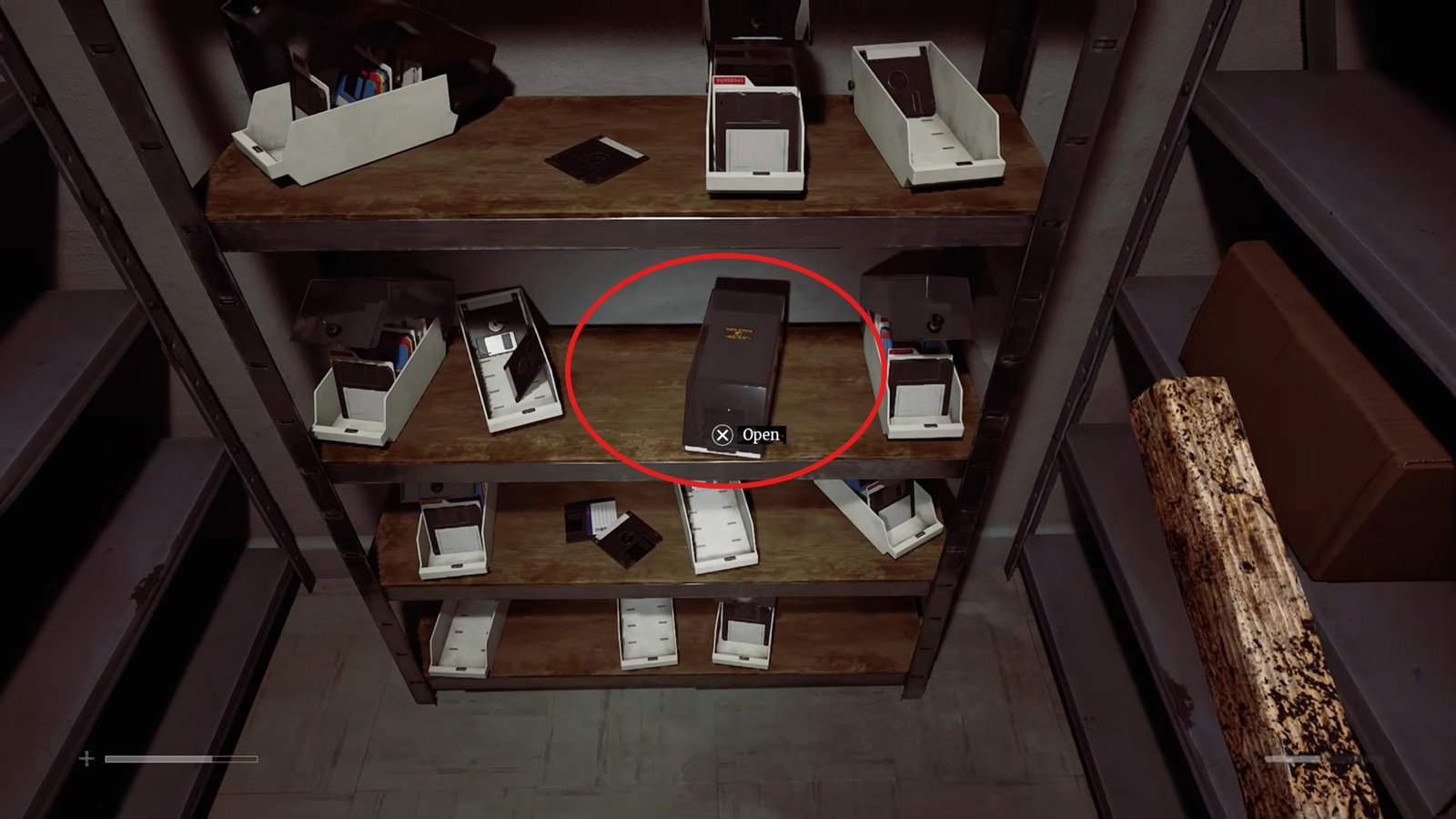
Open the case and collect the Fix-a-Disk software.
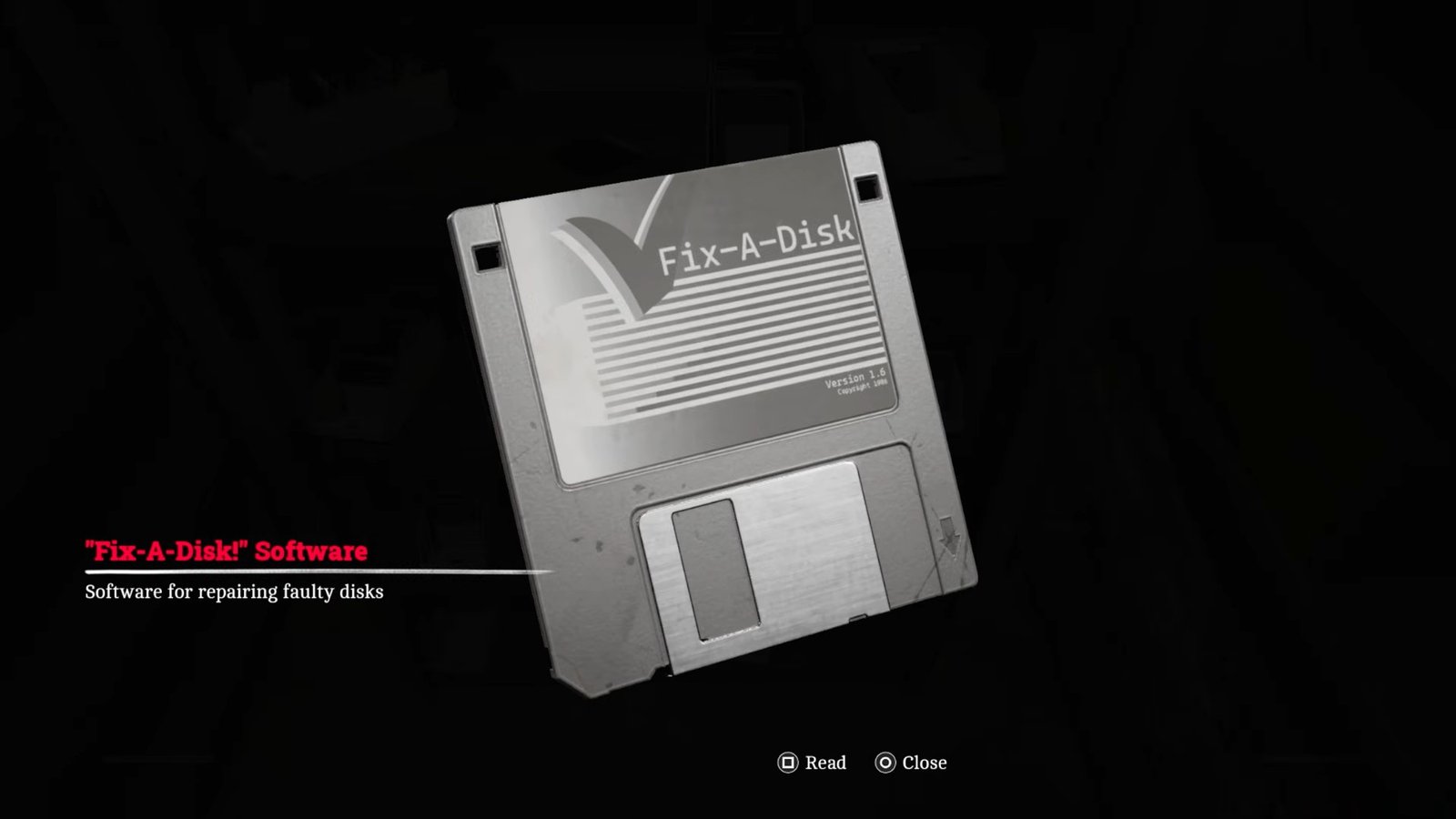
With this disk in your inventory, return to the No. 5 house and go back to the computer.
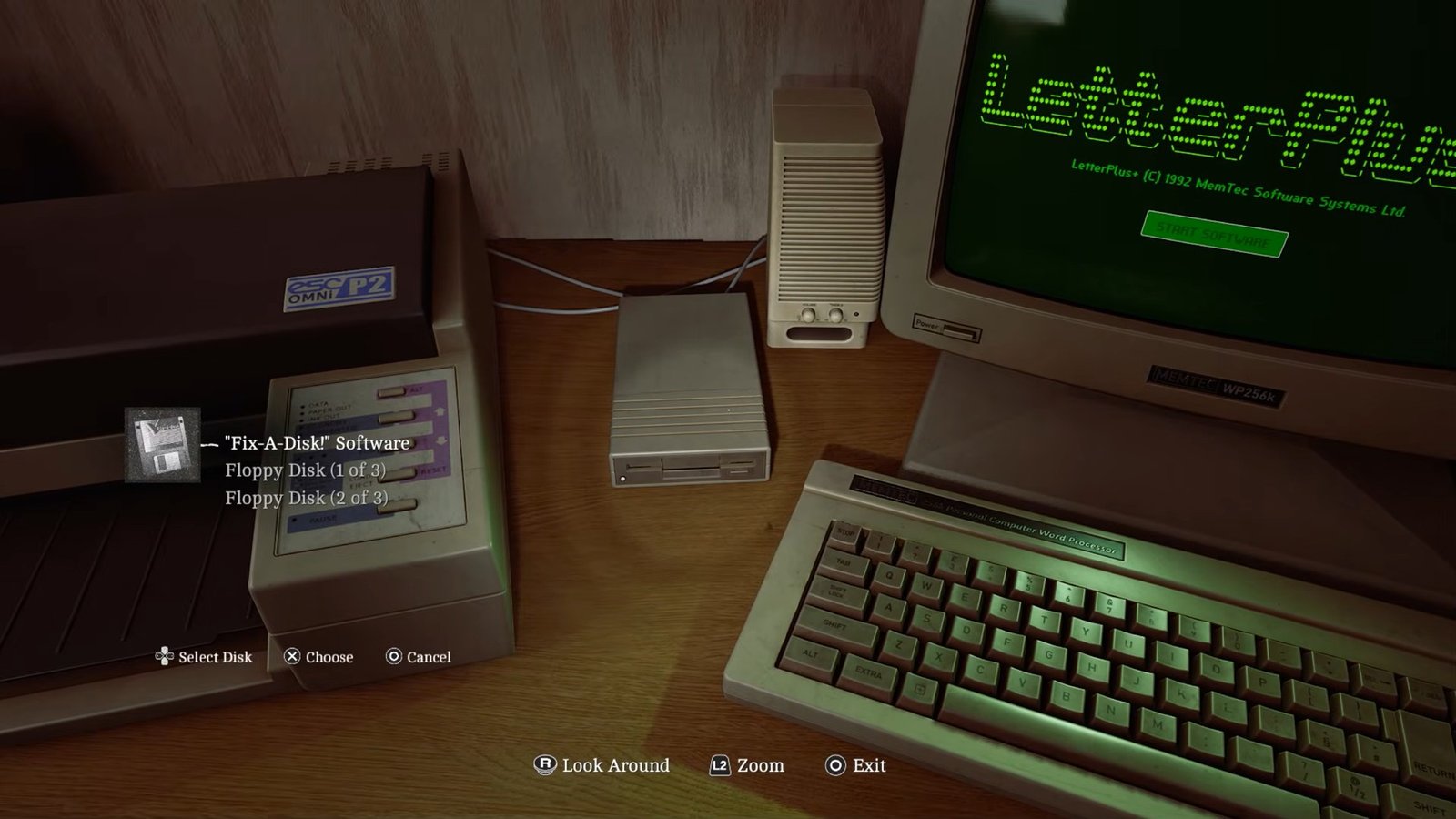
At the computer, start the software and insert the Fix-a-Disk disk. Begin the process, then move over to the floppy disk machine and insert Disk 2 of 3. Choose Repair Volume and confirm the action. Confirm it once more when prompted and start the software again.
Next, insert Disk 1 of 3 and confirm the prompt. After that, insert Disk 2 of 3 again when requested. Once the process is complete, remove the second disk and replace it with Disk 3 of 3. Return to the computer and start the software with the third disk inserted.
Next, turn on the printer and select the Manual EML option. After that, choose Print in the bottom-right corner.
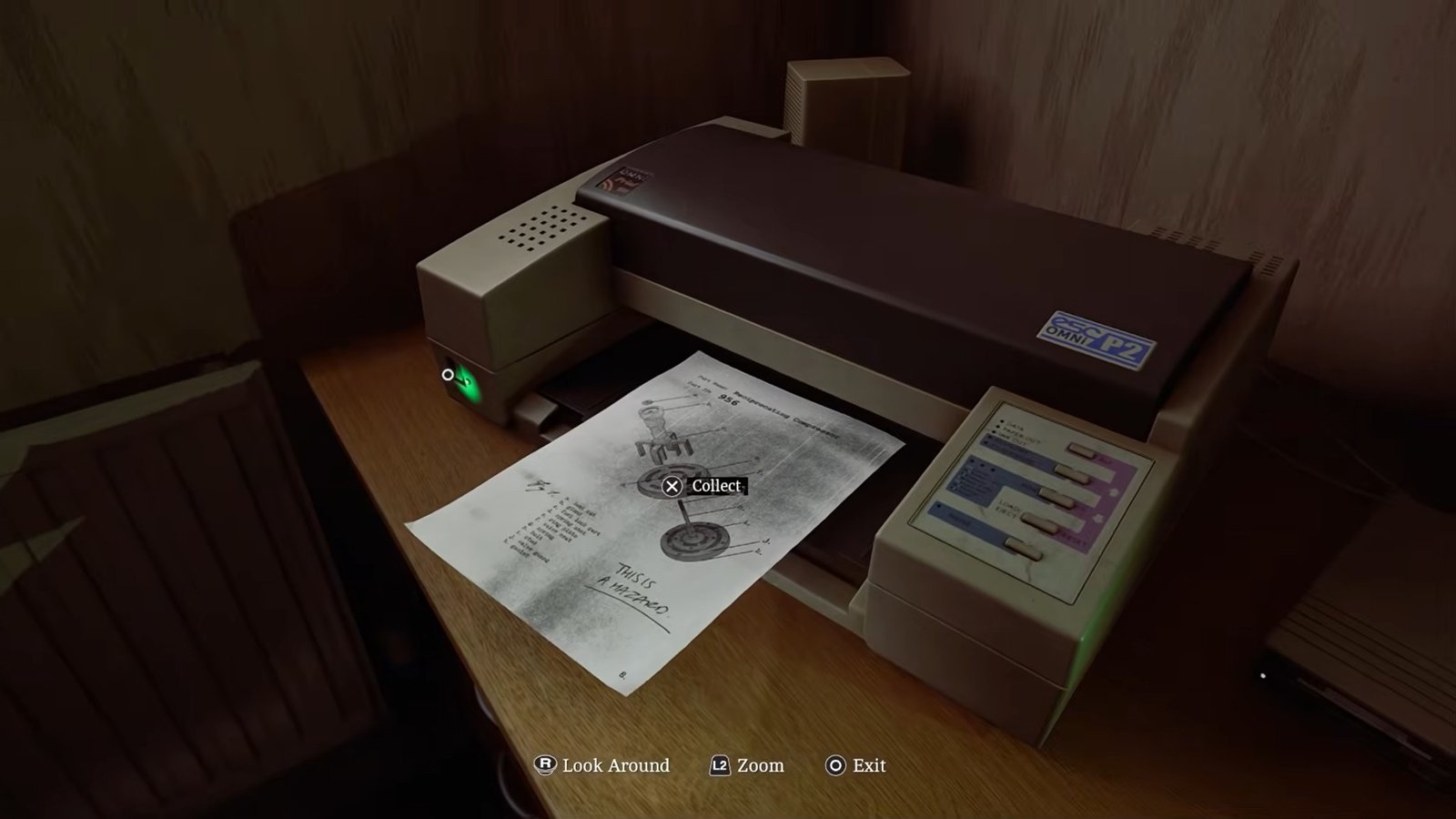
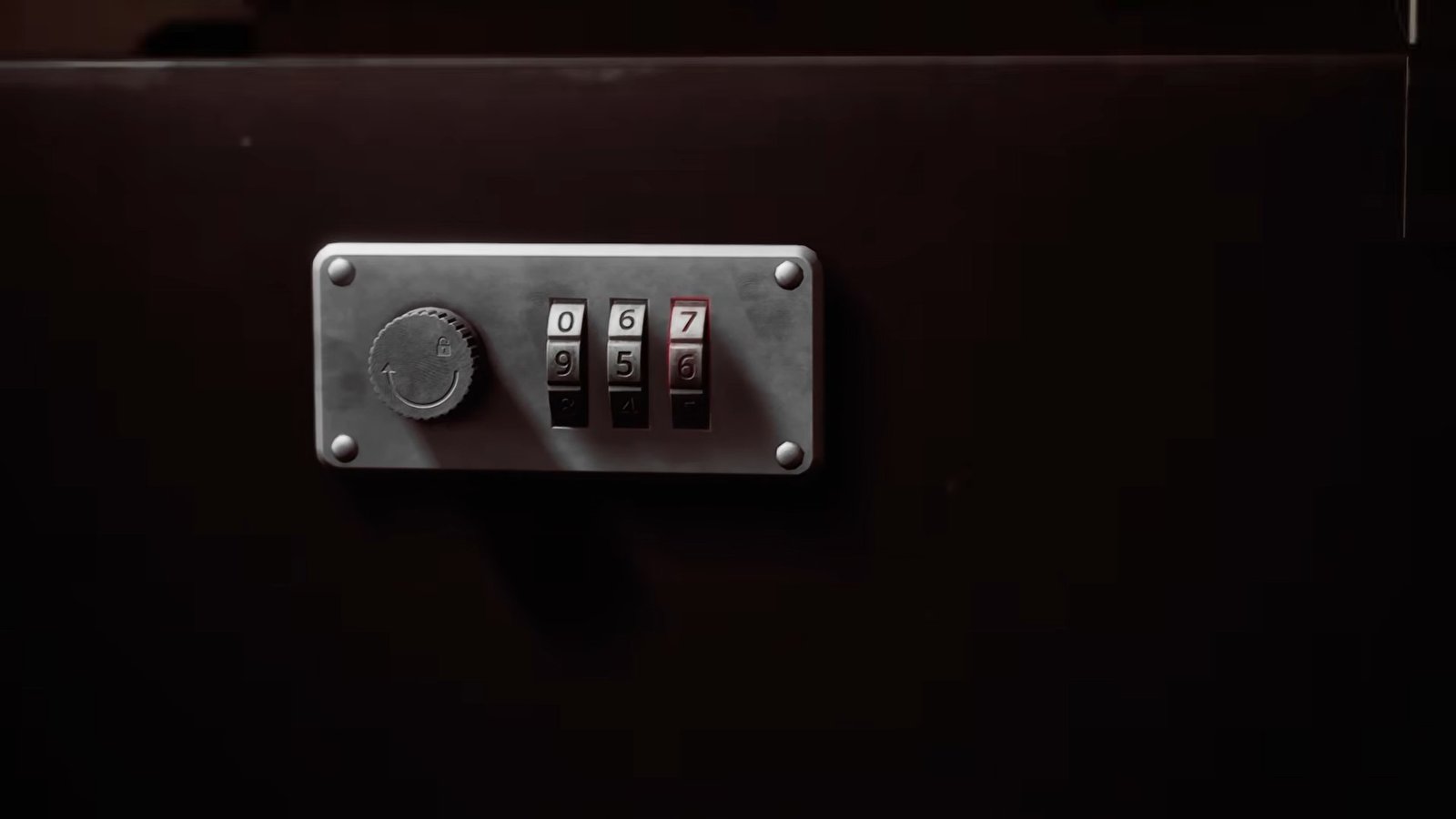
Once the printer finishes, collect the printed image. It will contain the code 956, which is the code you need for the final case.
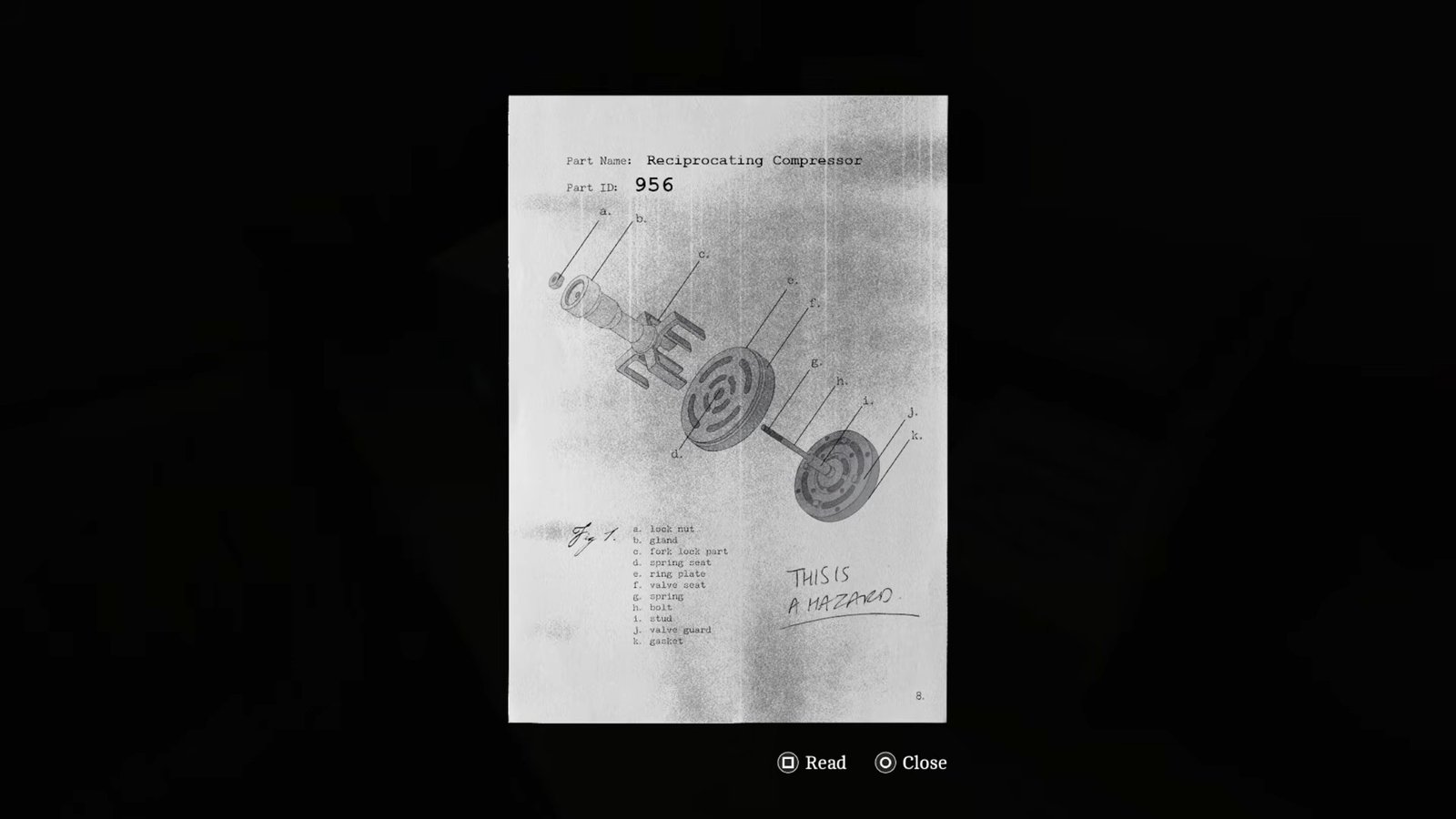
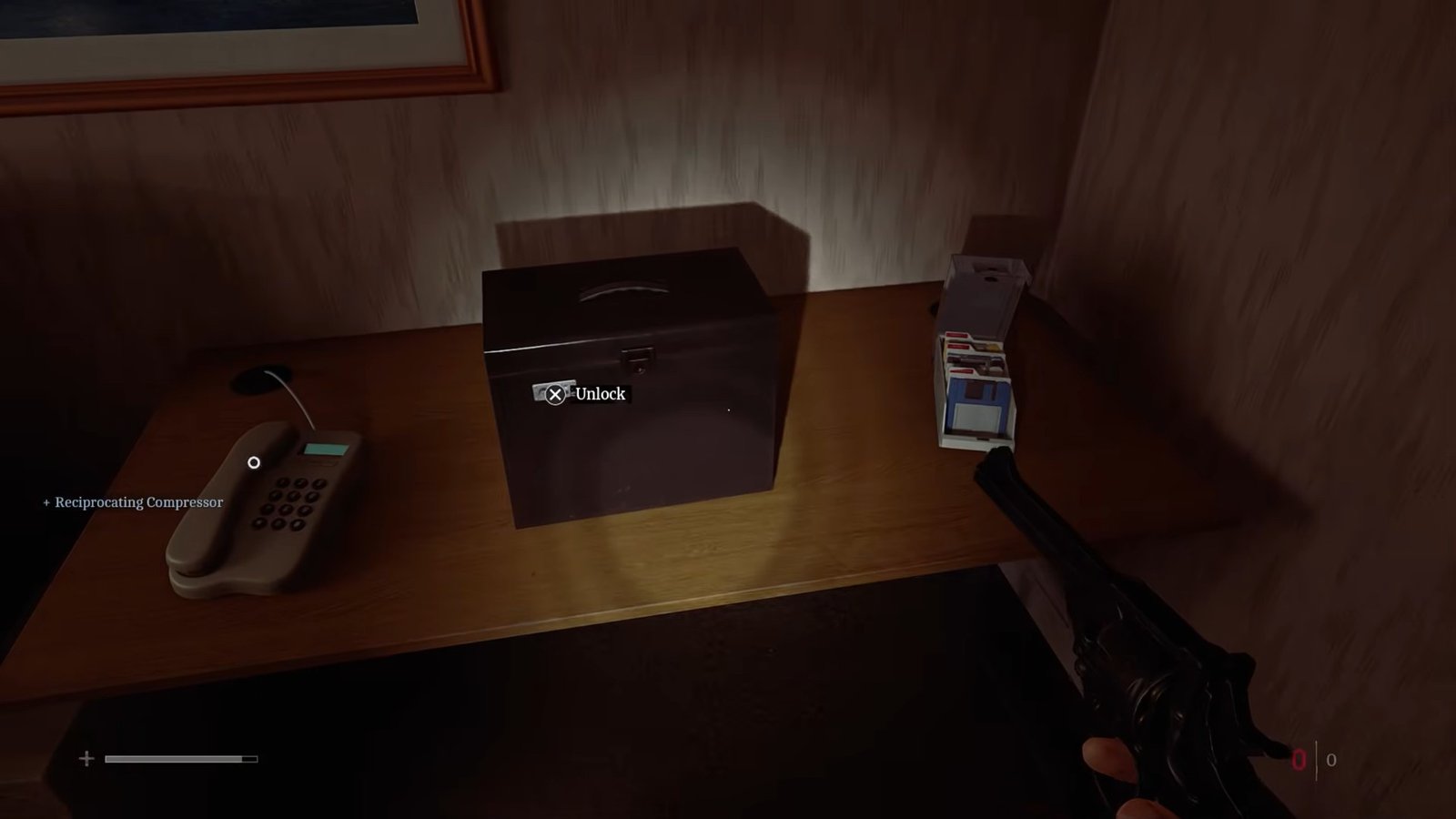
Take the code to the nearby case and enter the numbers in order; opening the case will give you the CEG locker code.
That is all for this guide. Additional Silent Hill: Townfall guides are linked below:
- How to Get the Flare Gun in Silent Hill: Townfall
- How to Complete the Blood Door Puzzle in Silent Hill: Townfall
- How to Complete the Aux Pipe Tower Puzzle in CEG HQ in Silent Hill: Townfall
- Silent Hill: Townfall Strange Postcards Locations Guide – Where to Find All
- Silent Hill: Townfall Clinic Reception Puzzle Guide – Where to Find the Lock Code
- Silent Hill: Townfall Pharmacy Locker Code Puzzle Guide – How to Solve
This concludes our Silent Hill: Townfall guide on how you can solve the Floppy Disk Puzzle. If you want to add anything to this guide, feel free to use the comment section below.