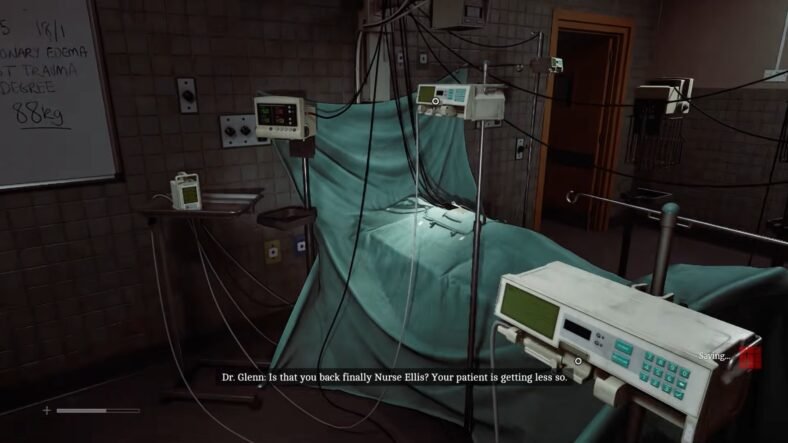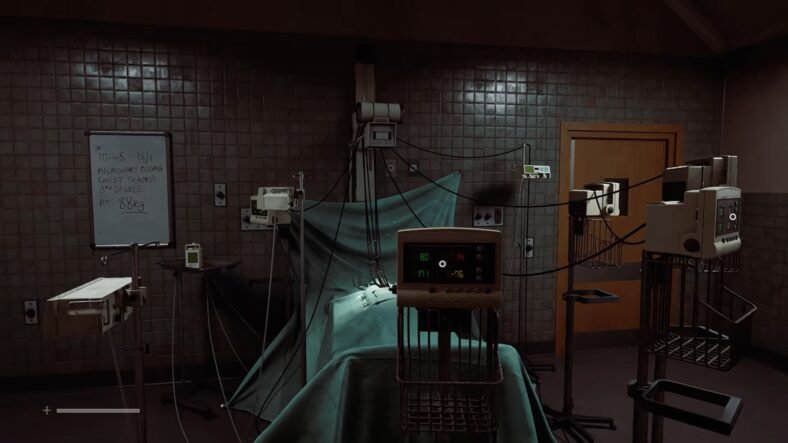
This Silent Hill: Townfall guide details how to take the patient’s skull and chest X-rays in the surgical room. You need to check the correct X-ray settings, align the patient properly, print both images, and then examine them for Dr. Glenn.
Patient X-Rays Guide – Silent Hill: Townfall
You will eventually reach the surgical room as you progress in the story in the game. Before starting the X-ray process, check the computer and open the section showing the X-ray dosage information, which gives you the settings needed for both parts of the scan
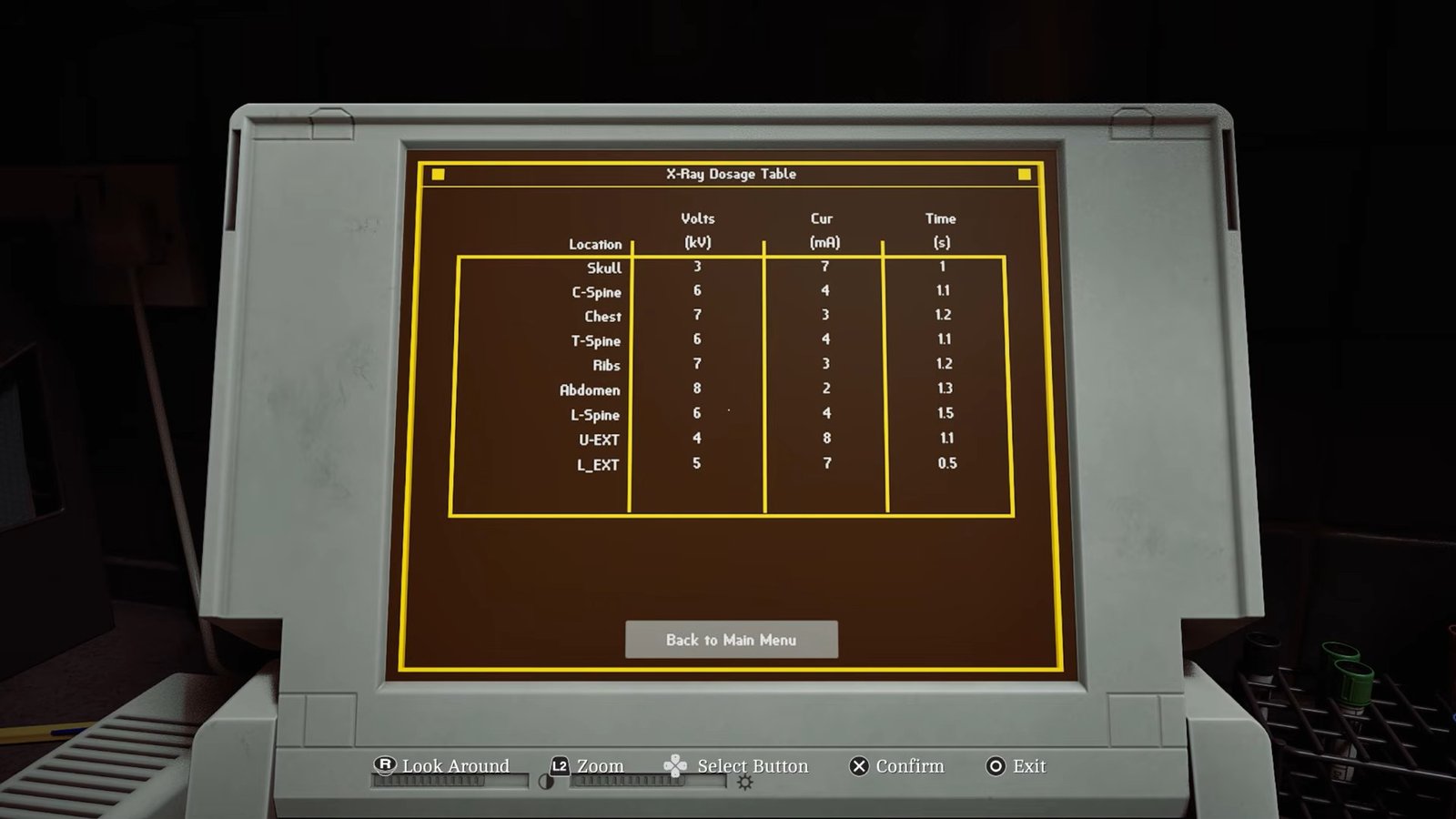
For the skull, the values are KV 3, MA 7, and Time 1. For the chest, use KV 7, MA 3, and Time 1.2. Keep these numbers nearby because you will need to enter them later.
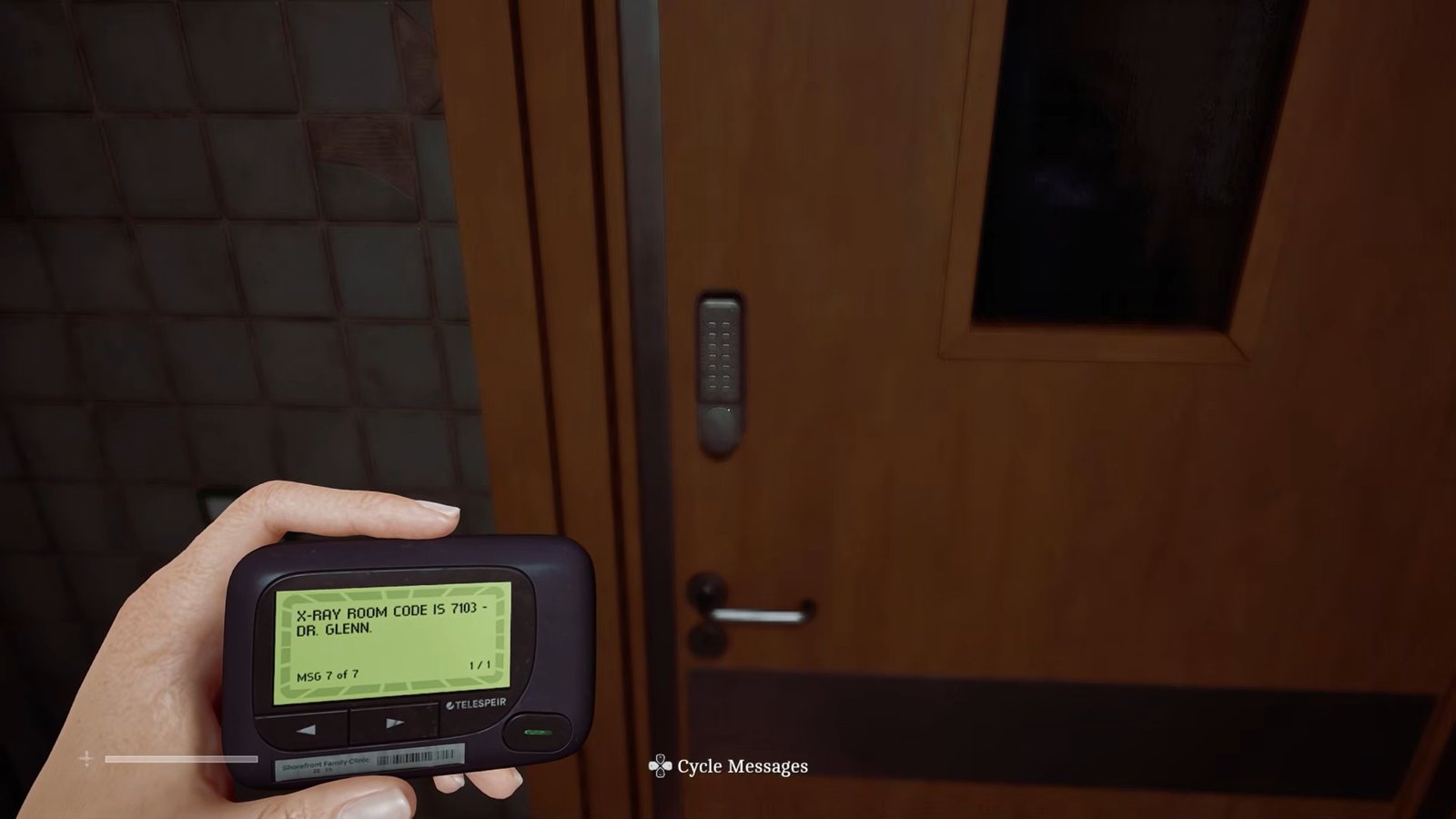
After checking the information, go to the nearby locked door and use the code shown on your device: 7103. Enter the four numbers to unlock the door and access the X-ray equipment.
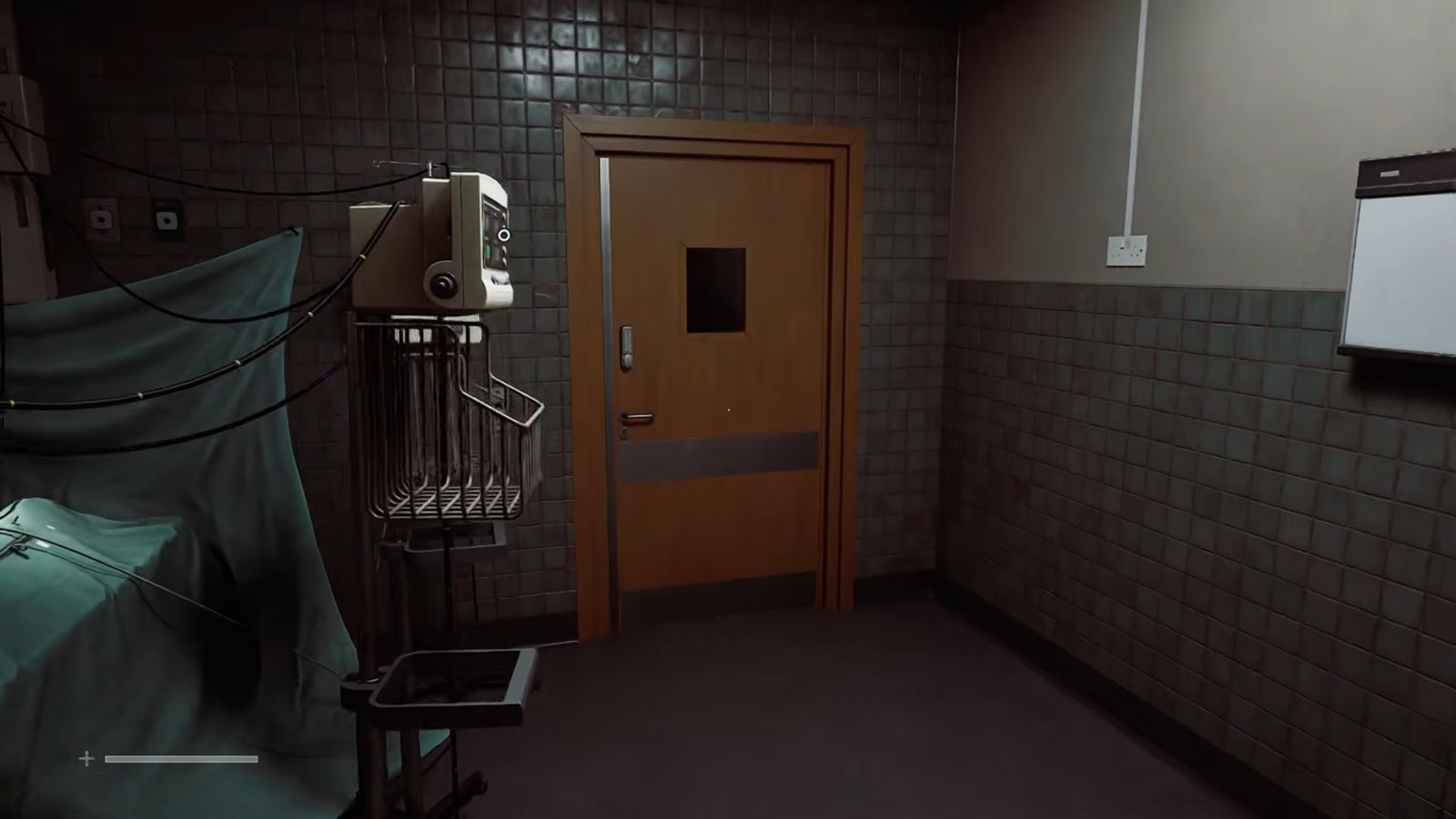
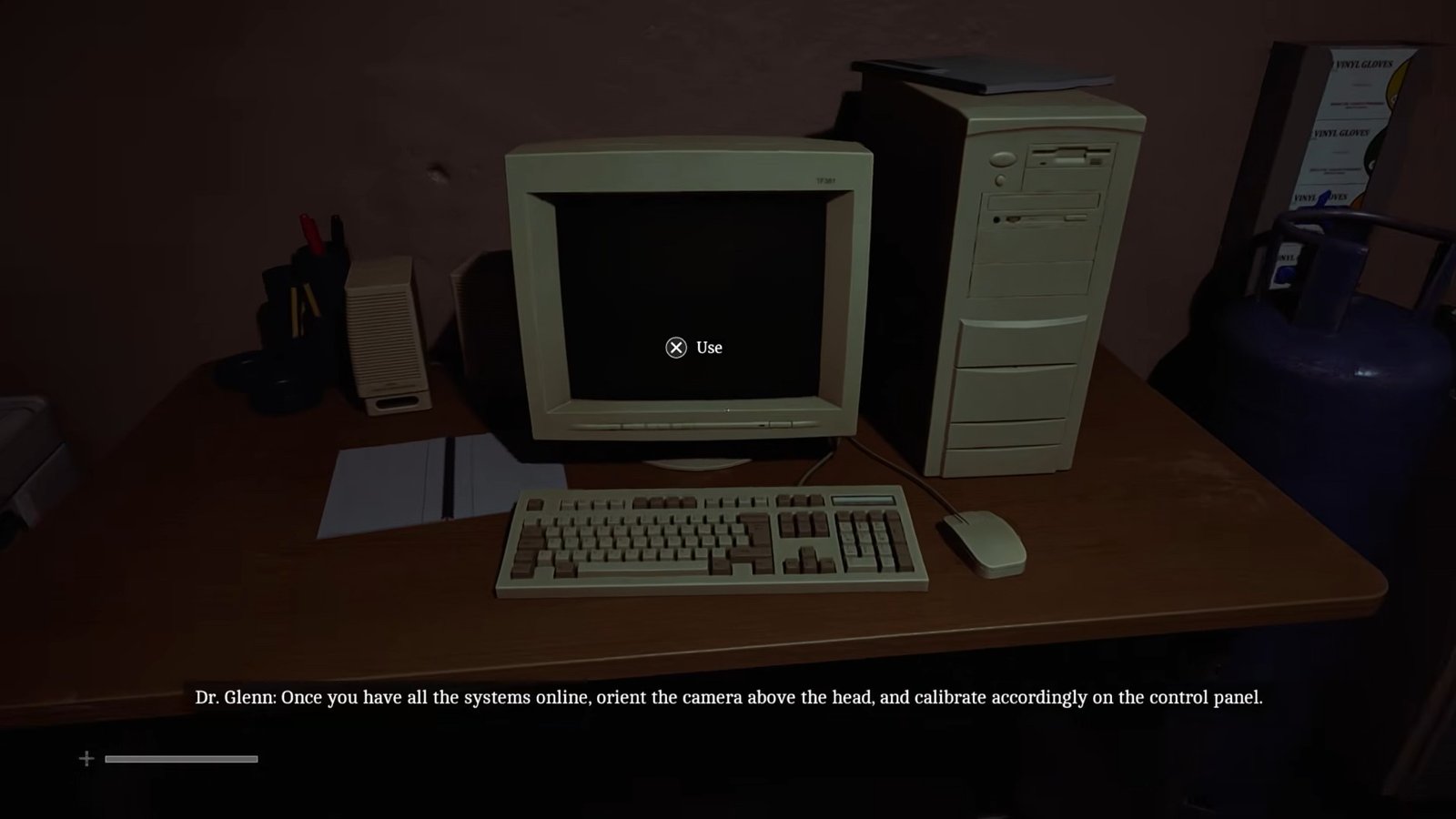
Inside the room, first turn on the computer.
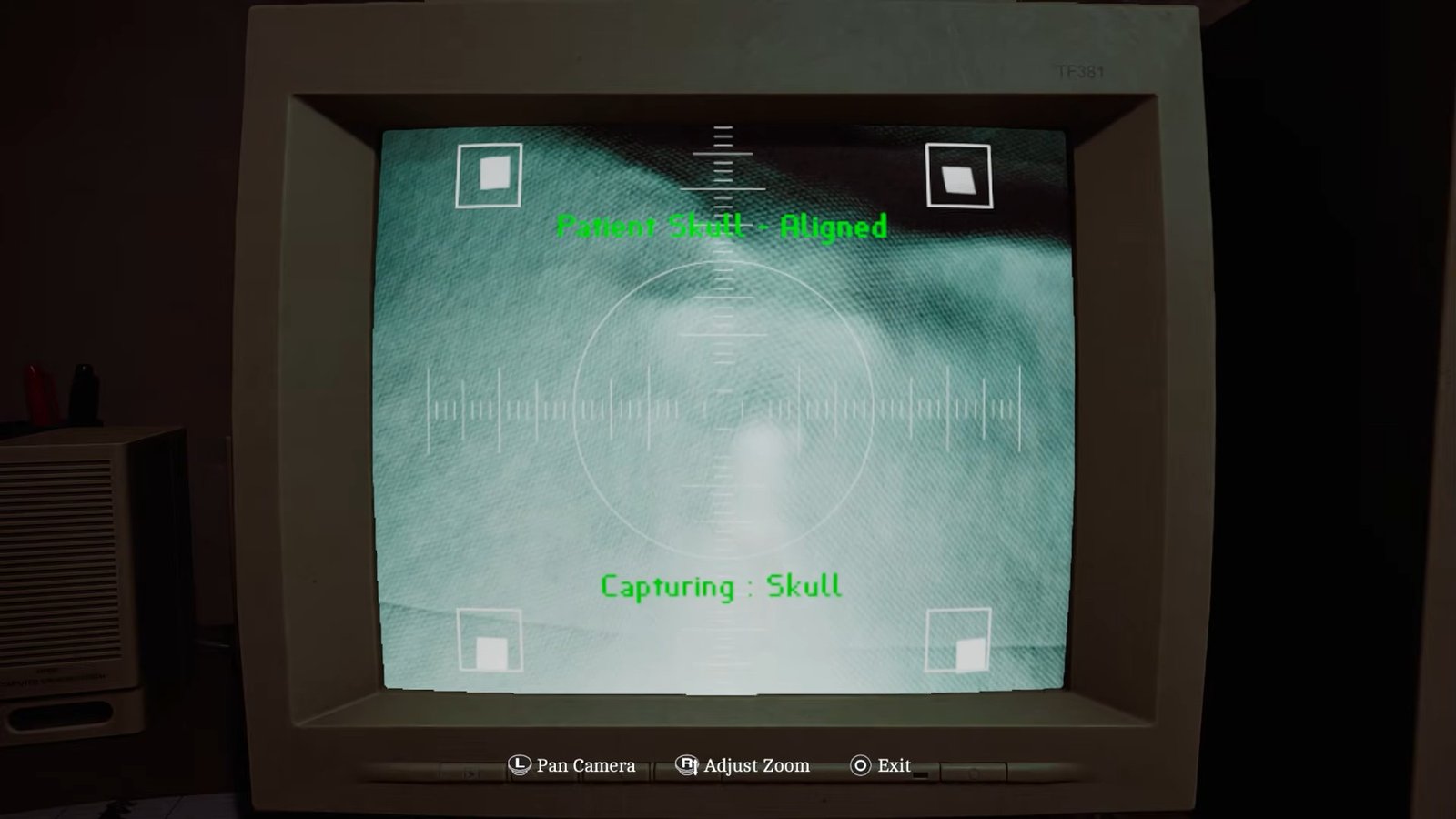
The first task is to line up the patient’s skull. The screen has white markers in the corners, and you need to adjust the image until they match the white dots on the patient’s face. Zoom in until all the markers are lined up correctly. When everything is in the right position, the screen will display “Patient skull aligned.”
Next, move to the X-ray controls on the left. Switch the settings to the skull and enter the values you found earlier: KV 3, MA 7, and Time 1. Use the D-pad to move between the different settings.
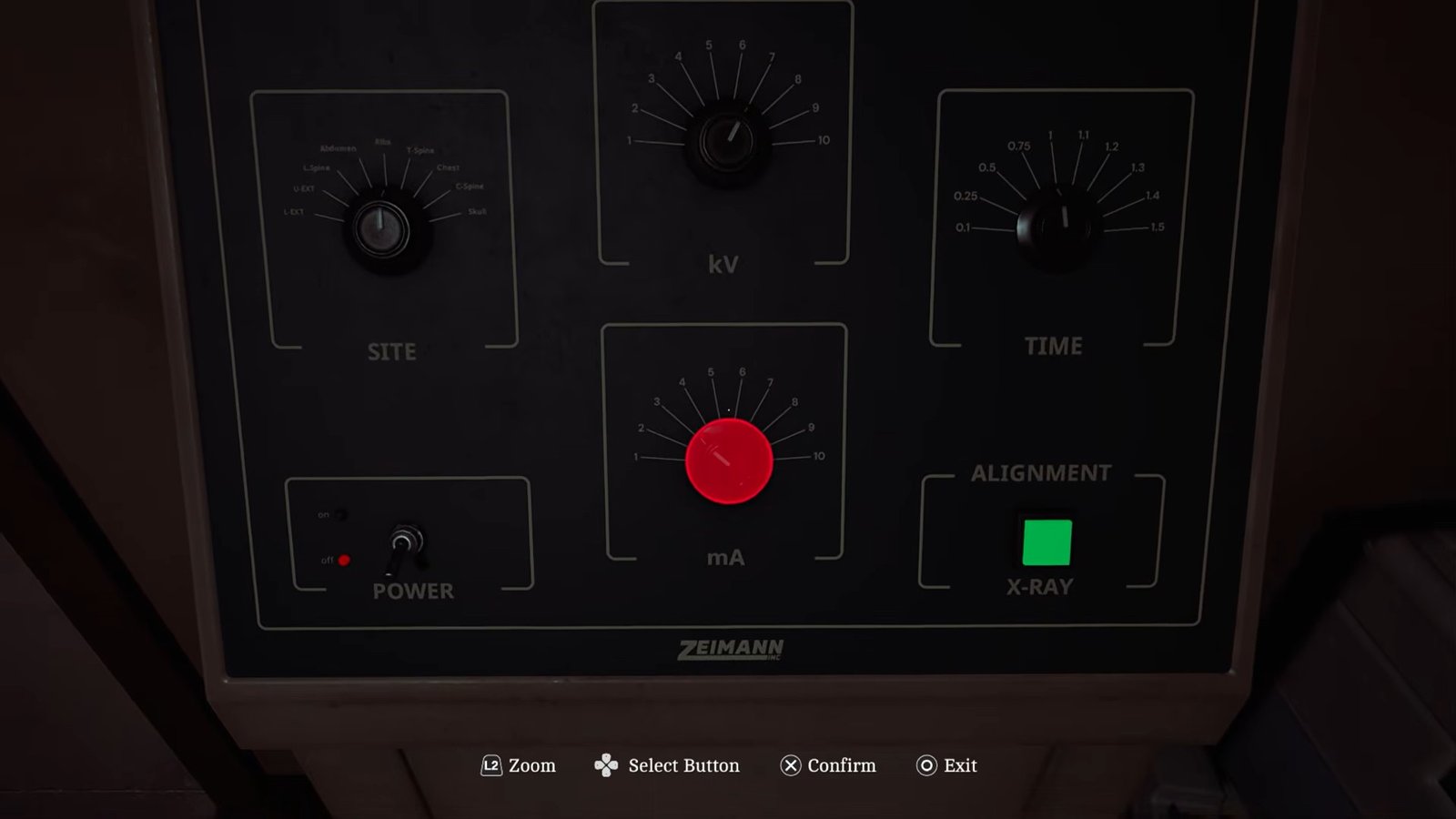
Once the values are correct, perform the scan. Dr. Glenn’s response will confirm that you completed this part correctly.
Return to the computer and zoom the image back out until you can position it over the patient’s chest. Adjust the view until the white markers line up again. The game will show “Patient chest aligned” when the positioning is correct.
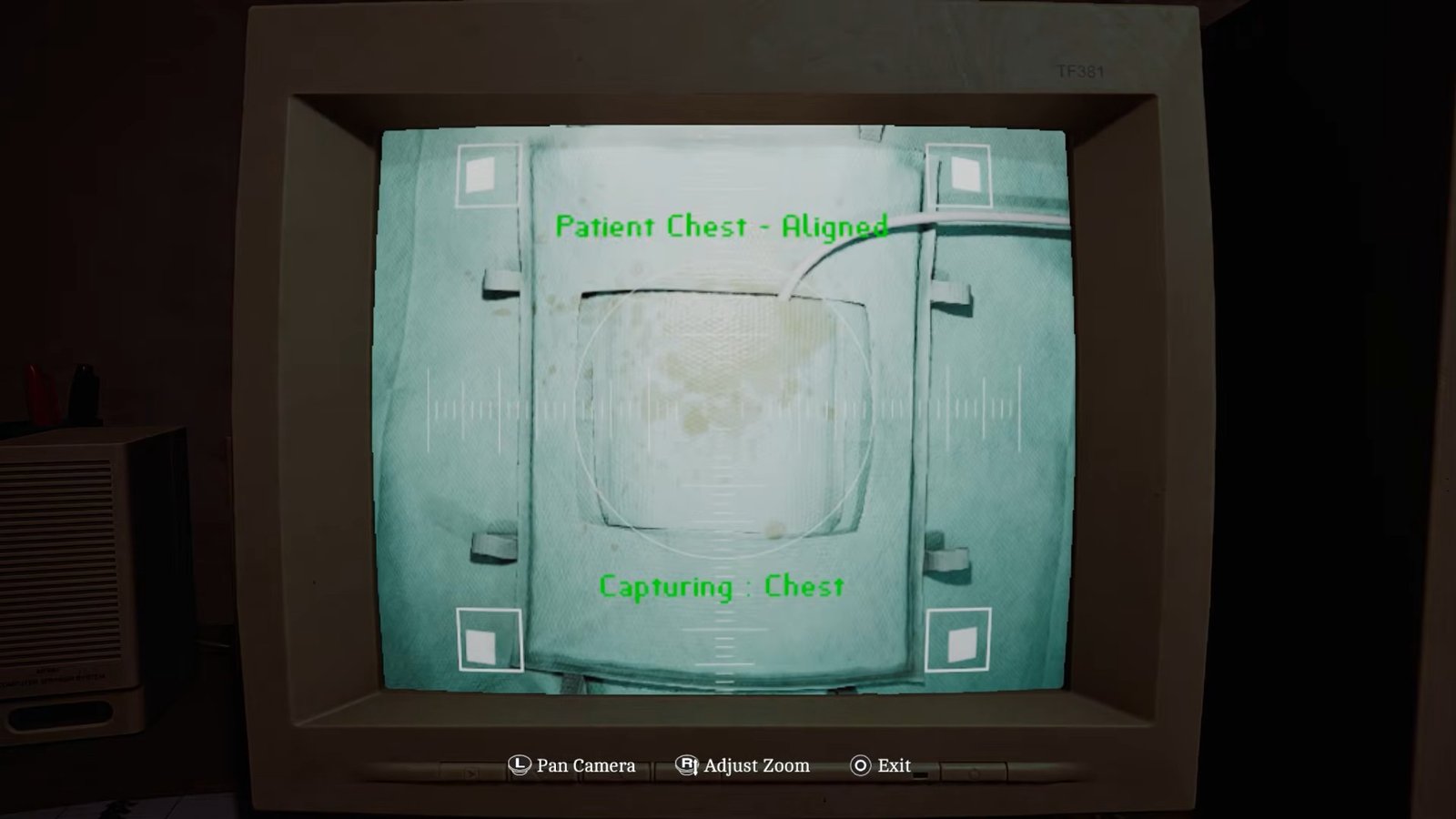
After that, change the X-ray type from the skull to the chest. Enter KV 7, MA 3, and Time 1.2, then complete the scan. Once the X-ray images have been printed, go to the printer at the back of the room and collect them.
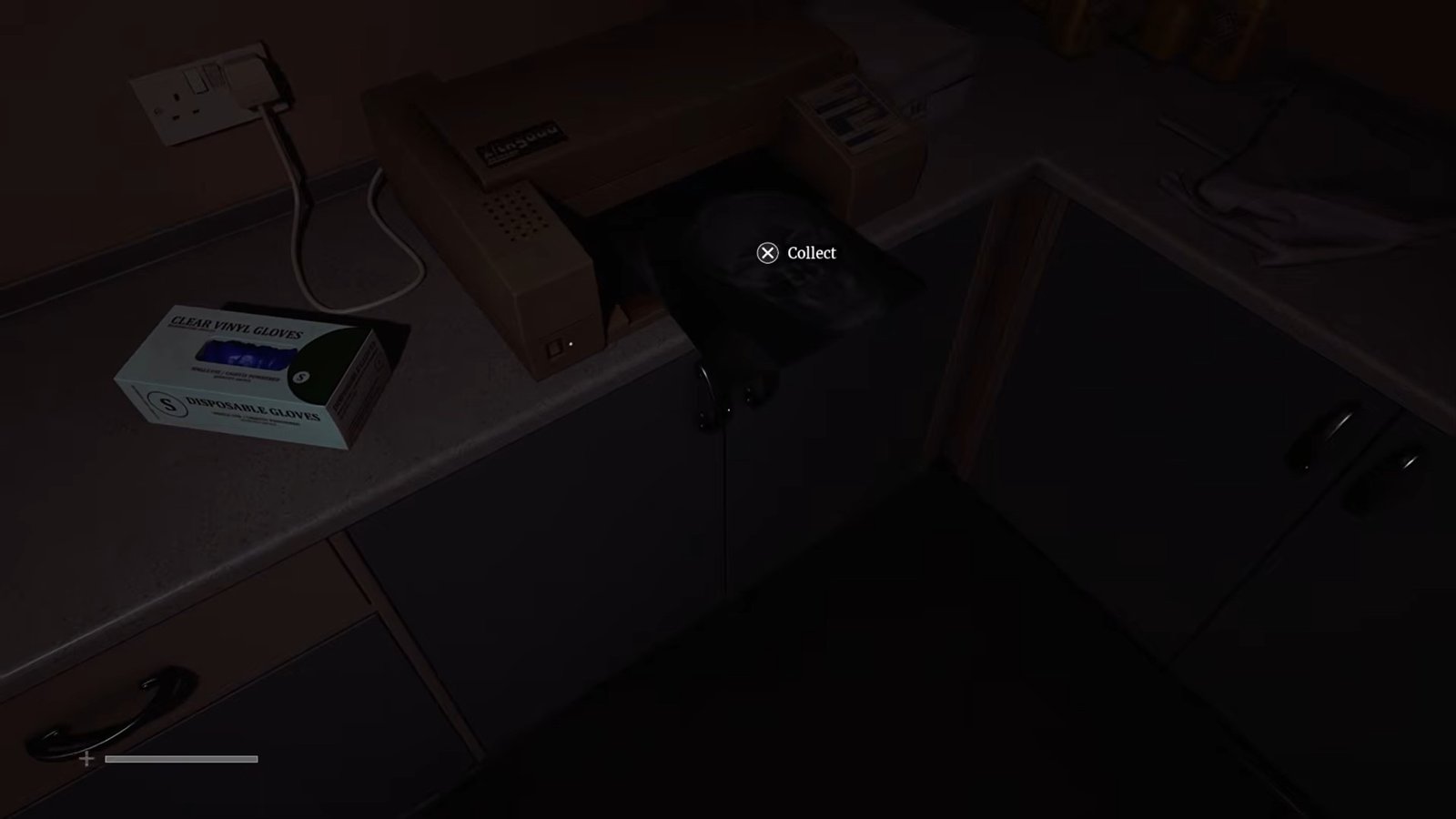
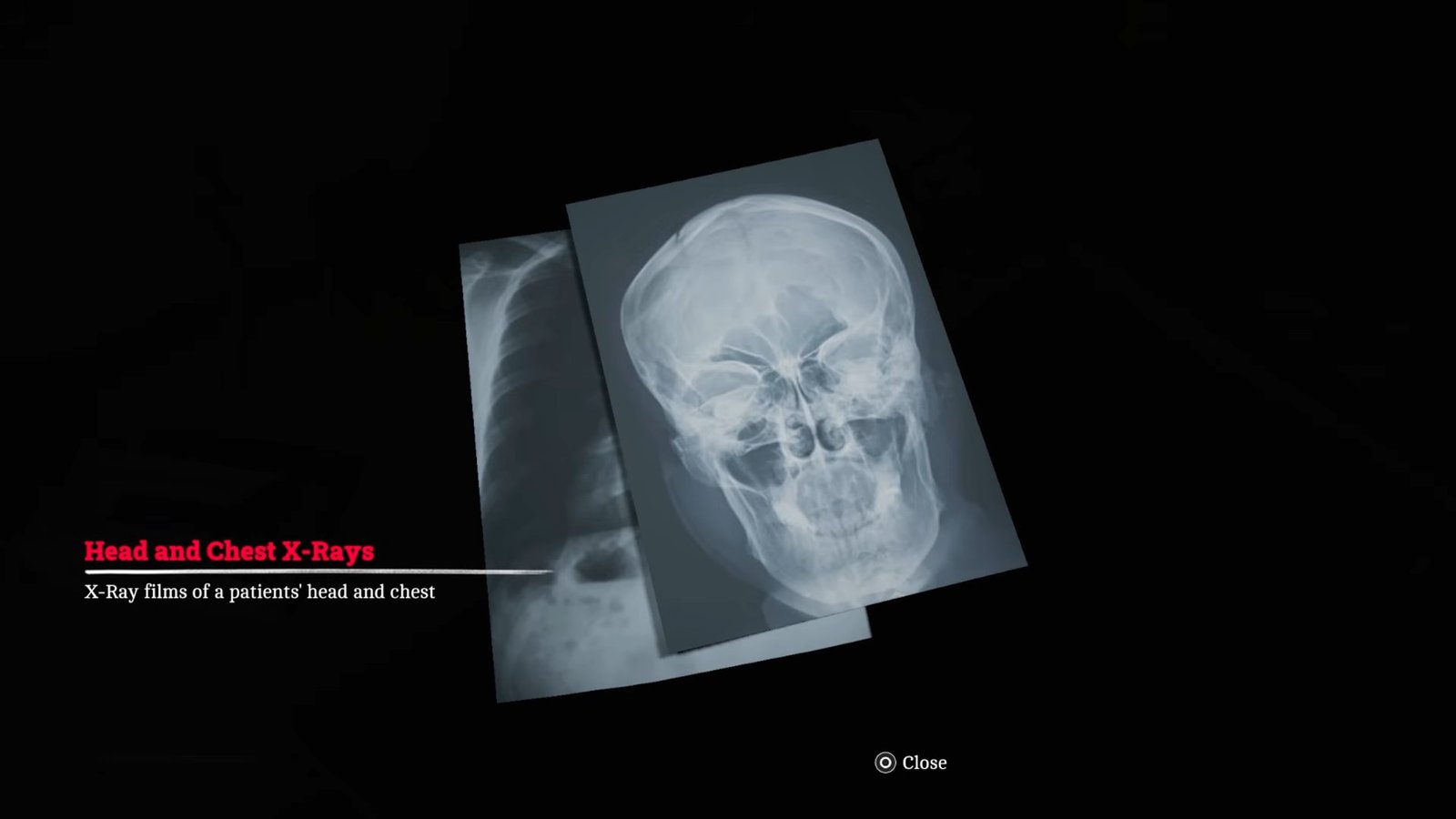
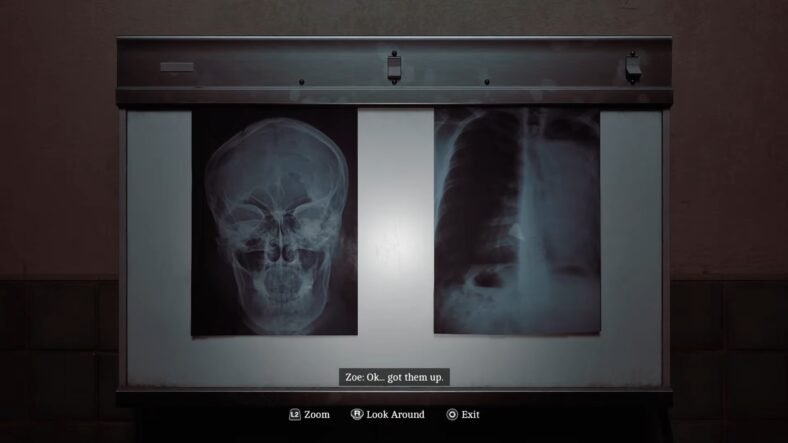
Take the images back to the surgical room and look to the left of the entrance where you will find the screen used to examine the X-rays.
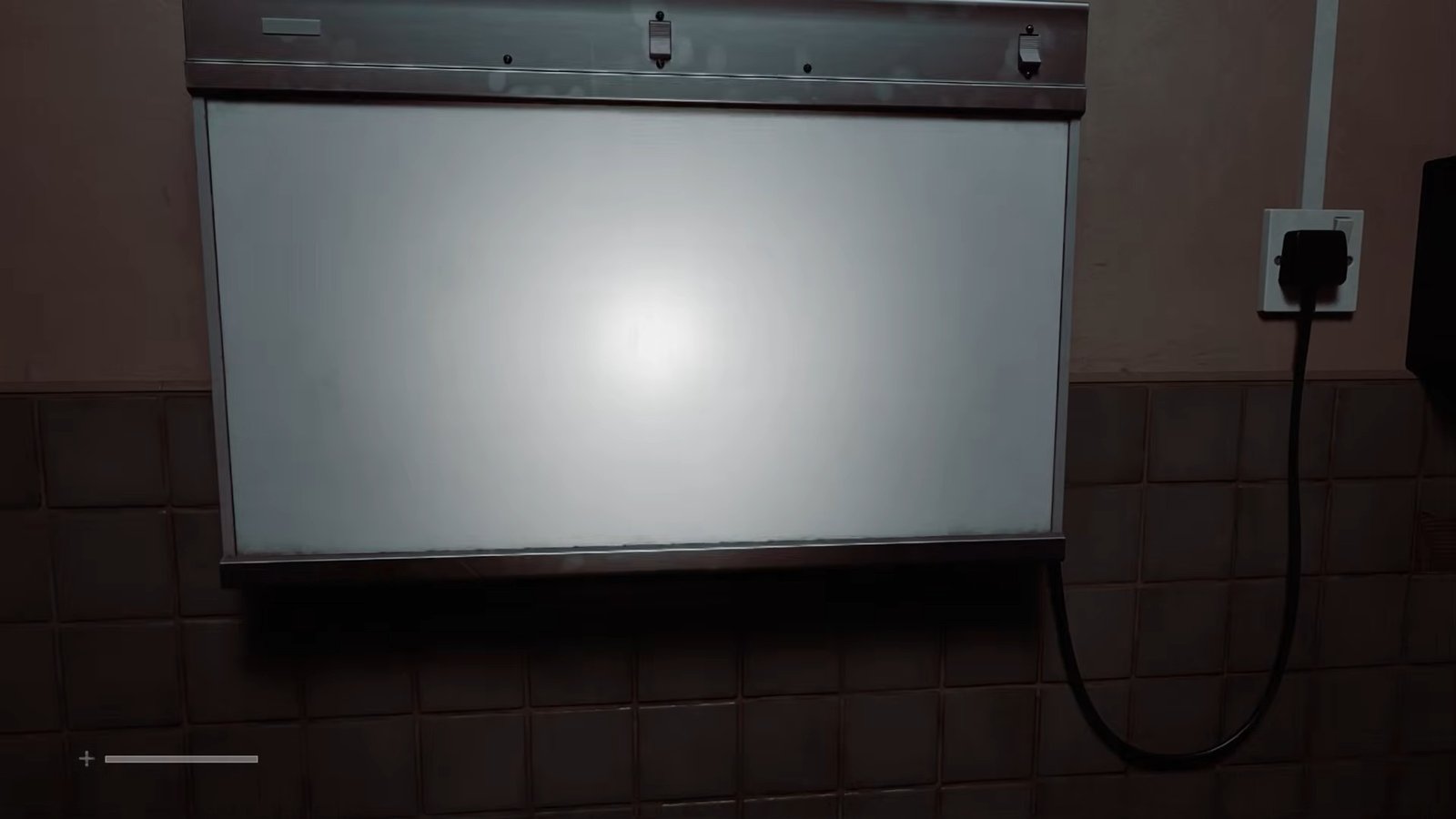
Use the screen to inspect the images for Dr. Glenn. You will first examine the X-rays, after which he will ask you to check the chest X-ray, and you will complete the patient’s skull and chest X-rays.
That is all for this guide. Additional Silent Hill: Townfall guides are linked below:
- How to Enter the Medical Center in Silent Hill: Townfall
- Silent Hill: Townfall Patient Readings Puzzle Guide – How to Solve
- How to Get all Medication Doses in Silent Hill: Townfall – Hydroxalene, Tensobromide, & Dextracylate
- Silent Hill: Townfall Pharmacy Locker Code Puzzle Guide – How to Solve
- How to Open Jess’s House in Silent Hill: Townfall
- Silent Hill: Townfall Clinic Scales Puzzle Guide – How to Solve
- How to Open Jane’s Shed in Silent Hill: Townfall
This concludes our Silent Hill: Townfall guide on how you can complete the patient X-Rays. If you want to add anything to this guide, feel free to use the comment section below.