This Subnautica 2 Heat Tolerance Guide shows how you can get the Heat Tolerance Upgrade, allowing you to swim in hot water. The Heat Tolerance Adaptation is an important upgrade in Subnautica 2 because it allows you to safely explore the hotter parts of the map that would normally be dangerous. Unlocking it takes a bit of exploration, but the process is fairly simple once you know where to go and what tools you need.
How to Swim in Hot Water in Subnautica 2
Before starting this journey, make sure you already have the Sonic Resonator. You will need it several times during the process because certain blocked areas cannot be opened without it.
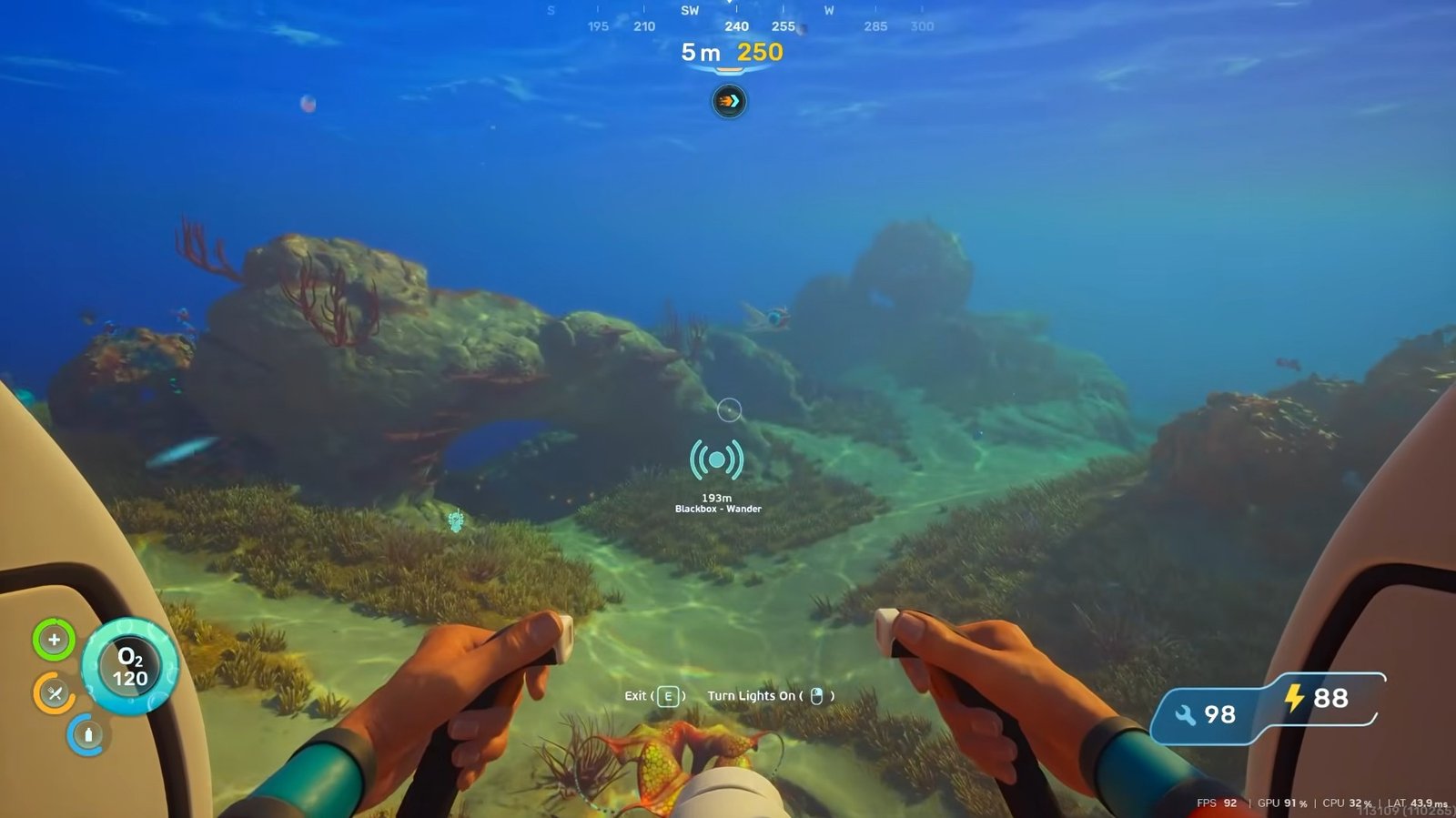
From the life pod, head toward the southwest direction around 240. If you currently have the Blackbox Wanderer mission active, this location is tied to that objective. So you just have to follow the signal.
Entering the Underground Area
As you travel, you will eventually come across a large rock formation with a scientist’s table nearby and an opening underneath it. Once you get close to the hole, head downward into the area below.
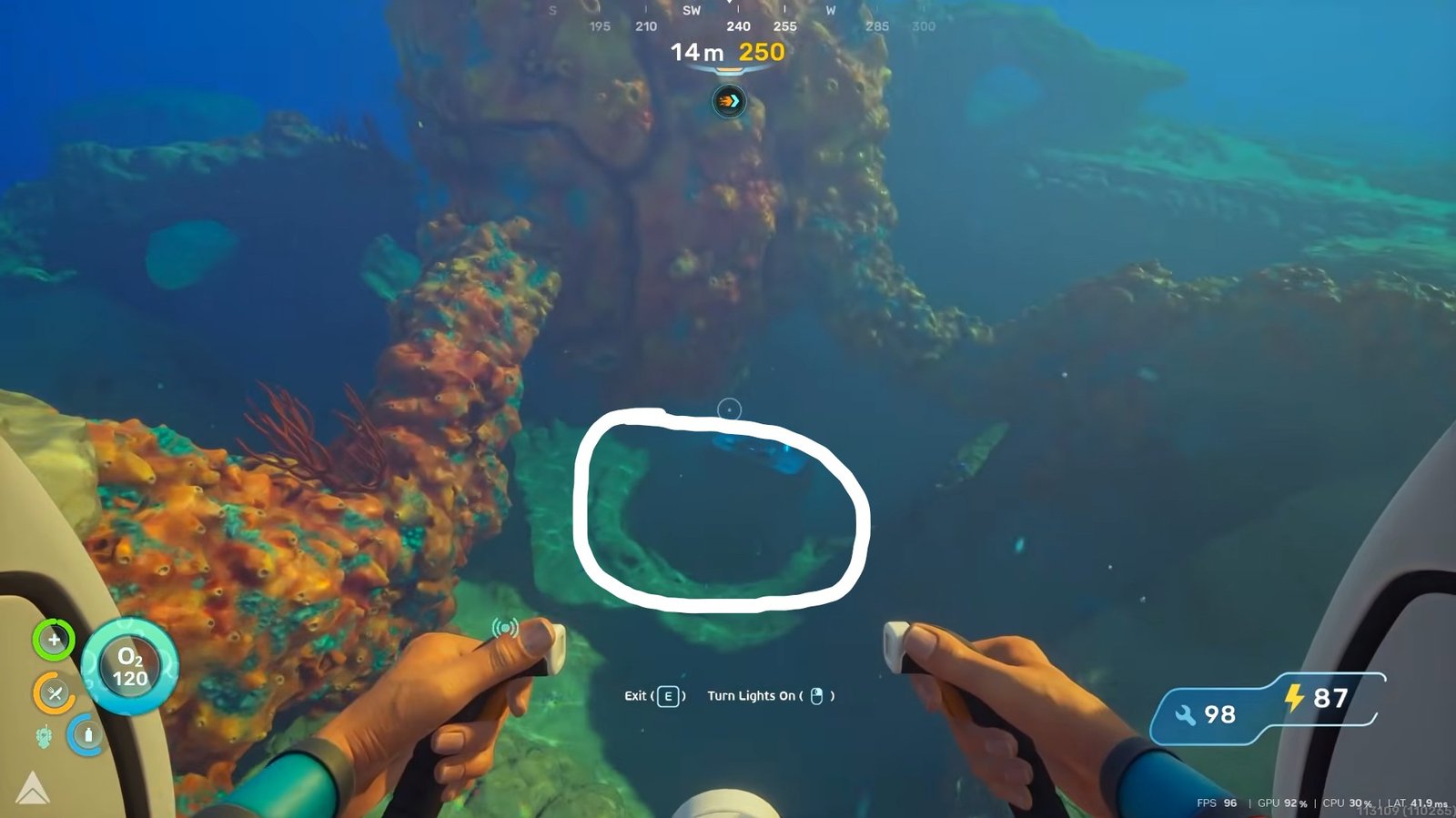
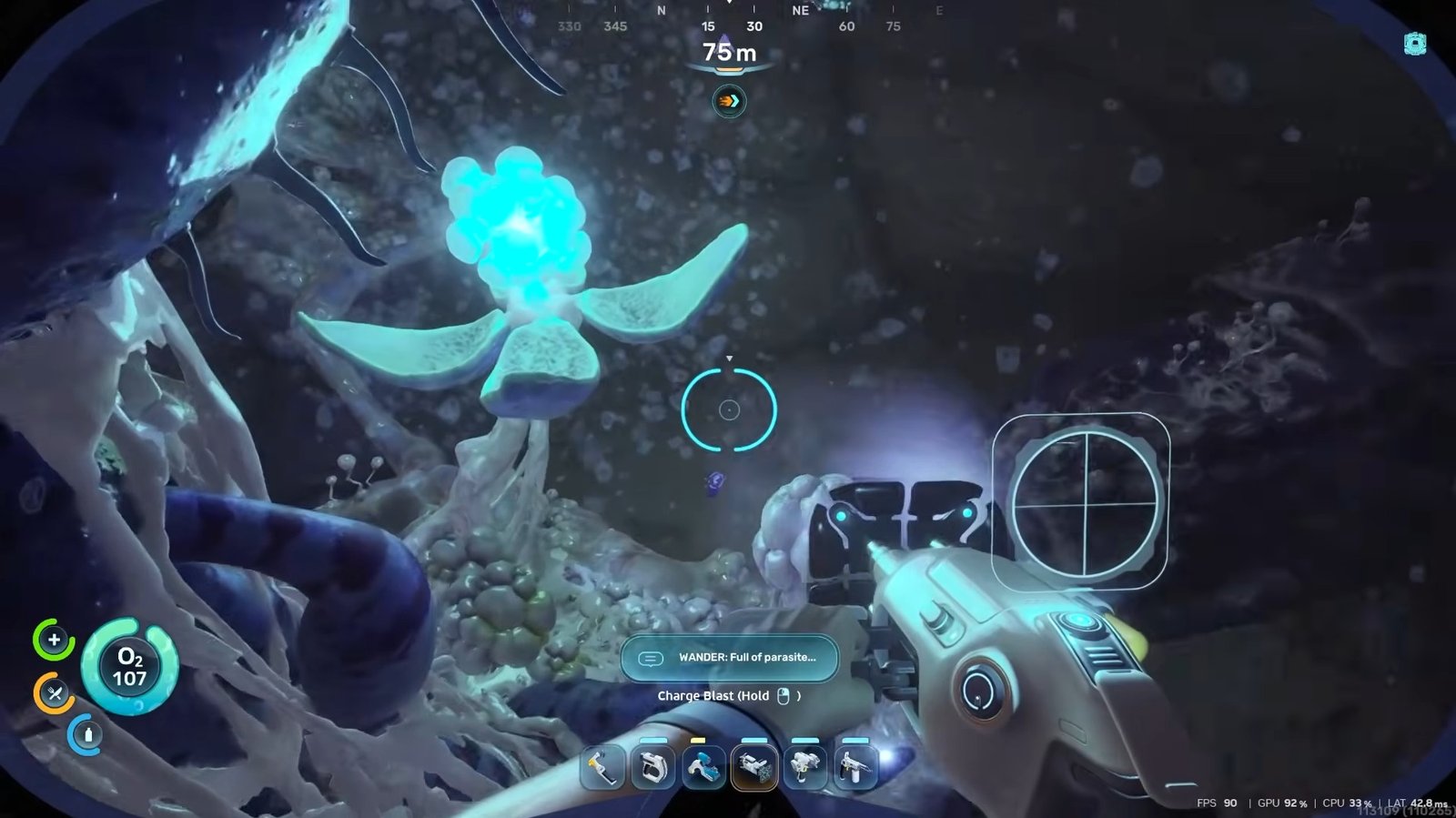
Inside, you will notice strange Bloom growths blocking parts of the area. Use the Sonic Resonator to destroy the first bloom you encounter. After that, continue clearing the remaining blooms nearby. These growths are connected to the parasite effect spreading through the area, so you must remove them before moving further.
Moving Toward the Angel Comb
After clearing the first section, you can continue deeper into the area. If you have not already completed the Blackbox objective, you can also interact with it while you are here.
From there, follow the direction the large mouth-like opening is facing and move toward the left side.
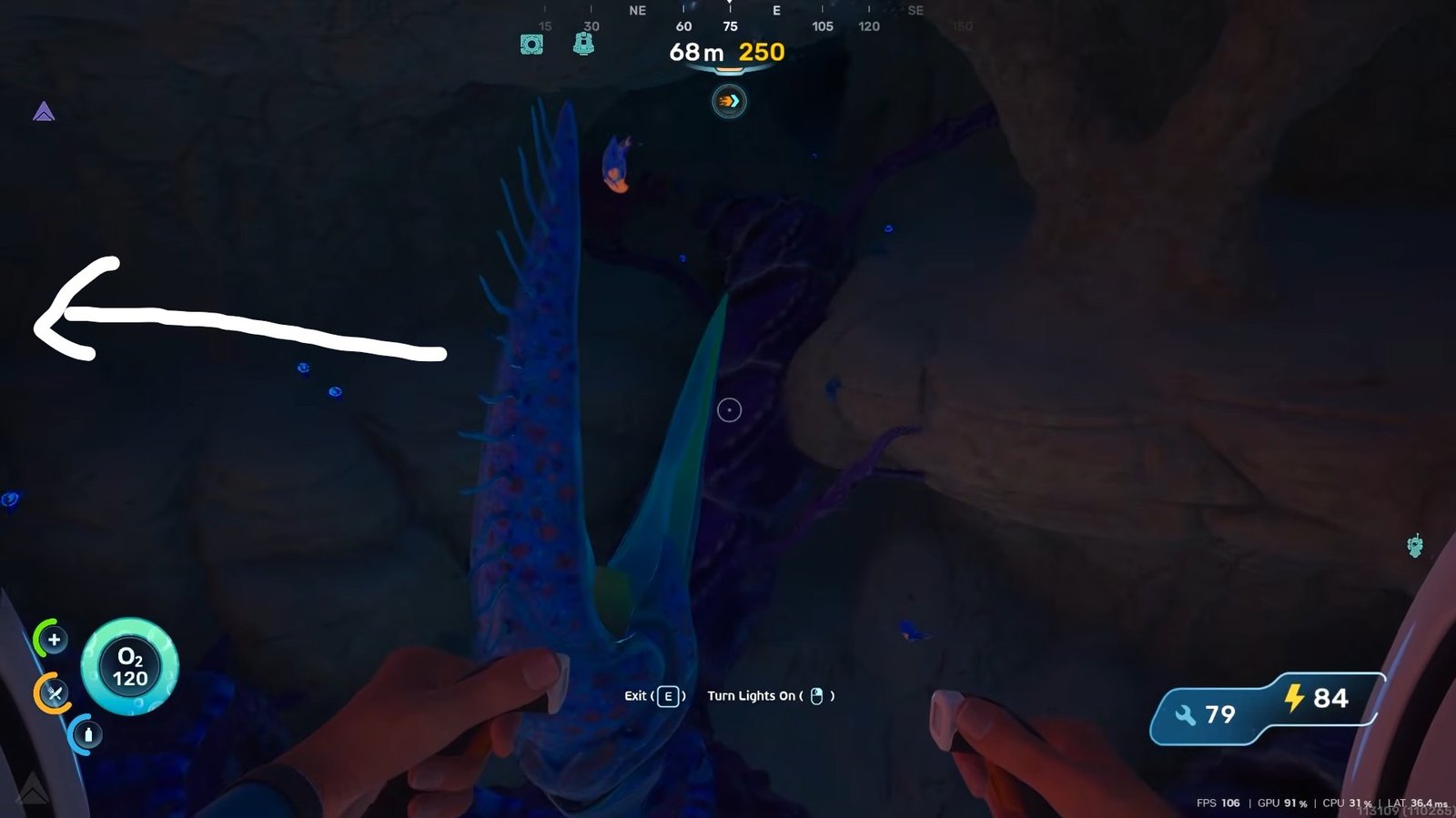
Continue through the path until you reach the Angel Comb area. However, before you can interact with it, there is still more Bloom you need to get rid of. Keep following the large tentacle out of the cave until you come across more bloom locations. Destroy them all and then return to the Angel Comb.
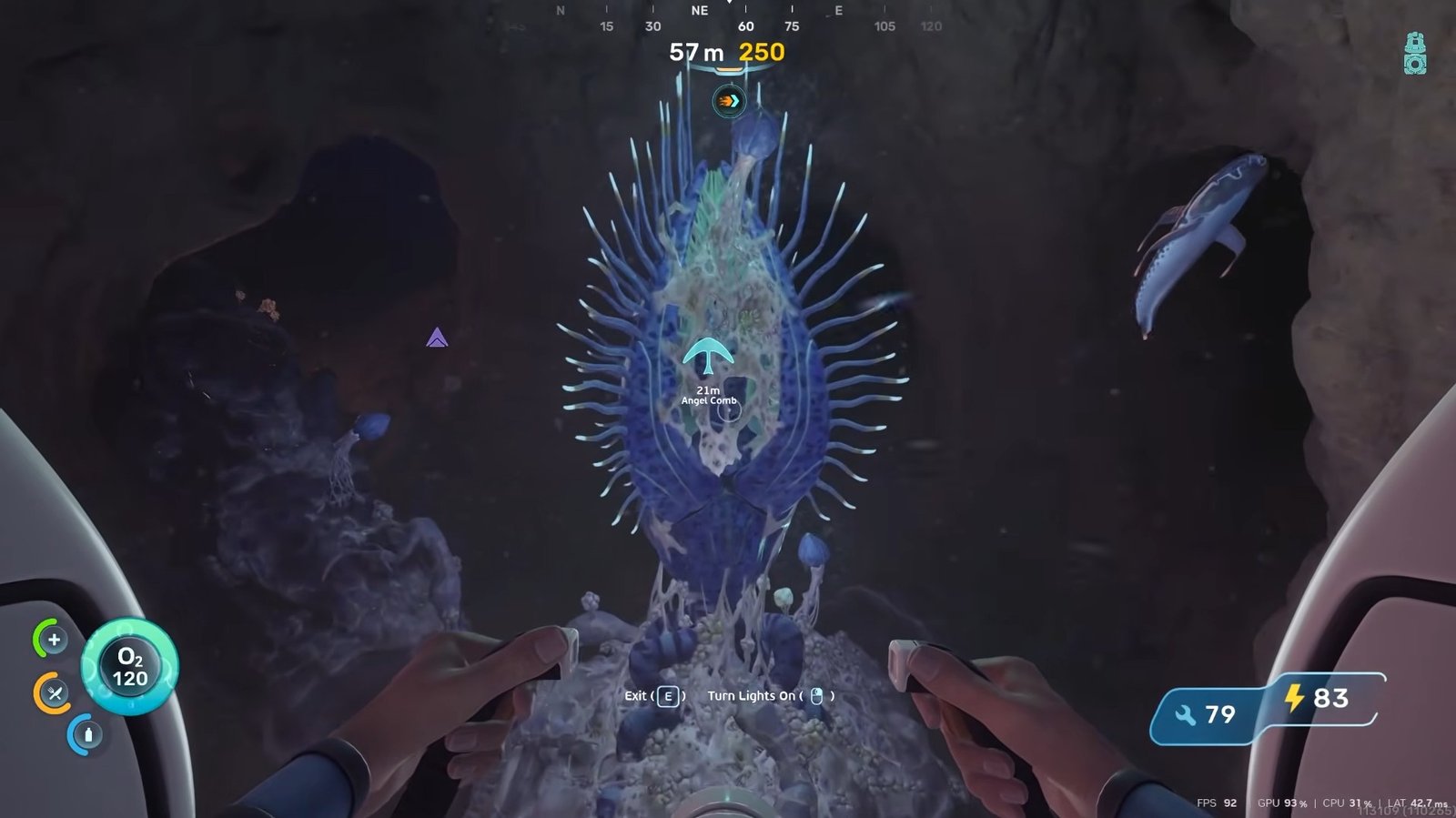
Once you are back, you will notice that some bloom will spawn here, too. Destroy the remaining infected growths using the Sonic Resonator once again. After clearing the area, the Angel Comb will open up, revealing its red inner side.
Unlocking the Adaptation
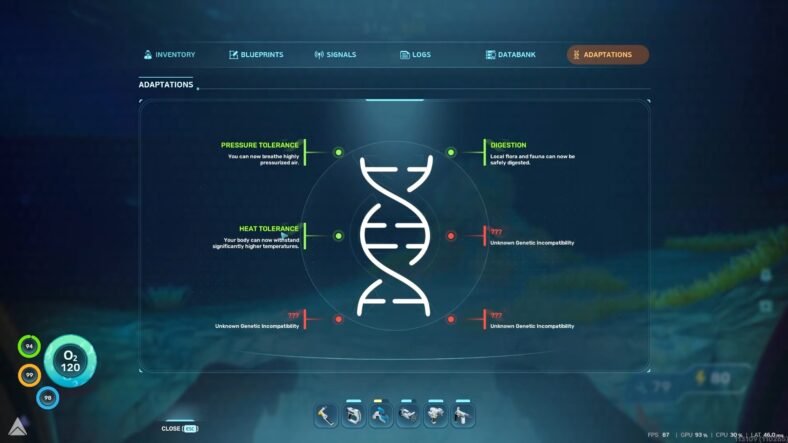
Once everything has been removed successfully, return to the Angel Comb and interact with it. Doing this unlocks the Heat Tolerance Adaptation, giving you access to hotter regions around the map that were previously unsafe to explore.
You can confirm this unlock by opening your menu and checking the Adaptations section. This is where the Heat Tolerance should now appear in your list of unlocked upgrades.
That is all for this guide. Additional Subnautica 2 guides are linked below:
- How to Unlock Hydroelectric Turbine in Subnautica 2
- How to Unlock Ladders in Subnautica 2
- How to Create Strong Acid Using Necrolei Cysts in Subnautica 2
- How to Get New Base Building Items in Subnautica 2
- How to Unlock Processor in Subnautica 2
- How to Craft Mild Acid in Subnautica 2
This concludes our Subnautica 2 guide on how you can unlock heat tolerance and swim in hot water in the game. If you want to add anything to this guide, feel free to use the comments section below.