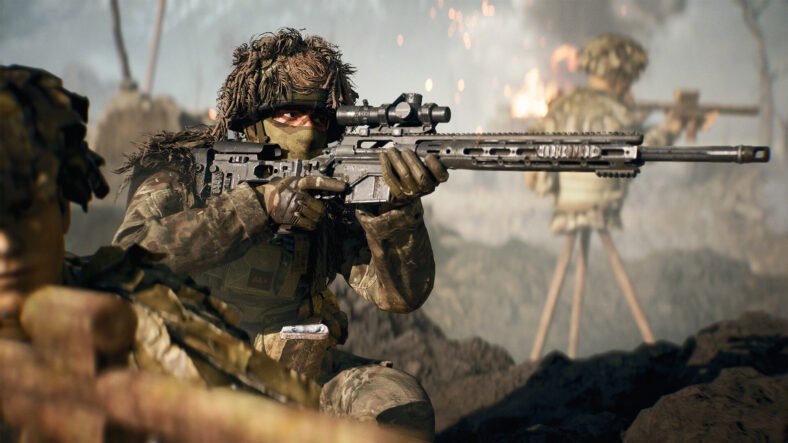
If you prefer using the Sniper in Battlefield 6, you are going to use the bipod a lot because it helps you land precise shots across the vast battlefields. While a bipod’s use is not limited to only sniper rifles, you can also use them to make using assault rifles and LMGs to steady your aim. This Battlefield 6 Bipod Guide lists everything that you need to know to use the bipod in the game.
How to Use a Bipod in Battlefield 6:
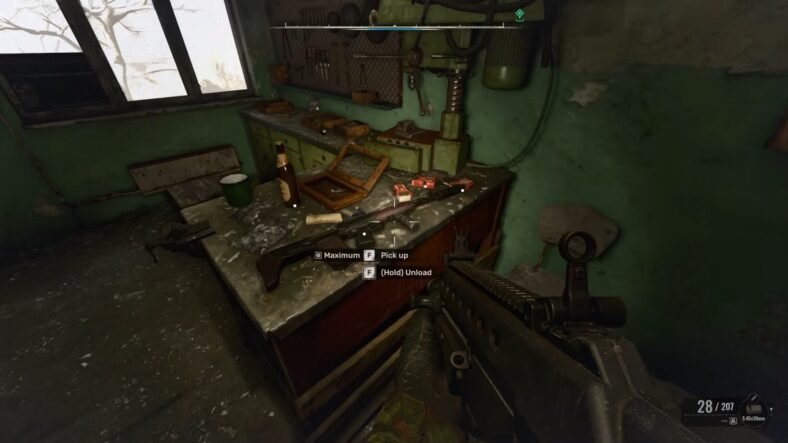
If you are playing on PC and want to use Bipod, you have to use the right mouse button to open the aim down sights (ADS) and then click F on the keyboard when requested to activate your weapon’s bipod. On consoles, press R3 after using the Left Trigger to aim down sights on the console.
By using the above methods on their respective devices, we can deploy the bipod and mount the sniper, which then makes your shooting more stable and reduces recoil.
When placed on a hard surface, you can use your Bipod in two ways. Use it for ADS, as discussed above, and for a wider Field of View (FOV) to keep a better eye on your surroundings. It is advised to use ADS when you have a target and an FOV approach during an Overwatch.
While you are in cover and aiming at the enemy, you will see a message that suggests you deploy the Bipod. So, if you think it might help you and you are not planning to move from that position for some time, then use it.
Snipers typically use a Bipod. Since LMGs have a great recoil and are very difficult to control, therefore, we also deploy bipods to mount them. We can also use it on Assault Rifles.
Mastering the use of the bipod in Battlefield 6 can be the difference between missing a shot and landing a perfect headshot. A bipod always gives you an edge over your enemy. That is all for this guide. Additional Battlefield 6 guides are linked below:
- Battlefield 6 Beginner’s Guide – Tips and Tricks to Dominate the Battlefield
- Battlefield 6 Multiplayer Guide – Tips and Tricks to Be Better at Playing Online
- Battlefield 6 Starter Weapons Guide – Best Starter Weapons for Each Class
- Battlefield 6 Assault Class Guide – Best Loadouts, Weapons, Attachments
- Battlefield 6 XP Farming Guide – Level Up Quickly, Earn XP Fast
- Battlefield 6 Modes Guide – All Modes, How to Play
- Battlefield 6 All Weapons Guide – All Weapons List, Types
This concludes our Battlefield 6 Bipod Guide. If you want to add anything to this guide, feel free to use the comments section below.