This GTA 6 guide explains how to fast travel across Leonida without having to drive everywhere yourself. Although the game does not offer traditional map-based teleportation points, you can use taxi services, public transport, character switching, and a few other methods to reach destinations much faster.
Fast Travel Guide – GTA 6
There are two main ways by which you can fast travel in GTA 6, along with additional ways to speed up movement or get access to your personal vehicle quickly. These include:
Fast Travel Using Paradise Taxi in Chapter 1
You can start using taxis early in the game, after completing the first Chapter 1 mission, Gone Fishing. Paradise Taxi allows you to request a driver and pay an additional fee to skip the journey.
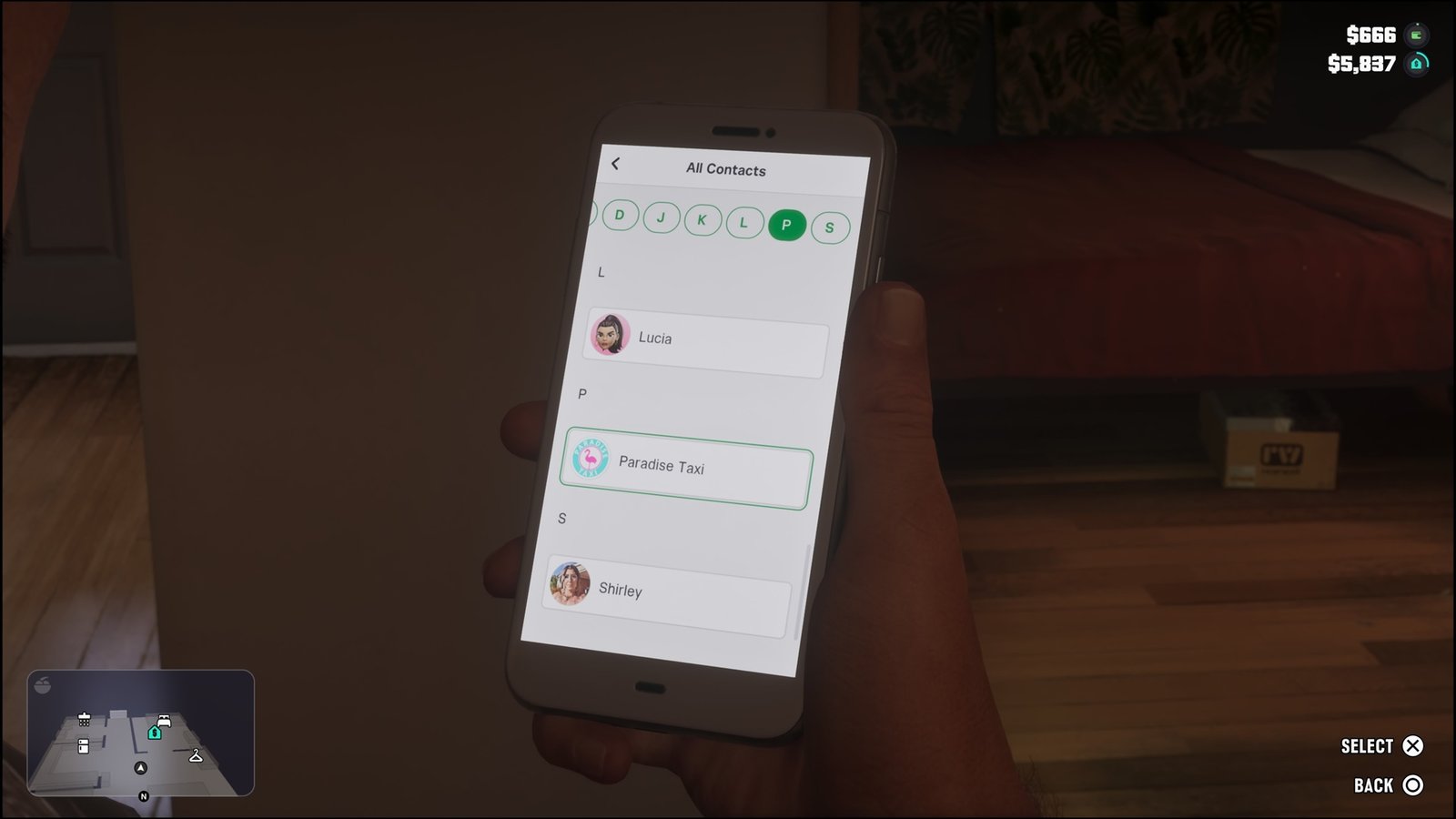
How to use the Service:
- Open your in-game phone and go to Contacts.
- Select All Contacts, find Paradise Taxi, and call the number.
- Wait for the taxi to be dispatched. A white car icon will appear on your minimap to show its location.
- Open the map and place a marker on your desired destination. You can even select areas that you have not discovered yet.
- Get inside the taxi and interact with the driver.
- Choose the option to skip the journey by paying an additional $100.
The $100 fast travel charge stays the same regardless of how far you are travelling. However, this amount is separate from the normal taxi fare, which you have already paid.
You can also use this method to reach the plane mentioned in the guide about finding a plane early and uncovering the map.
Use the RydeMe App
After certain progression in Chapter 1 of the game, the RydeMe app becomes available. It offers a more convenient way to arrange taxi rides without having to call Paradise Taxi manually.
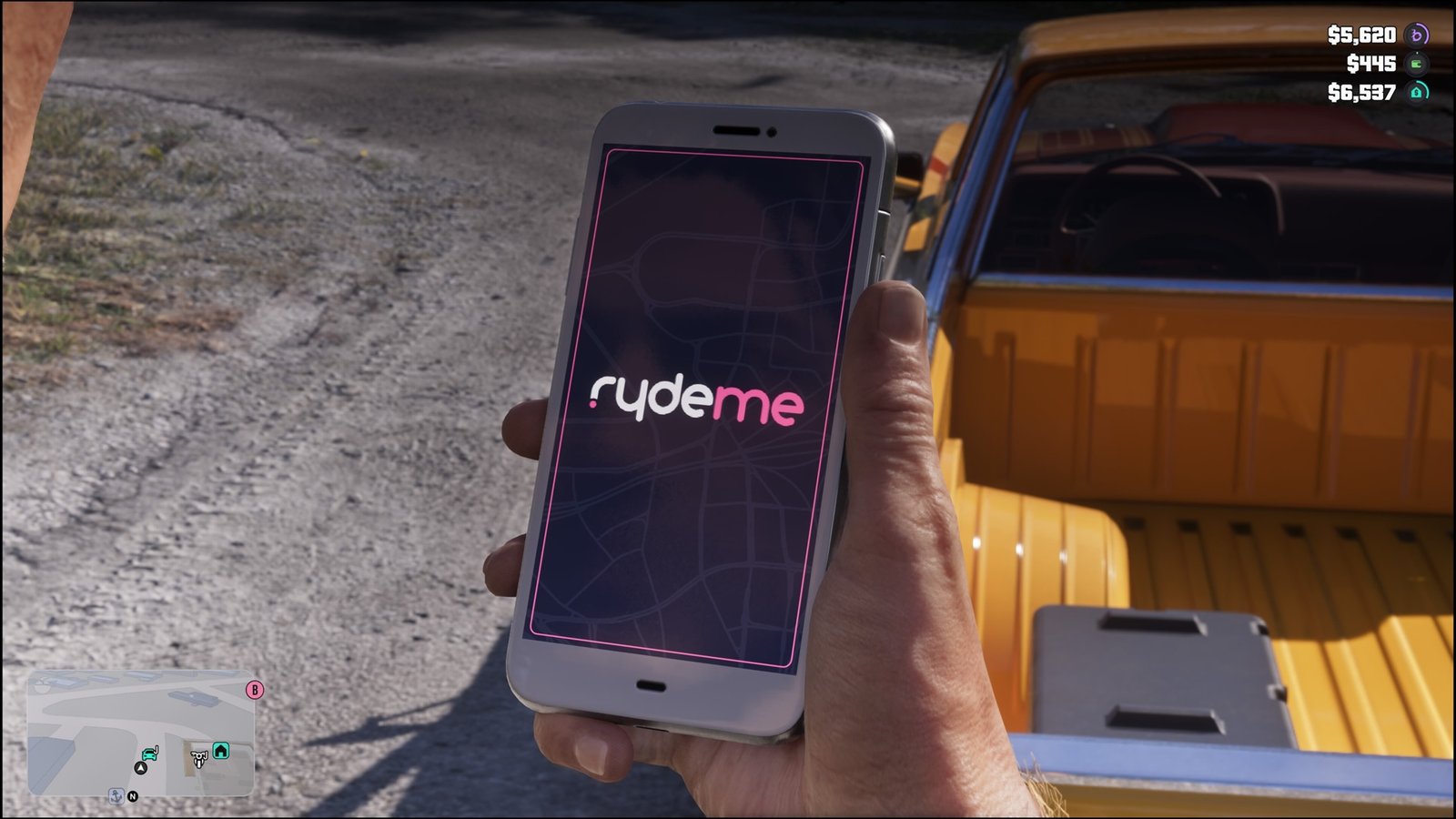
Steps to fast travel with RydeMe:
- Open your phone by pressing the D-Pad Up and launch the RydeMe app.
- Select your destination on the map. The app will display the fare before you confirm the booking.
- Press Book Ryde to request a driver.
- Make sure you are near a road, as the app may not accept your booking if no driver is available nearby.
- When the driver arrives, look for the white car icon on your minimap and get into the vehicle.
- Talk to the driver and select Skip Ride to avoid sitting through the entire journey.
The normal taxi fare depends on the distance, so longer trips will cost more. Skipping the ride adds a fixed $100 charge to the total. The payment is deducted from your BuckMe checking account. One thing to remember is that attacking your RydeMe driver can temporarily disable the service.
If no driver is available through the app, you can still contact Paradise Taxi through your phone’s contacts.
Skip Journeys on Buses and Trains
Public transport provides another way to travel quickly. Both buses and trains allow you to skip the journey after boarding, making this a cheaper alternative to using RydeMe.
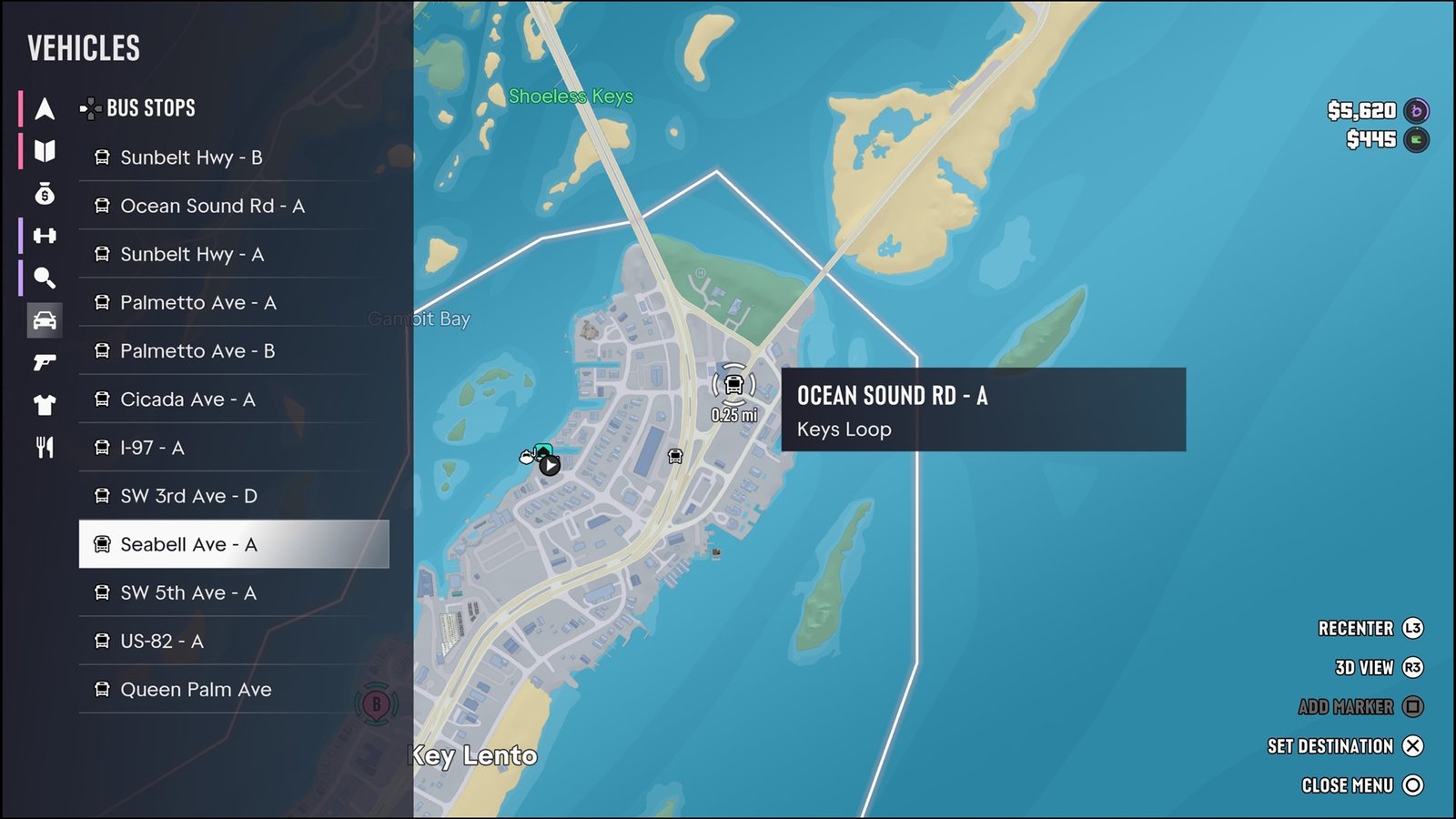
However, finding and boarding public transport takes more effort. How to use public transport for fast travel:
- Open the map and navigate to the vehicle tab.
- Select either Buses or Trains to view the available stops and stations.
- The locations are arranged according to their distance from you, with the nearest option appearing at the top.
- Travel to your chosen stop or station and wait for the bus or train to arrive.
- Board the vehicle and take a seat.
- Open the map and select the station or stop where you want to go.
- Check the displayed fee and choose the option to Skip Journey.
You will be taken directly to your selected destination without having to complete the trip in real time. The ticket and skipping fees are generally much cheaper than a taxi. However, waiting for public transport can take anywhere from a few seconds to several hours, depending on your location.
Deliver Your Vehicle to Your Location with the Scooter Bros App
If you have left your vehicle somewhere and do not want to travel back to collect it, the Scooter Bros app can bring it directly to your current location.
Open the app on your phone and request a vehicle delivery. The service costs $100, with an additional charge based on the distance.
There is also a premium option available for $12,500. Purchasing it gives you three free vehicle deliveries every day, which can be useful if you regularly use the service.
Travel Across the Map by Switching Characters
After unlocking character switching, you can use Lucia and Jason to move around Leonida more conveniently.
The two characters can travel independently, and you can use the switching feature to bring one character to the other’s location.
For example, imagine you are playing as Jason and have travelled far away from Lucia. If you want to return to her location, follow these steps:
- Hold the Right Arrow button on your controller to open the character selection screen.
- Select Lucia and switch to her.
- You can continue playing as Lucia or switch back to Jason.
- To bring Jason to Lucia’s location, hold the Right Arrow button again and select Meet Up.
- Jason will arrive at Lucia’s location after a few seconds. You can then switch characters again if needed.
Your character may also bring their vehicle along if they were close to it when summoned. This means you can use the feature not only to change locations but also to bring your partner and their vehicle closer to you. If your partner is following you, speak to them and choose the option to split up before using this method.
Restart the Game to Return to a Safer Location
Another trick is to restart GTA 6 when you find yourself somewhere inconvenient and do not have an easy way to get back.
If you are stranded in a forest, far from a road, or somewhere in the water, you can exit the game and launch it again. In most cases, your character will reappear at home, in a nearby town, or at least close to a road.
This can save you from having to travel a long distance on foot, especially when character switching is unavailable, or you simply want to get back to civilisation quickly.
That is all for this guide. Additional GTA 6 guides are linked below:
- GTA 6 Cheats Guide – How to Use, Infinite Ammo, Money, Wanted Level, More
- GTA 6 Money Guide – How to Get Money Quick
- Where to Find a Fighter Jet in GTA 6
- How to Fix Jason’s House for Lucia
- Where to Find a Tank in GTA 6
This concludes our GTA 6 Fast Travel Guide. If you want to add anything to this guide, feel free to use the comment section below.