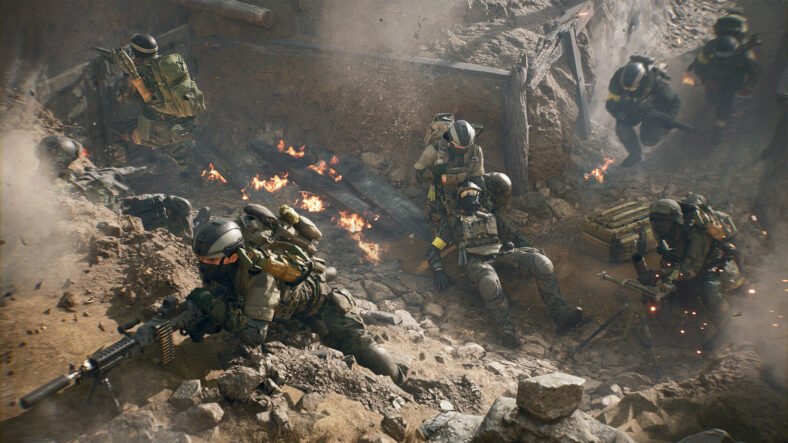
Battlefield 6 has finally arrived, which is an explosive mix of massive battles, tactical teamwork, and destruction. Whether you’re a completely new player to the game or a Battlefield veteran, our Battlefield 6 Multiplayer Guide will help you play smarter, survive longer, and get more kills in Battlefield 6, whether you’re playing multiplayer or solo online.
Multiplayer Guide – Battlefield 6
Below, we will discuss some tips and tricks that will help us during the game:
Destroy Buildings While Hunting Snipers and Entrenched Enemies:
While you are fighting your enemies, who are attacking you from buildings or some cover, don’t try to push in. It might cost your life. Instead, you should use your RPG, C4, tanks, or grenades to blow off the cover or building and expose them. Try to destroy structures strategically to gain easy skills.
Keep An Eye on the Mini-Map
The mini-map is located in the bottom-left corner of the screen by default. It provides us with useful information. Always keep an eye on it.
| Events | Information |
| Arrows | Shows the enemy’s location. If they are above (up arrow), or below (down arrow) you. |
| Red dots | Locates enemies firing or revealed by UAV. |
| Solid dots | Shows enemies are at the same level. |
Respawn Wisely:
Whenever you are down by your enemy, try not to respawn quickly. Wait, if your teammate is near you. So, he might revive you. Because respawning costs you a ticket. Always respawn whenever you are close to your objective. When respawning, you can choose to spawn at objectives, your base, or squadmates or friendly vehicles (if not under fire).
When you hover over a spawn point, it shows a live video feed of that area. So, use it to avoid spawning into danger.
Choose Classes Wisely:
There is a total of four classes in Battlefield 6. All of them have their own capability and strengths. So, choose your class wisely, because each class role is different and carries different weapons.
| Classes | Roles |
| Assault | Choose this class if you want to play on the frontline. Best for offensive gameplay. You can carry two primary weapons and use a deployable ladder for mobility. |
| Recon | These are snipers who can spot enemies and place respawn beacons. |
| Support | Medics who revive teammates and resupply ammo, tacticals, and health. |
| Engineer | Their roles are more focused on repairing vehicles and destroying enemy tanks, helicopters, and jets. If you use the Engineer and SMG combo, it will give you better hip-fire accuracy. |
Change your class or weapons as the situation evolves. It will help you to adapt to what the team needs.
Recoil Mastery:
In the game, recoils play a big part. If you can’t control recoil while firing, you might not do damage to your enemy. To improve recoil, use better attachments such as grippers, underbarrels, or compensators. Switch to burst or single-fire modes for better accuracy and consistency. Pull your aim down slightly while firing and combine this with recoil-reducing attachments for better control.
Practice recoil control, attachments, and weapon handling in the firing range before battle.
Tips for Sniping:
If you are a sniper lover, then I have some tips for you, too. When you are peeking, use ADS (Aim Down Sights) for smart peeking. This will put your whole body behind the cover and only show your head to the enemy. Release ADS to drop back to safety.
If you’re behind cover, you can mount your weapon on the edge. This drastically reduces recoil and improves precision, which is especially useful for LMGs and snipers.
During sniping, mark your target to know the distance (e.g., 100 meters). Set your scope zero distance to match. Now you can aim directly at their head without compensating for bullet drop.
Use Compass:
You can easily enable the compass in your settings and then make use of it by marking your enemy’s location. Use the spot function to mark enemies. If you’re the squad leader, mark the flag you plan to capture or defend to earn extra points over time. It helps your team track targets more easily
Crosshair Centering and Color:
Keep your crosshair aimed at areas where enemies are most likely to appear. This helps in reducing your reaction time and improving accuracy. You can also change the color of your crosshair for better visibility. Most of the players use a green crosshair because of its effectiveness in-game.
Best Gameplay Settings:
Boost your FOV for better peripheral vision and to reduce visual recoil. Disable motion blur, vignette, and other visual filters for clearer vision during fights. Adjust UI brightness and saturation in settings so enemy markers pop clearly on-screen. Try experimenting to find what suits you best.
Never Rush Enemies:
When you spot an enemy, don’t rush him. First, check whether his teammates are around him or other adversaries. Try to hold positions and angles. Don’t reload after firing some rounds because it may hinder you. Switch to your pistol instead of reloading in tight situations because it’s faster and can save your life.
Move side-to-side during 1v1 fights to make yourself a harder target. While passing the enemy, pretend you haven’t seen him, run past, then double back to surprise them.
Crouching and Jumping:
Do quick crouches while fighting. It throws off your enemy’s aim, and you can also easily dodge their bullets. You can also jump around corners or during engagements to catch enemies off guard, but only if your aim stays accurate.
Use Vehicles:
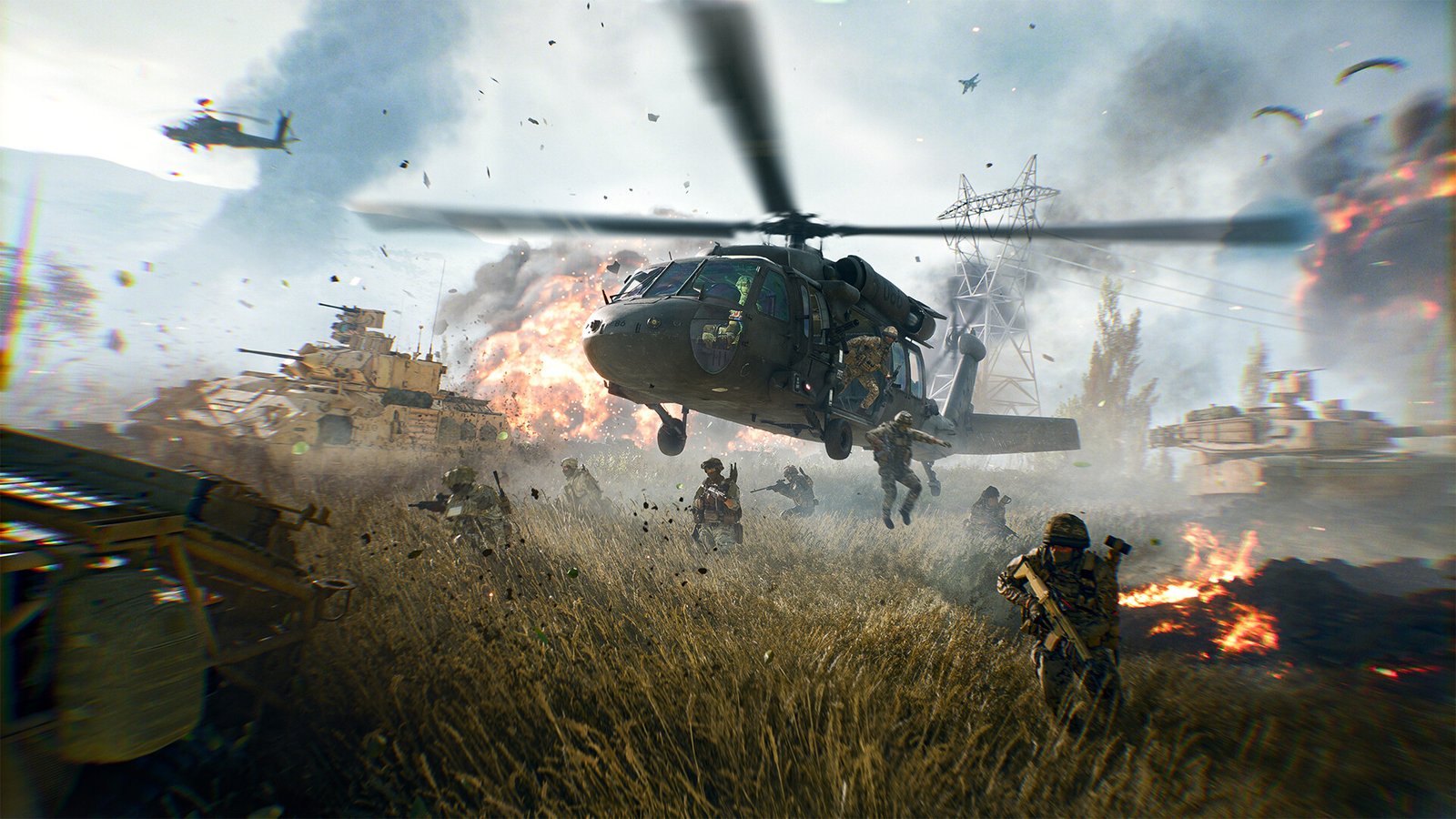
When you see a vehicle, tank, or aircraft, or any aerial vehicle, don’t ignore it. They can turn battles in your favor. Helicopters and jets in Battlefield 6 are hard to master, especially for new players.
So, instead of waiting in long queues for them in matches, create your own Conquest Portal server. There, you can freely practice flying without competition and master the art of flying. However, you need to keep in mind that vehicles also make you an easy target, so it goes both ways.
Look for Mounted Weapons:
Always use anti-aircraft (AA) guns and mounted weapons to take down enemies and vehicles. They are best for damaging vehicles. Similar to vehicles, mounted weapons allow you to unleash hell on enemies; they also make you an easy target, so keep your teammates closer.
Avoid Peeking Too Much:
After taking damage, don’t peek from the same spot again immediately. Change your position or delay your peek. While standing and peeking from the window, stand a bit back from it to make yourself very little seen.
Teamwork Pays Off:
When working with your team, cover different entry points while you are defending. Avoid walking into teammates’ lines of fire or blocking their movement, i.e, don’t peek from the same window as your ally.
Always check behind you or glance at the mini map to avoid sudden attacks. Attack from alternate routes while enemies are distracted by your teammates. Don’t forget gadgets like ammo boxes, repair tools, or health kits; they make a huge difference for your team.
Practice Makes You Perfect:
Don’t burden yourself if you are playing poorly. Everyone starts rough. Keep playing and improving steadily. You’ll have good and bad games.
Try to learn from each match and refine your class choices instead of getting frustrated. Spend a few minutes in the firing range or against bots to warm up. Work on improving one specific skill each session.
Have Fun:
Don’t stress over the game losses. Losses are a part of the game. Enjoy the experience and don’t take losses too seriously. It is a game after all.
And those are all the tips you need to know for better gameplay during online games. Additional Battlefield 6 guides are linked below:
- Battlefield 6 Beginner’s Guide – Tips and Tricks to Dominate the Battlefield
- Battlefield 6 Bipod Guide – How to Deploy Bipod
- Battlefield 6 Starter Weapons Guide – Best Starter Weapons for Each Class
- Battlefield 6 Assault Class Guide – Best Loadouts, Weapons, Attachments
- Battlefield 6 XP Farming Guide – Level Up Quickly, Earn XP Fast
- Battlefield 6 Modes Guide – All Modes, How to Play
- Battlefield 6 All Weapons Guide – All Weapons List, Types
This concludes our Battlefield 6 Multiplayer Guide. If you want to add anything to this guide, feel free to use the comments section below.